
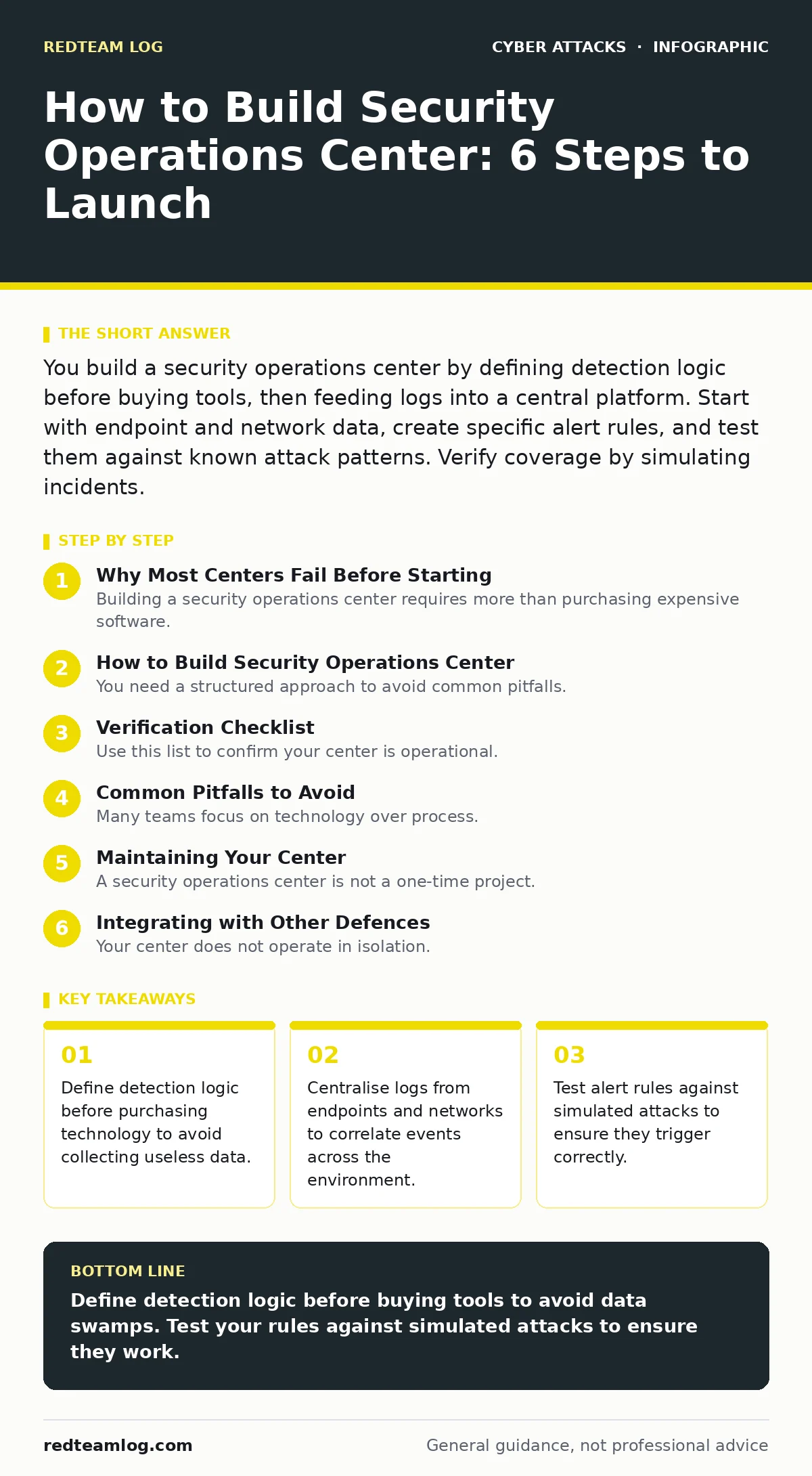
You build a security operations center by defining detection logic before buying tools, then feeding logs into a central platform. Start with endpoint and network data, create specific alert rules, and test them against known attack patterns. Verify coverage by simulating incidents.
Why Most Centers Fail Before Starting
Building a security operations center requires more than purchasing expensive software. Many organisations buy tools first and define their needs later. This approach creates a data swamp. Analysts drown in alerts that do not matter. They miss the few signals that indicate a real breach. You must define what a successful attack looks like in your environment before you select a platform. This definition drives your data collection strategy. It also dictates your staffing requirements.
How to Build Security Operations Center
You need a structured approach to avoid common pitfalls. The process involves mapping your assets, selecting data sources, and tuning detection rules. Each step builds on the previous one. Skipping steps leads to gaps in coverage. These gaps allow attackers to move laterally without detection. The following steps outline the correct sequence for deployment.
Step 1: Map your critical assets
Identify the systems that hold your most sensitive data. List servers, databases, and user workstations. Determine which networks connect these assets. You cannot protect what you cannot see. Create an inventory of these assets. Include their operating systems and software versions. This map becomes the foundation for your detection logic.
Check it worked: You have a current list of all critical assets. You know which network segments they occupy. You can trace data flows between them.
Step 2: Select core data sources
Choose the logs that provide the highest signal-to-noise ratio. Endpoint detection and response data is usually the best starting point. It shows process execution and file changes. Network traffic data reveals connections to external IPs. Identity logs show who accessed what. Do not collect everything. Collect only what helps you detect your defined threats.
Check it worked: You are ingesting logs from endpoints and identity providers. The data is timestamped correctly. You can search for specific user actions.
Step 3: Define detection logic
Write rules that trigger on specific behaviours. Avoid generic alerts like "failed login." These create noise. Instead, alert on "five failed logins followed by a successful one from a new location." This pattern indicates credential stuffing. Review your incident response plans to see what past attacks looked like. Use that knowledge to write your rules.
Check it worked: Your rules trigger on specific sequences of events. They do not alert on normal administrative tasks. You have a list of known good behaviour.
Step 4: Centralise and correlate
Feed your selected logs into a single platform. This allows you to correlate events across different sources. A failed login on a server might seem minor. But if it happens at the same time as a new process on a workstation, it is suspicious. Centralisation enables this context. It turns isolated events into a coherent narrative.
Check it worked: You can view endpoint and network events on the same timeline. You can filter by user, host, or time. The platform indexes data for fast search.
Step 5: Tune and reduce noise
Initial alerts will be inaccurate. Review every alert for a week. Mark false positives as benign. Adjust rules to exclude them. This tuning is continuous. As your environment changes, so must your rules. Do not ignore this step. Un-tuned alerts cause alert fatigue. Analysts stop looking at the screen.
Check it worked: The volume of alerts has decreased. The remaining alerts are mostly true positives. Analysts spend more time investigating than dismissing.
Step 6: Test with simulations
Run a controlled test against your detection rules. Use a safe environment to simulate an attack. Check if your rules trigger. If they do not, adjust them. This step proves your center works. It also trains your team. They learn how to investigate real events.
Check it worked: Your system detected the simulated attack. Analysts followed the correct investigation path. No critical steps were missed.
Verification Checklist
Use this list to confirm your center is operational.
- Asset inventory is current and complete.
- Critical logs are ingested and indexed.
- Detection rules are written for specific threats.
- False positives are identified and suppressed.
- Simulated attacks trigger correct alerts.
- Analysts have clear investigation procedures.
Common Pitfalls to Avoid
Many teams focus on technology over process. They buy advanced platforms but lack clear procedures. This leads to confusion during an incident. Ensure your team knows what to do when an alert fires. Document every step. Review these documents regularly. Update them as your environment changes.
Another pitfall is ignoring identity. Many breaches start with compromised credentials. Ensure your identity logs are centralised. Monitor for unusual access patterns. Check for privilege escalation. This area is often overlooked but is critical for defence.
Maintaining Your Center
A security operations center is not a one-time project. It requires constant upkeep. Threats evolve. Your environment changes. New applications are deployed. New vulnerabilities are discovered. You must update your detection rules accordingly. Review your logs weekly. Look for gaps in coverage. Add new rules as needed.
Train your analysts regularly. They need to understand new attack techniques. Share knowledge about recent trends. Discuss how these trends apply to your environment. This keeps the team sharp. It also improves detection accuracy.
See also: Detection Use Cases: 6 Common Misreadings and the Correct View · How Log Management Works: The Hidden Friction in Your Pipeline
Integrating with Other Defences
Your center does not operate in isolation. It must work with other security measures. For example, email security is a major vector for attacks. Ensure your email logs are available. Look for signs of callback phishing or social engineering red flags. These often precede technical exploitation.
Also, consider API abuse. Many modern applications use APIs. These interfaces can be exploited. Monitor API traffic for unusual patterns. Combine this with identity logs. This helps detect automated attacks against your services.
The Role of People
Technology is only part of the solution. People make the final decisions. Your analysts need the right tools. They also need the right training. Provide them with clear procedures. Give them time to investigate. Do not overload them with alerts. Quality matters more than quantity.
Build a cyber incident response team that includes your center. They should work together. Share information. Coordinate during incidents. This collaboration improves response times. It also reduces the impact of breaches. Ensure clear lines of communication. Define roles and responsibilities.
Final Thoughts on Building
Building a center is a journey. It starts with planning. It continues with tuning. It requires constant attention. Do not expect perfection on day one. Start small. Focus on critical assets. Add more data over time. Improve your rules continuously. Test often. Learn from every incident. This approach builds a resilient defence. It adapts to new threats. It protects your organisation effectively.
Key takeaways
- Define detection logic before purchasing technology to avoid collecting useless data.
- Centralise logs from endpoints and networks to correlate events across the environment.
- Test alert rules against simulated attacks to ensure they trigger correctly.
Define detection logic before buying tools to avoid data swamps. Test your rules against simulated attacks to ensure they work.
Frequently asked questions
How many analysts do I need for a security operations center?
Start with one or two analysts for small environments. Scale up as alert volume increases. Focus on quality of analysis over headcount.
What is the most important data source for a center?
Endpoint logs are usually the most valuable. They show what actually happens on devices. Combine them with identity logs for context.
How often should I update my detection rules?
Review rules weekly. Update them when new threats emerge. Adjust them when false positives occur. Continuous tuning is necessary.
Can I build a center without expensive software?
Yes. Start with open-source tools. Focus on process and logic. Upgrade tools as your needs grow. Logic matters more than software.
How this guide was produced: written by the RedTeam Log editorial team with AI assistance, checked against the public references listed below, and reviewed when the facts change. See our editorial policy or report an error.