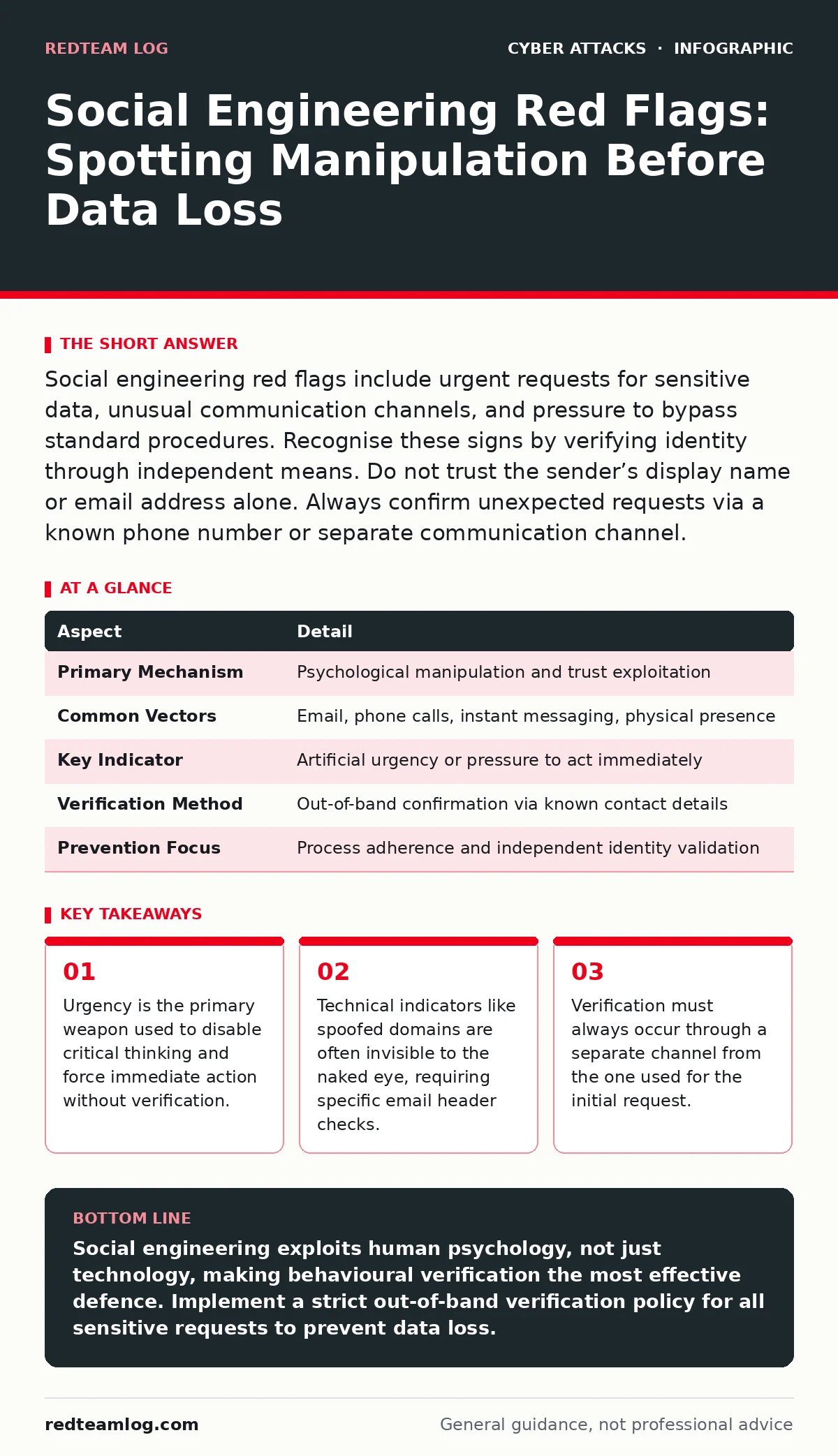
Social engineering red flags include urgent requests for sensitive data, unusual communication channels, and pressure to bypass standard procedures. Recognise these signs by verifying identity through independent means. Do not trust the sender’s display name or email address alone. Always confirm unexpected requests via a known phone number or separate communication channel.
The Psychology of Deception
Imagine a bank teller who processes a withdrawal because the customer presents a forged ID and speaks with authoritative confidence. The technology fails, but the human process succeeds. Social engineering operates on the same principle. It exploits cognitive biases rather than software vulnerabilities. Attackers manipulate trust, fear, or helpfulness to gain unauthorised access. This technique affects every sector, from small businesses to multinational corporations. It targets anyone with access to information or systems. The goal is always the same: to bypass security controls by tricking the person who holds the keys.
At a Glance
| Aspect | Detail |
|---|---|
| Primary Mechanism | Psychological manipulation and trust exploitation |
| Common Vectors | Email, phone calls, instant messaging, physical presence |
| Key Indicator | Artificial urgency or pressure to act immediately |
| Verification Method | Out-of-band confirmation via known contact details |
| Prevention Focus | Process adherence and independent identity validation |
Social Engineering Red Flags
The search query "social engineering red flags" seeks specific behavioural patterns that indicate an attack. You must look for deviations from normal business practices. The first red flag is artificial urgency. Attackers create time pressure to prevent you from verifying the request. They claim a system is down, a payment is overdue, or a security breach is imminent. This stress response shuts down your analytical thinking.
The second red flag is unusual communication channels. If a senior executive usually emails you but suddenly sends a direct message on a public chat platform, pause. Attackers often use less monitored channels to avoid detection. The third red flag is requests for sensitive data. Legitimate colleagues rarely ask for passwords, PINs, or financial details via instant message. Any request for credentials should be treated as hostile until proven otherwise.
How Manipulation Works in Practice
Attackers research their targets before making contact. They gather information from public profiles, company websites, and social media. This intelligence allows them to craft highly personalised messages. They mimic the writing style of known colleagues. They reference recent projects or internal events. This specificity builds false credibility. The attack often follows a three-step pattern.
First, they establish rapport or authority. Second, they introduce a problem or opportunity. Third, they demand immediate action. This structure mirrors legitimate business communications. The difference lies in the pressure applied. Legitimate requests allow for verification. Malicious requests punish hesitation. Understanding this flow helps you recognise the manipulation before it succeeds.
Who Is Affected and Why
Every employee is a potential entry point. Attackers do not target only IT staff. They target anyone with access to data or systems. Finance teams are targeted for fund transfers. HR staff are targeted for personal data. Support staff are targeted for account resets. The impact is not limited to data theft. It can lead to system compromise, financial loss, and reputational damage.
Once an attacker gains initial access through social engineering, they often move laterally. They use the compromised account to access other systems. This makes the initial breach the weakest link in your security chain. Protecting your organisation requires protecting every individual who interacts with external communications.
See also: Phishing vs Spam: How to Tell the Difference and Stop Threats · Deepfake Scams: Spotting the Hidden Signs Before It Is Too Late
What People Usually Get Wrong
Many believe that technical filters stop all social engineering. This is incorrect. Email filters catch known malicious links. They do not catch well-crafted text messages from spoofed addresses. Attackers constantly adapt to bypass these filters. Another common mistake is trusting the display name. An email can show "IT Support" as the sender name while originating from a completely different domain.
You must check the actual email address. A third error is assuming that internal requests are safe. Attackers often compromise legitimate accounts to launch further attacks. A message from a compromised colleague is as dangerous as one from an unknown sender. Always verify unexpected requests, regardless of the source.
Verification as a Defence Strategy
Verification is the only reliable defence. You must confirm the identity of the requester through a separate channel. If you receive an email request, call the person using a phone number you already know. Do not use the phone number provided in the suspicious email. If you receive a phone call, hang up and call back on a verified number.
This process, known as out-of-band verification, breaks the attacker’s chain of command. It forces them to maintain their deception across two different communication mediums. This is difficult and often reveals the fraud. Implement a policy that requires verification for all requests involving money, data, or system changes. Train staff to view verification as a standard procedure, not a sign of distrust.
Integrating with Security Operations
Social engineering detection requires coordination between people and processes. Your security operations centers monitor for technical anomalies. They may detect unusual login times or locations. However, they cannot read the context of a conversation. Human analysts must provide the behavioural context. When a suspicious request is identified, it should be reported immediately.
This data helps refine detection rules. It also informs the cyber incident response team on potential threats. Integrating human reports with technical monitoring creates a fuller picture of the threat environment. This holistic approach allows for faster detection and response. It reduces the window of opportunity for attackers to exploit human vulnerabilities.
Common Related Threats
Social engineering often overlaps with other attack vectors. Phishing is the most common form, using deceptive emails to steal credentials. Deepfake scams use artificial intelligence to mimic voices or faces, adding a new layer of sophistication. Gift card scams exploit the irreversibility of gift card transactions. API abuse may follow a successful social engineering attack, where stolen credentials are used to access application programming interfaces.
Understanding these related threats helps you build a broader defence. Each requires specific countermeasures. Intrusion prevention systems can block technical attacks, but they cannot stop a human from handing over credentials. SPF records help verify email domains, reducing the effectiveness of spoofing. Combining technical controls with human awareness provides the best protection.
Key takeaways
- Urgency is the primary weapon used to disable critical thinking and force immediate action without verification.
- Technical indicators like spoofed domains are often invisible to the naked eye, requiring specific email header checks.
- Verification must always occur through a separate channel from the one used for the initial request.
Social engineering exploits human psychology, not just technology, making behavioural verification the most effective defence. Implement a strict out-of-band verification policy for all sensitive requests to prevent data loss.
Frequently asked questions
How do I verify an email sender without calling them?
Use a separate communication channel like an instant messaging platform you already use with the sender. Ask a specific question only they would know the answer to. Do not rely on replying to the suspicious email.
Can social engineering attacks come from inside the company?
Yes, compromised employee accounts are often used to launch internal social engineering attacks. Treat unexpected requests from colleagues with the same scrutiny as requests from unknown senders. Always verify through a separate channel.
What should I do if I think I have been tricked?
Disconnect the affected device from the network immediately to prevent lateral movement. Change your passwords and report the incident to your security team. Do not delete the suspicious messages, as they are evidence.
Does training prevent social engineering attacks?
Training raises awareness but does not eliminate risk. Attackers constantly evolve their tactics. Regular training combined with strict verification procedures and technical controls provides the best defence against evolving threats.
How this guide was produced: written by the RedTeam Log editorial team with AI assistance, checked against the public references listed below, and reviewed when the facts change. See our editorial policy or report an error.