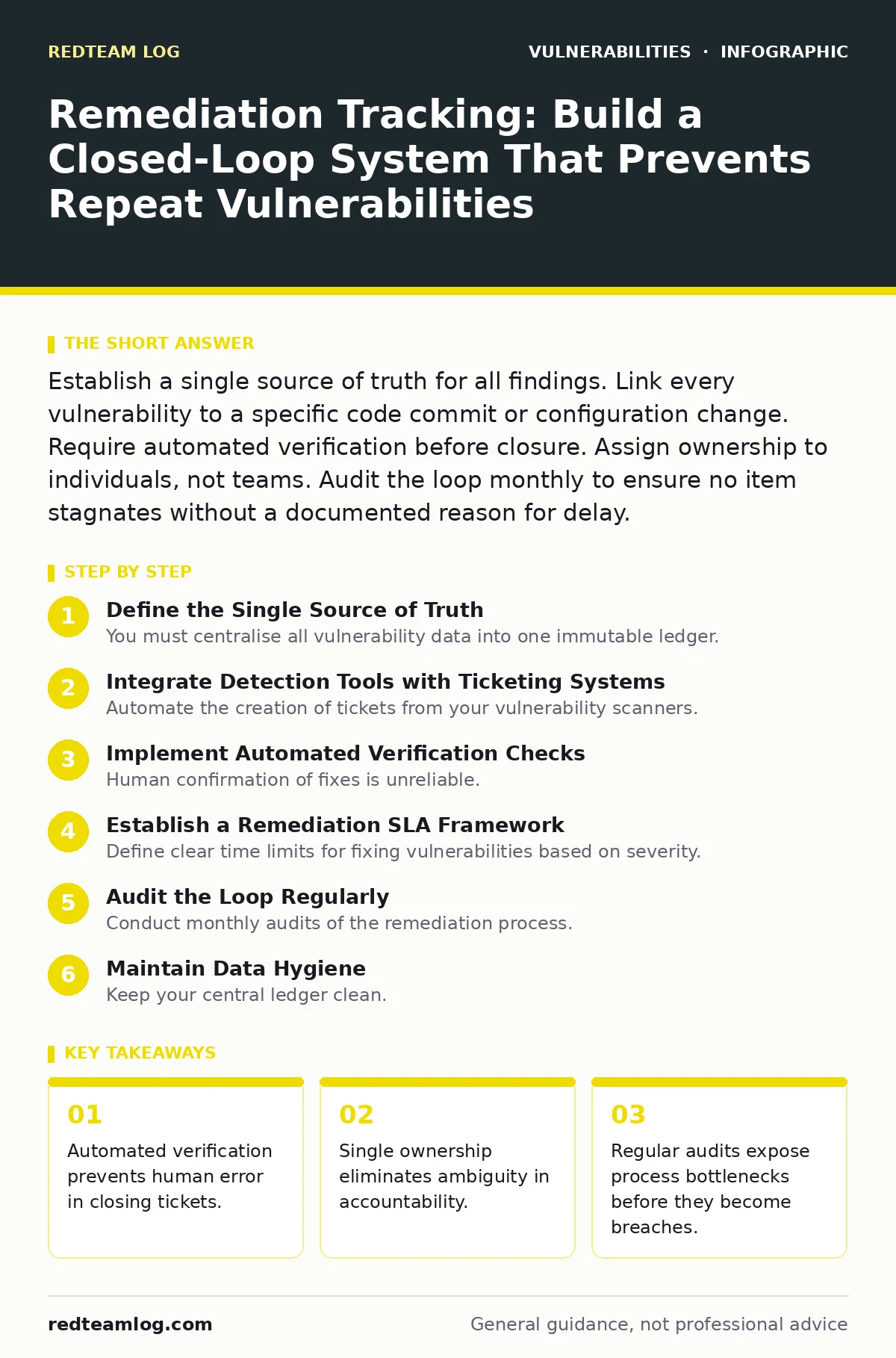
Establish a single source of truth for all findings. Link every vulnerability to a specific code commit or configuration change. Require automated verification before closure. Assign ownership to individuals, not teams. Audit the loop monthly to ensure no item stagnates without a documented reason for delay.
Define the Single Source of Truth
You must centralise all vulnerability data into one immutable ledger. Scattered spreadsheets and disconnected ticketing systems create blind spots. When a finding appears in a scanner but not in your project board, it effectively does not exist for your remediation team. This central ledger must include the vulnerability identifier, severity, affected asset, and current status. It serves as the baseline for all subsequent tracking.
Imagine a finding of insecure direct object references (IDOR) exists in your authentication module. If this detail lives only in a security report email, it will likely be ignored during the next sprint. By forcing this data into the central ledger, you create a contractual obligation to address it. The ledger must be readable by both security tools and development tools. This interoperability ensures that data flows freely between detection and resolution phases.
Integrate Detection Tools with Ticketing Systems
Automate the creation of tickets from your vulnerability scanners. Manual transcription introduces delays and errors. When a scanner detects a flaw, it should generate a ticket in your project management system instantly. This ticket must contain all technical details required for remediation. Include the exact file path, line number, and a description of the exploit mechanism. This reduces the time developers spend investigating the issue.
Consider the case of CRLF injection vulnerabilities. These often appear in HTTP headers and require precise context to fix. If the ticket lacks the raw header data, the developer must recreate the attack to understand the scope. Automated integration preserves this context. You must configure your scanners to map severity levels to ticket priorities. High severity findings should trigger immediate alerts, while low severity items enter the standard backlog. This automation ensures nothing slips through the cracks.
Step 1: Map Scanners to Ticketing Fields
Configure each scanner to output data in a format your ticketing system accepts. Define standard fields for severity, asset type, and remediation steps. Test this mapping with a known vulnerability. Verify that the ticket created matches the scanner’s output exactly. Any missing field indicates a configuration error that must be corrected before full deployment. This step ensures data integrity from the moment of detection.
Step 2: Enforce Unique Identifiers
Generate a unique identifier for every finding that remains constant across lifecycle changes. This ID links the initial detection to the final fix. If a scanner re-detects the same issue, it must reference the existing ID, not create a new ticket. Duplicate tickets confuse ownership and skew metrics. Implement deduplication logic based on asset fingerprint and vulnerability signature. This prevents ticket inflation and keeps the backlog manageable.
Step 3: Assign Immediate Ownership
Assign a specific individual to every ticket upon creation. Do not assign tickets to generic groups like "backend team". Ownership must rest with a person who can be held accountable. If no expert is available, assign it to a team lead who will delegate. Unassigned tickets languish indefinitely. The system must prevent ticket closure without an owner’s confirmation. This human element ensures that technical debt is acknowledged and prioritised.
Implement Automated Verification Checks
Human confirmation of fixes is unreliable. Developers may mark an issue as resolved without testing it. Automated verification scripts must run against the fixed code or configuration. These scripts should attempt to reproduce the vulnerability. If the exploit succeeds, the ticket remains open. If it fails, the system marks the fix as verified. This objective check removes bias and error from the closure process.
For example, if you fix an integer overflow vulnerabilities issue, the verification script must attempt to trigger the overflow again. The script should check memory states or output values to confirm the behaviour change. Without this step, you rely on trust rather than proof. Automated checks also provide audit trails for compliance. You can demonstrate that every fix was tested before deployment. This evidence is vital for security reviews and client reporting.
Establish a Remediation SLA Framework
Define clear time limits for fixing vulnerabilities based on severity. Critical issues require immediate attention, often within hours. Low severity items may have weeks or months. These service level agreements (SLAs) must be documented and enforced. The tracking system should flag tickets that approach their deadline. Escalation paths must be defined for overdue items. This prevents critical risks from being buried under less urgent work.
Consider the impact of iOS zero-click vulnerabilities. These allow attackers to exploit devices without user interaction. The window for remediation is extremely narrow. Your SLA framework must account for such high-risk categories. Standard timelines are insufficient for zero-day threats. Adjust your SLAs regularly based on threat intelligence. Static timelines become obsolete as attack techniques evolve. Flexibility within the framework ensures appropriate urgency.
Audit the Loop Regularly
Conduct monthly audits of the remediation process. Look for tickets that remain open beyond their SLA. Investigate why they are stuck. Is the fix technically difficult? Is the owner unavailable? Are there dependencies on other teams? Document these blockers. Use this data to improve your processes. Audits also reveal trends in vulnerability types. If certain flaws appear repeatedly, your development practices may need adjustment.
You should also review closed tickets for false negatives. A fix might pass automated checks but still be vulnerable in production. Periodic penetration testing can uncover these gaps. If you find that Content Security Policy headers are frequently misconfigured after "fixes", your verification script may be too permissive. Refine your checks based on these findings. Continuous improvement is the goal of auditing.
Step 4: Verify Fix Persistence
Check that fixes remain effective after subsequent deployments. Code merges can overwrite patches. Configuration drift can reintroduce vulnerabilities. Your tracking system should monitor assets for regression. If a previously fixed issue reappears, alert the original owner. This ensures long-term stability. Regression testing is part of the verification process. It protects against accidental reintroduction of risk.
Step 5: Report on Metrics
Generate reports on mean time to remediate (MTTR). Track volume of findings by type and severity. Identify top assets with the most issues. Share these metrics with stakeholders. Transparency drives accountability. If a team consistently misses SLAs, leadership can intervene. Metrics also help justify security investments. Demonstrating reduced risk over time shows value. Keep reports simple and focused on trends.
See also: What Is EPSS Score: Predicting Exploit Risk for Faster Patching · How a Software Bill of Materials Works: The Mechanism and Limits
Maintain Data Hygiene
Keep your central ledger clean. Archive closed tickets after a set period. Remove duplicate entries. Update asset inventories regularly. Stale data leads to false positives and wasted effort. Ensure that decommissioned assets are removed from the tracking system. You cannot remediate vulnerabilities on servers that no longer exist. Regular hygiene maintains system performance. It also ensures that your metrics reflect reality.
Imagine a prototype pollution vulnerability is found in a legacy application. If the application is scheduled for retirement, you might choose to accept the risk instead of fixing it. Document this decision in the ledger. Mark the ticket as "accepted risk" with a justification. This prevents unnecessary work. Clear documentation of risk acceptance is as important as fixing flaws. It shows deliberate risk management.
Handle Edge Cases and Exceptions
Not every vulnerability can be fixed immediately. Some require major architectural changes. Others may be false positives. Your process must accommodate these exceptions. Create a workflow for risk acceptance. Require sign-off from senior security personnel. Document the rationale and review period. Expire accepted risks after a set time. This ensures they are re-evaluated. Exceptions should be rare and well-justified. Abuse of this process undermines the entire system.
Consider OAuth misconfigurations. These often require coordination with external providers. You may not control the fix timeline. Document the dependency and set a review date. Monitor for changes in the provider’s security posture. If the provider improves their configuration, close the ticket. If not, escalate the risk. Flexibility allows you to manage real-world constraints without compromising security standards.
Key takeaways
- Automated verification prevents human error in closing tickets.
- Single ownership eliminates ambiguity in accountability.
- Regular audits expose process bottlenecks before they become breaches.
Frequently asked questions
How do I handle false positives in my tracking system?
Create a specific workflow for false positives. Require technical justification and evidence. Have a senior reviewer approve the closure. Archive these tickets separately to avoid skewing metrics. Regularly review archived false positives to ensure they were correct.
What if a vulnerability fix breaks application functionality?
Implement a rollback procedure. Track the broken state as a new incident. Reopen the original ticket. Document the regression. Work with developers to create a fix that does not break functionality. Prioritise stability alongside security.
How often should I update my SLA timelines?
Review SLAs quarterly. Adjust based on current threat levels and team capacity. If certain vulnerabilities are becoming more common, tighten the SLAs. If team resources increase, you may expand capacity. Keep timelines realistic to avoid burnout.
Can I use automated tools for everything?
No. Automation handles detection and verification. Human judgment is needed for prioritisation, risk acceptance, and complex fixes. Combine automated efficiency with human oversight. This hybrid approach balances speed and accuracy.
How this guide was produced: written by the RedTeam Log editorial team with AI assistance, checked against the public references listed below, and reviewed when the facts change. See our editorial policy or report an error.