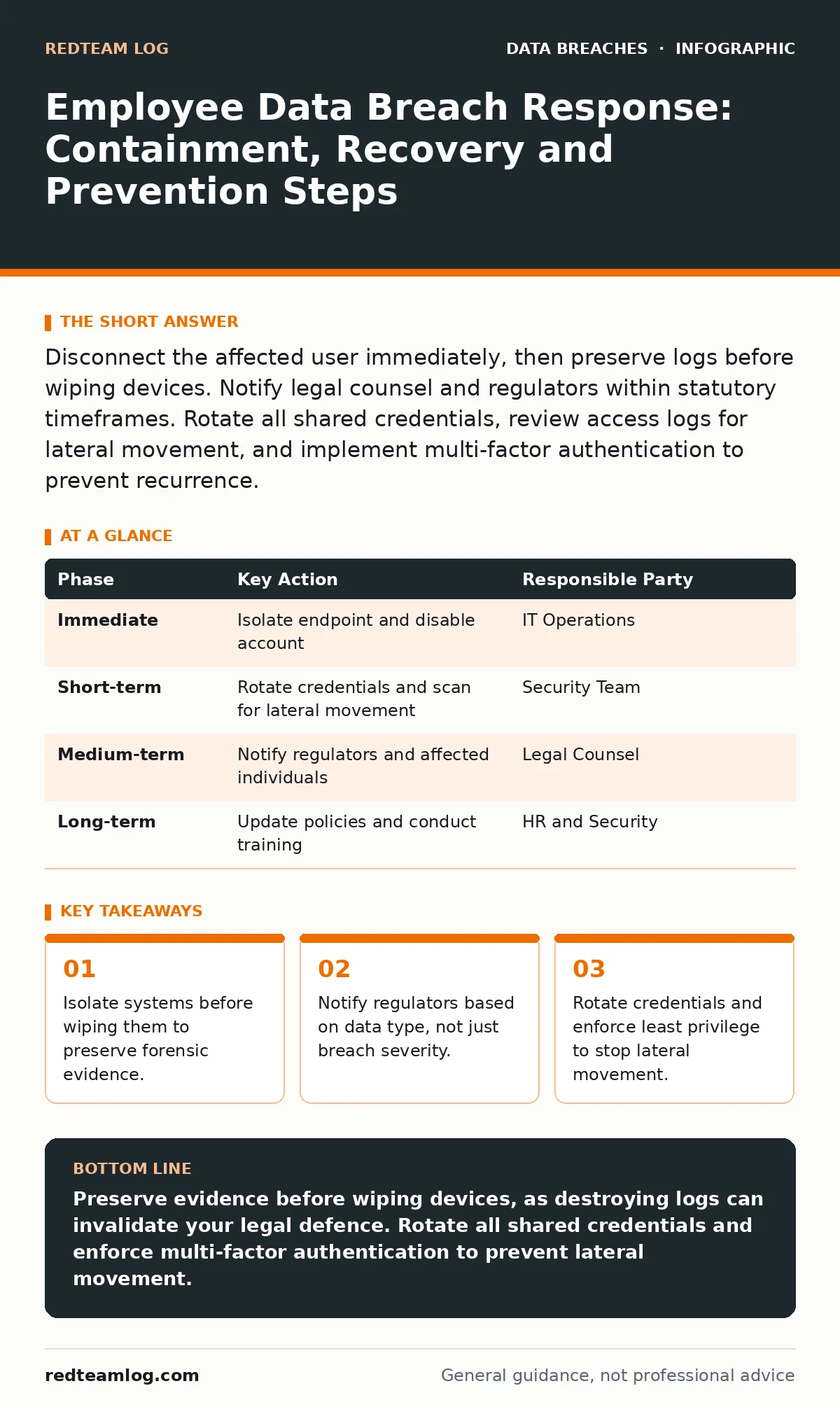
Disconnect the affected user immediately, then preserve logs before wiping devices. Notify legal counsel and regulators within statutory timeframes. Rotate all shared credentials, review access logs for lateral movement, and implement multi-factor authentication to prevent recurrence.
First Hour: Stop the Bleeding
When you suspect an employee has inadvertently exposed data or fallen for a spear-phishing attempt, your first instinct is likely to cut the power. This is a mistake. You must balance stopping the threat with preserving the evidence that proves what happened.
- Disconnect the affected workstation from the network. Use a physical cable pull if possible, as wireless disconnection can sometimes trigger automated scripts that erase local logs.
- Disable the user’s account in your identity provider. This stops further authentication attempts without deleting the account history, which you will need for forensic analysis.
- Capture volatile data. If you have endpoint detection and response tools, trigger a memory capture. If not, do not touch the machine further until a forensic specialist arrives.
- Isolate the compromised endpoint from the network.
- Disable, but do not delete, the user account.
- Capture system logs and memory state if tools allow.
- Notify your internal incident response team immediately.
First Day: Containment and Scope
Once the immediate threat is halted, you need to understand how far the attacker has moved. Attackers rarely stay in one account. They look for pathways to more valuable data. This is called lateral movement.
Review the authentication logs for the past seven days. Look for logins from unusual locations, at unusual times, or from devices not registered to that user. Check for privilege escalation attempts, where the user tried to access admin-level functions they normally cannot reach.
If the breach involves credential exposure, assume all passwords known to that user are compromised. This includes shared service accounts, database credentials, and API keys stored in plain text. You must rotate these immediately. Refer to our guide on password rotation for the specific sequence of changing these secrets without breaking active services.
First Week: Recovery and Remediation
Recovery is not just about restoring data. It is about restoring trust and ensuring the door is locked differently than before. You must verify that no backdoors remain. Attackers often install persistence mechanisms, such as scheduled tasks or new user accounts, to return later.
Scan all systems that communicated with the compromised endpoint. Look for new processes, unexpected network connections, or modified system files. If you use data encryption, ensure that the encryption keys have not been exfiltrated. If the keys are safe, stolen data remains unreadable. If the keys are exposed, you must re-encrypt all affected datasets.
Review your access controls. Did the employee have access to data they did not need for their job? This violates the principle of least privilege. Adjust permissions so that users only have access to the minimum data required for their role. This limits the damage if an account is compromised again.
Who to Tell: Legal and Regulatory Duties
Determining who needs to know is a legal minefield. You must notify affected individuals, regulators, and sometimes law enforcement. The timing depends on the type of data exposed. Financial data and health records usually have stricter notification windows than general contact information.
Consult your legal counsel before sending any external communications. A poorly worded email can admit liability or cause panic. Your incident communication plans should pre-draft templates for different scenarios. These templates help you respond quickly while ensuring legal compliance.
Do not guess the regulatory requirements. Different jurisdictions have different rules. If you operate across borders, you may need to notify multiple agencies. Failure to notify within the required timeframe can result in significant fines and reputational damage.
How to Stop a Repeat: Structural Changes
Technical fixes are temporary. Process changes are permanent. You must change how your organisation handles data to prevent a similar breach. This starts with better training, but not the kind that tells people to "be careful."
Training should be scenario-based. Show employees exactly what a phishing email looks like and how to report it. Make reporting easy and blame-free. If employees fear punishment for clicking a link, they will hide the incident, giving the attacker more time to cause damage.
Implement multi-factor authentication everywhere. This single measure stops most credential-based attacks. Even if an attacker steals a password, they cannot access the account without the second factor. Refer to our guide on unauthorized access for details on how MFA blocks brute-force and credential-stuffing attacks.
See also: Should I Invest in SOAR? The Truth About Automation ROI · Emergency Patching: Correcting Five Common Operational Errors
Forensic Integrity and Evidence Handling
The way you handle evidence affects your ability to prosecute or defend yourself. Chain of custody is critical. Every person who touches the evidence must log their actions. This proves the evidence has not been tampered with.
Store forensic images in a secure, offline location. Do not keep them on the same network as the compromised systems. Use hashing algorithms to verify the integrity of the files. If the hash changes, the evidence is invalid.
Document everything. Write down every step you took, when you took it, and who authorised it. This documentation is vital for audits and legal proceedings. It also helps you improve your response process for next time.
Long-Term Resilience and Auditing
Recovery is not complete until you have verified that your security posture is stronger than before. Conduct a post-incident review. Identify what went wrong and what went right. Update your policies based on these findings.
Consider third-party audits. An external perspective can find weaknesses you have overlooked. Frameworks like SOC 2 provide a standard for assessing security controls. Achieving compliance can demonstrate to clients that you take security seriously.
Monitor your systems continuously. Look for anomalies that indicate a new attack. Use threat intelligence to stay ahead of emerging threats. Security is not a one-time fix; it is an ongoing process.
| Phase | Key Action | Responsible Party |
|---|---|---|
| Immediate | Isolate endpoint and disable account | IT Operations |
| Short-term | Rotate credentials and scan for lateral movement | Security Team |
| Medium-term | Notify regulators and affected individuals | Legal Counsel |
| Long-term | Update policies and conduct training | HR and Security |
Key takeaways
- Isolate systems before wiping them to preserve forensic evidence.
- Notify regulators based on data type, not just breach severity.
- Rotate credentials and enforce least privilege to stop lateral movement.
Preserve evidence before wiping devices, as destroying logs can invalidate your legal defence. Rotate all shared credentials and enforce multi-factor authentication to prevent lateral movement.
Frequently asked questions
How long should I keep forensic evidence after a breach?
Keep evidence for at least the maximum statute of limitations for fraud in your jurisdiction, which is often several years. Store it securely and offline.
Do I need to notify customers if only internal data was leaked?
If the data is not personal or financial, notification may not be legally required. However, transparency can maintain trust. Consult legal counsel to determine your specific obligations.
Can I use the compromised employee’s device for work again?
No. The device may contain hidden malware or backdoors. Wipe it completely and reinstall the operating system from a trusted source, or replace it entirely.
How do I know if the breach is contained?
You know the breach is contained when you have isolated all affected systems, rotated all compromised credentials, and verified no further unauthorized access is occurring through continuous monitoring.
How this guide was produced: written by the RedTeam Log editorial team with AI assistance, checked against the public references listed below, and reviewed when the facts change. See our editorial policy or report an error.