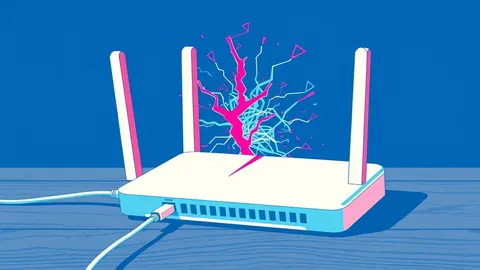
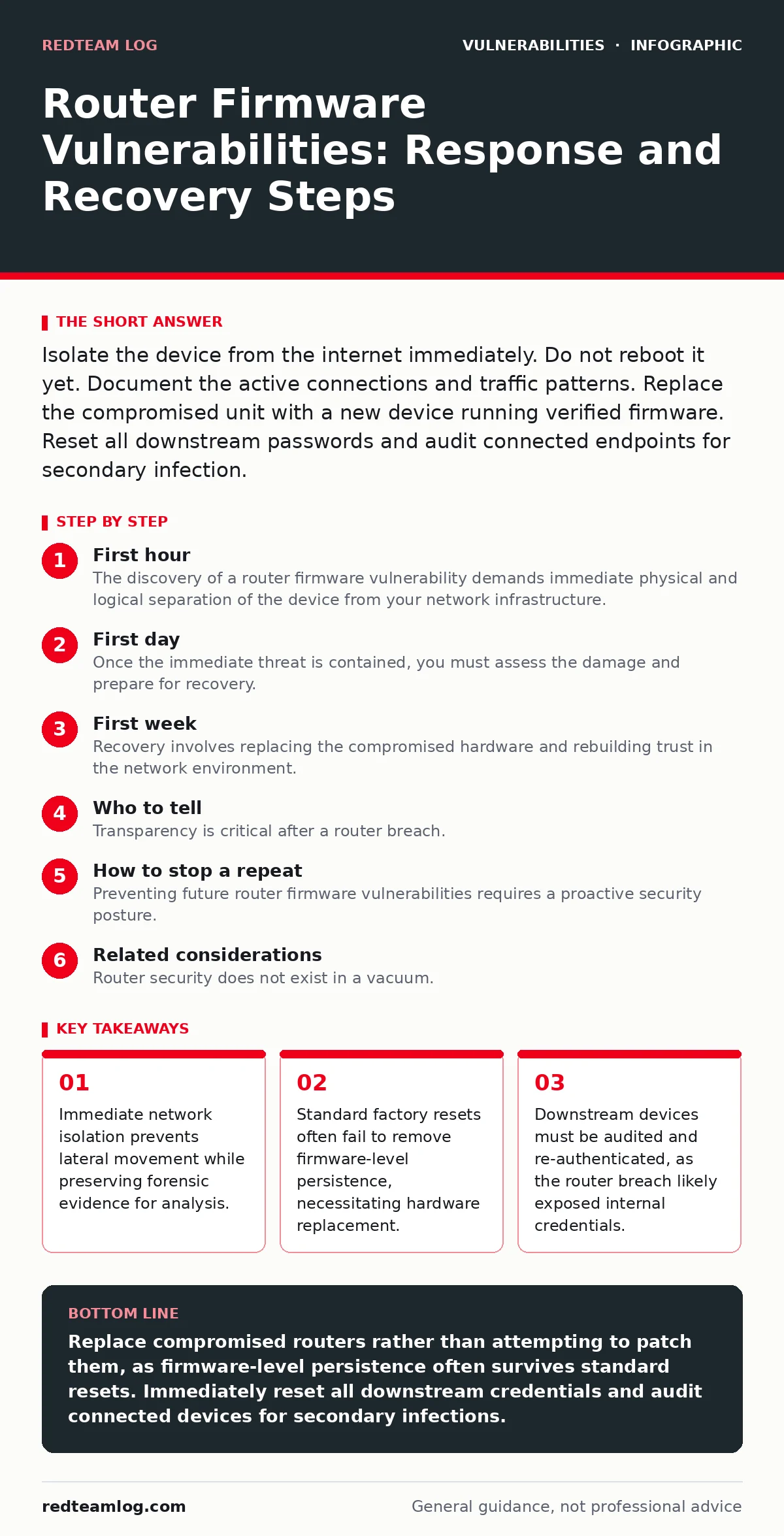
Isolate the device from the internet immediately. Do not reboot it yet. Document the active connections and traffic patterns. Replace the compromised unit with a new device running verified firmware. Reset all downstream passwords and audit connected endpoints for secondary infection.
First hour
The discovery of a router firmware vulnerability demands immediate physical and logical separation of the device from your network infrastructure. You must act within minutes to prevent the attacker from using the router as a pivot point for deeper intrusion. The router sits at the boundary of your trusted network, giving an adversary direct access to internal services, IoT devices, and user data. Delaying action allows the attacker to establish persistence, exfiltrate data, or redirect traffic to malicious destinations.
- Disconnect the Ethernet cable linking the router to the modem or upstream network. This physically severs the external connection while keeping the router powered on for inspection.
- Disable Wi-Fi broadcasting on the router if possible. This stops wireless clients from connecting and prevents the router from acting as a bridge for local attacks.
- Document the current status. Note any unusual LED patterns, open ports, or strange entries in the admin interface. Take screenshots if the interface is accessible and responsive.
- Identify connected devices. List all devices currently attached to the router. These devices are potentially compromised or have exposed credentials.
- Isolate critical assets. If you cannot disconnect the router entirely, move critical servers and workstations to a separate, unconnected network segment.
- Preserve logs. Export any available system logs, firewall logs, or DNS query logs. These files are vital for understanding the scope of the breach.
- Check for DNS hijacking. Verify if the router’s DNS settings have been altered to point to malicious servers. This is a common tactic for traffic interception.
- Look for guest network abuse. Attackers often use guest networks to bypass main network restrictions. Check if the guest network is active and configured unexpectedly.
First day
Once the immediate threat is contained, you must assess the damage and prepare for recovery. The goal is to determine what data was exposed and which devices require sanitisation. You cannot trust any device that connected to the compromised router during the breach window. The attacker may have used the router to launch lateral attacks, exploiting weaknesses in connected devices.
- Audit all connected endpoints for signs of infection.
- Reset all Wi-Fi passwords and administrative credentials.
- Review firewall rules for unauthorized changes.
- Check for unauthorized DHCP leases or static route additions.
- Verify the integrity of the router’s firmware version.
Imagine a scenario where the attacker modified the DHCP configuration. This change forces connected devices to use malicious DNS servers. Even after you replace the router, your devices may still send queries to the attacker’s servers if their DNS cache is not flushed. You must clear DNS caches on all endpoints and renew IP addresses to ensure they receive correct network configuration from the new device.
You should also consider the implications of hard-coded credentials in the router’s firmware. If the vulnerability stemmed from default or unchangeable passwords, the risk extends to other devices from the same manufacturer. You must check if any other hardware on your network shares the same vendor-specific weaknesses. This is not just a single-device issue; it is a systemic risk that requires broader scrutiny.
First week
Recovery involves replacing the compromised hardware and rebuilding trust in the network environment. You cannot simply update the firmware on the breached router. Firmware-level vulnerabilities often allow attackers to write to non-volatile memory, creating persistence that survives updates and resets. The only safe recovery path is to replace the device entirely.
Select a new router from a vendor with a strong track record of timely security patches. Avoid devices with known out-of-bounds write vulnerabilities in their web management interfaces. These flaws allow attackers to execute arbitrary code by sending malformed data to the router’s memory. Configure the new device with strong, unique administrative credentials and disable remote management features unless absolutely necessary.
You must also reset passwords for all services accessed through the compromised network. This includes email, banking, and cloud storage accounts. The attacker likely captured traffic or installed keyloggers via the router’s compromised state. Do not reuse passwords. Use a password manager to generate and store complex, unique credentials for each service.
Consider the risk of file upload vulnerabilities in the router’s web interface. If the attacker exploited such a flaw, they may have uploaded malicious scripts that persist in the firmware. Even if you replace the router, you must ensure that any configuration backups or export files from the old device are not imported into the new one. These files may contain malicious payloads.
Who to tell
Transparency is critical after a router breach. You must inform affected parties promptly and accurately. This includes internal users, clients, and potentially regulatory bodies, depending on the nature of the data exposed. Delaying notification can exacerbate legal and reputational risks.
- Notify internal users of the breach and the steps they must take.
- Inform clients if their data was potentially exposed through the network.
- Report the incident to relevant data protection authorities if required by law.
- Contact your internet service provider to check for upstream anomalies.
You should also consult with legal counsel to determine your notification obligations. Failure to report a breach can result in significant fines and loss of trust. Be honest about the scope of the incident and the measures you are taking to remediate it.
How to stop a repeat
Preventing future router firmware vulnerabilities requires a proactive security posture. You must regularly review and update your network security practices. This includes monitoring for new vulnerabilities and applying patches promptly.
Monitor the EPSS score for your router’s firmware. This metric estimates the likelihood of exploitation in the wild. A high score indicates that the vulnerability is actively being targeted, requiring immediate action. You should also implement network segmentation to limit the impact of a compromised router.
Avoid using routers with insecure direct object references (IDOR) in their management interfaces. This flaw allows attackers to access other users’ data by manipulating identifiers. Choose devices that enforce strict access controls and authentication mechanisms.
Regularly audit your network configuration for deviations from the baseline. This includes checking for unauthorized devices, modified firewall rules, and unexpected DNS settings. Automate these checks where possible to ensure continuous monitoring.
Consider the risk of CRLF injection in the router’s web interface. This attack allows an attacker to insert new lines into HTTP headers, potentially bypassing security filters or injecting malicious content. Ensure your router’s firmware is patched against such vulnerabilities.
Related considerations
Router security does not exist in a vacuum. It is part of a broader security ecosystem. You must consider how router vulnerabilities interact with other security controls.
For instance, if you use container image scanning in your development pipeline, ensure that the containers running on your network are also secured. A compromised router can be used to intercept and modify container images in transit, introducing malicious code into your applications.
Similarly, be aware of web cache poisoning risks. An attacker controlling the router can poison the cache of upstream servers, serving malicious content to other users. This amplifies the impact of the breach beyond your immediate network.
You should also review your incident response plan to include specific procedures for router compromises. This plan should outline the steps for isolation, forensic analysis, and recovery. Regular testing and updating of this plan ensure that your team is prepared to respond effectively to future incidents.
Key takeaways
- Immediate network isolation prevents lateral movement while preserving forensic evidence for analysis.
- Standard factory resets often fail to remove firmware-level persistence, necessitating hardware replacement.
- Downstream devices must be audited and re-authenticated, as the router breach likely exposed internal credentials.
Replace compromised routers rather than attempting to patch them, as firmware-level persistence often survives standard resets. Immediately reset all downstream credentials and audit connected devices for secondary infections.
Frequently asked questions
Can I safely update the firmware on a compromised router?
No, firmware updates may not remove persistent malware embedded in non-volatile memory. Replacement is the only reliable recovery method.
How do I know if my router has been compromised?
Look for unusual traffic patterns, modified DNS settings, unauthorized DHCP leases, or unexpected changes in firewall rules.
Should I change my Wi-Fi password after a router breach?
Yes, change both the Wi-Fi password and the administrative credentials to prevent unauthorized access to the network.
Do I need to reset all devices connected to the router?
You should audit all connected devices for signs of infection and reset their network configurations to ensure they receive correct settings from the new router.
How this guide was produced: written by the RedTeam Log editorial team with AI assistance, checked against the public references listed below, and reviewed when the facts change. See our editorial policy or report an error.