
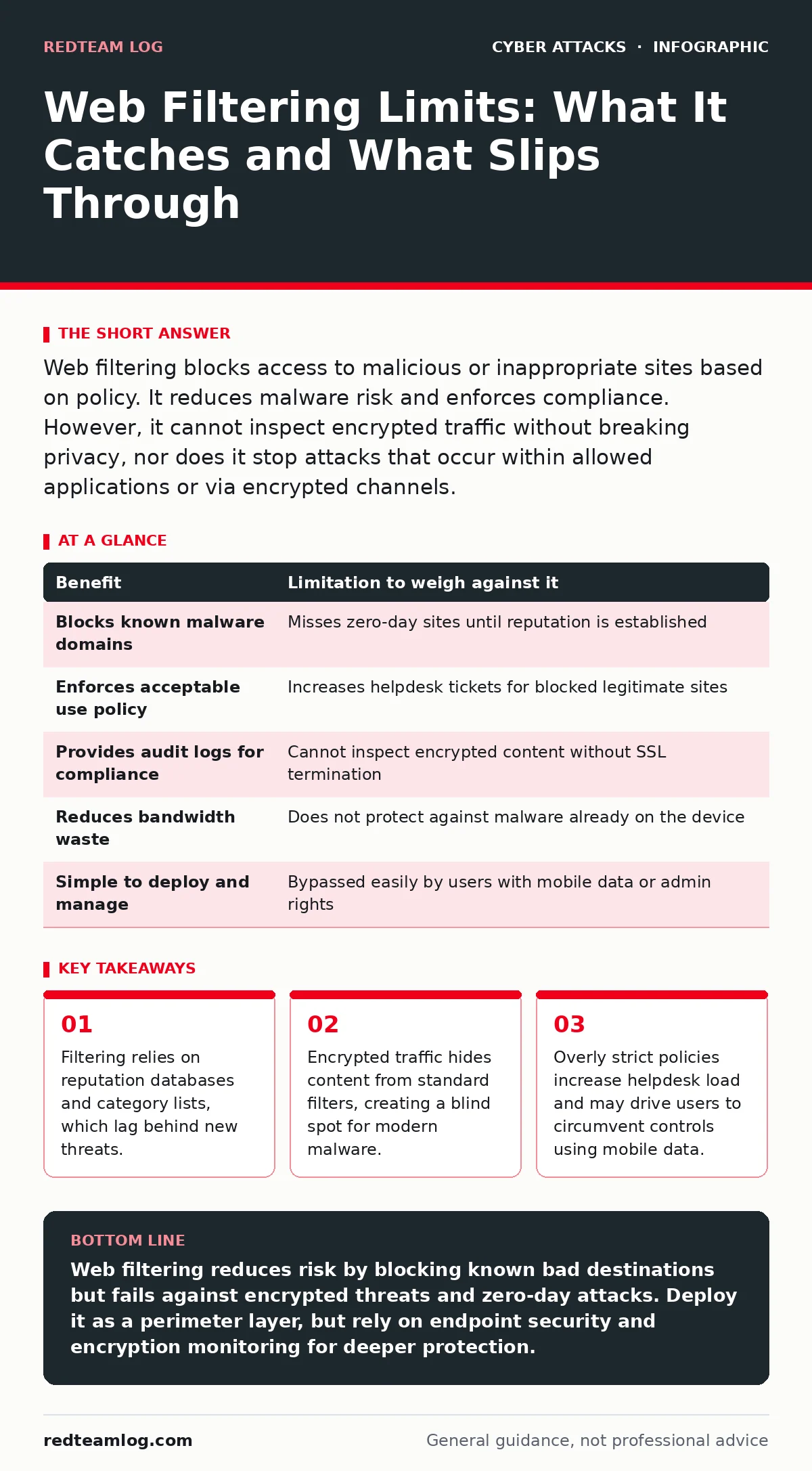
Web filtering blocks access to malicious or inappropriate sites based on policy. It reduces malware risk and enforces compliance. However, it cannot inspect encrypted traffic without breaking privacy, nor does it stop attacks that occur within allowed applications or via encrypted channels.
The Mechanism of Traffic Control
Web filtering operates by intercepting HTTP and HTTPS requests before they reach the user’s browser. The system checks the destination URL against a database of known threats, categories, and policies. If the site matches a blocked category, the connection terminates. This process happens at the network perimeter, typically via a proxy server or a next-generation firewall.
The core function is prevention. By stopping the connection, you prevent the download of malicious payloads or the exfiltration of data to known bad actors. This is a passive control. It does not inspect the content of the file once it is downloaded, nor does it monitor user behaviour on allowed sites. It simply decides whether the door opens or stays shut.
Imagine a user attempts to visit a site known for hosting phishing kits. The filter sees the domain reputation score, flags it as malicious, and returns a block page. The user never sees the fake login form. This is the primary benefit: reducing the attack surface by cutting off access to dangerous destinations before any interaction occurs.
Concrete Benefits for Network Hygiene
The most immediate benefit is the reduction of accidental malware infection. Users often click on links in emails or forums without checking the destination. A well-configured filter catches these clicks. It acts as a safety net for human error, which is the most common vector for initial compromise.
Compliance is another strong driver. Many industries require organisations to block access to explicit content or gambling sites during working hours. Filtering provides an audit trail of these blocks. You can demonstrate to auditors that technical controls are in place to enforce acceptable use policies. This documentation often satisfies regulatory requirements without needing to monitor individual user activity.
Productivity protection is a secondary but real advantage. By blocking social media or streaming sites, you reduce bandwidth consumption and distraction. This is not a security benefit, but it supports the operational efficiency of the network. Less bandwidth used for non-work sites means faster performance for business-critical applications.
The Hidden Costs and Technical Limits
Filtering is not a silver bullet. It relies on intelligence feeds that are updated regularly but never instantly. A new phishing site may exist for hours before it is added to a blocklist. During this window, the filter sees the site as benign. This is the "dwell time" problem. The faster an attacker pivots to new domains, the less effective static filtering becomes.
Encrypted traffic is the major technical limitation. Most web traffic now uses HTTPS. Standard web filters cannot see inside the encrypted tunnel. They can only inspect the destination IP and domain name. To inspect the content, you must terminate the SSL connection, decrypt it, scan it, and re-encrypt it. This requires installing a root certificate on every device.
This SSL inspection creates a privacy trade-off. You are effectively placing a man-in-the-middle proxy between the user and the internet. If your private key is compromised, an attacker can decrypt and manipulate all traffic. Furthermore, some applications break when SSL inspection is enabled because they use certificate pinning, which rejects your proxy’s certificate.
When Web Filtering Is Worth It
You should implement web filtering when you have a large number of general-purpose devices on the network. Laptops, desktops, and shared workstations benefit most. These devices are prone to user error and connect to a wide variety of sites. The overhead of managing exceptions is lower than the risk of uncontrolled access.
It is also worth it when you lack endpoint detection and response on every device. If your endpoints are older or have limited security software, the network perimeter becomes your last line of defence. Filtering catches threats that the endpoint might miss. It is a cost-effective layer of defence for environments with constrained budgets.
Consider filtering if you have regulatory mandates for content control. If you must prove that you block illegal or inappropriate content, logging these blocks provides the necessary evidence. The administrative effort is justified by the compliance requirement.
When It Is Not Worth It
Do not rely on filtering for specialised hardware or IoT devices. These devices often use proprietary protocols that do not pass through standard HTTP proxies. Forcing them through a web filter can break functionality or cause network timeouts. These devices should be segmented into their own VLANs with strict firewall rules instead.
It is not worth it if you are trying to stop insider threats. A determined insider will find ways around filters. They may use mobile data, bypass proxies via command line, or use encrypted messaging apps. Filtering gives a false sense of security against malicious insiders. For these threats, you need monitoring and anomaly detection, not just blocking.
Avoid heavy filtering for high-security research environments. Scientists and developers often need to access obscure or newly registered domains for testing or data collection. Aggressive filtering will block their work. In these cases, allow broader access and rely on endpoint security and user training to manage risk.
See also: Port scanning meaning: how attackers map your network before striking · Beaconing Detected: Step-by-Step Response and Recovery Plan
Weighing Benefits Against Limitations
| Benefit | Limitation to weigh against it |
|---|---|
| Blocks known malware domains | Misses zero-day sites until reputation is established |
| Enforces acceptable use policy | Increases helpdesk tickets for blocked legitimate sites |
| Provides audit logs for compliance | Cannot inspect encrypted content without SSL termination |
| Reduces bandwidth waste | Does not protect against malware already on the device |
| Simple to deploy and manage | Bypassed easily by users with mobile data or admin rights |
Integrating With Other Controls
Web filtering works best when combined with other security measures. It should not stand alone. For instance, an intrusion prevention systems can inspect the traffic that filtering allows, looking for exploit patterns in the payload. This layered approach ensures that if a site is misclassified as safe, the IPS can still block the attack.
You must also consider how filtering fits into your broader incident response plans. When a filter blocks a site, it generates a log. These logs should feed into your security information and event management system. This allows your cyber incident response team to correlate filtering blocks with other suspicious activities, such as unusual outbound connections or login failures.
Be aware of social engineering vectors that bypass web controls. CEO fraud often uses email links to legitimate sites that are then compromised. Filtering may allow the initial link because the domain is reputable. The attack happens on the server side. Similarly, baiting attacks use removable media, which web filters cannot see. Understanding these gaps prevents over-reliance on perimeter tools.
Key takeaways
- Filtering relies on reputation databases and category lists, which lag behind new threats.
- Encrypted traffic hides content from standard filters, creating a blind spot for modern malware.
- Overly strict policies increase helpdesk load and may drive users to circumvent controls using mobile data.
Web filtering reduces risk by blocking known bad destinations but fails against encrypted threats and zero-day attacks. Deploy it as a perimeter layer, but rely on endpoint security and encryption monitoring for deeper protection.
Frequently asked questions
Does web filtering protect against ransomware?
It blocks access to known ransomware distribution sites, but it cannot stop ransomware delivered via email attachments or downloaded from legitimate sites that have been compromised.
Can users bypass web filtering easily?
Yes, users with administrative rights can disable proxy settings, use mobile data, or employ encrypted tunneling tools to bypass network-level filters.
Is SSL inspection required for effective filtering?
Without SSL inspection, filtering only sees domain names, missing content-based threats. With it, you can inspect payloads but face privacy and technical complexity challenges.
How often should filtering rules be reviewed?
Review rules quarterly to remove outdated blocks, add new business requirements, and ensure that legitimate business sites are not inadvertently restricted.
How this guide was produced: written by the RedTeam Log editorial team with AI assistance, checked against the public references listed below, and reviewed when the facts change. See our editorial policy or report an error.