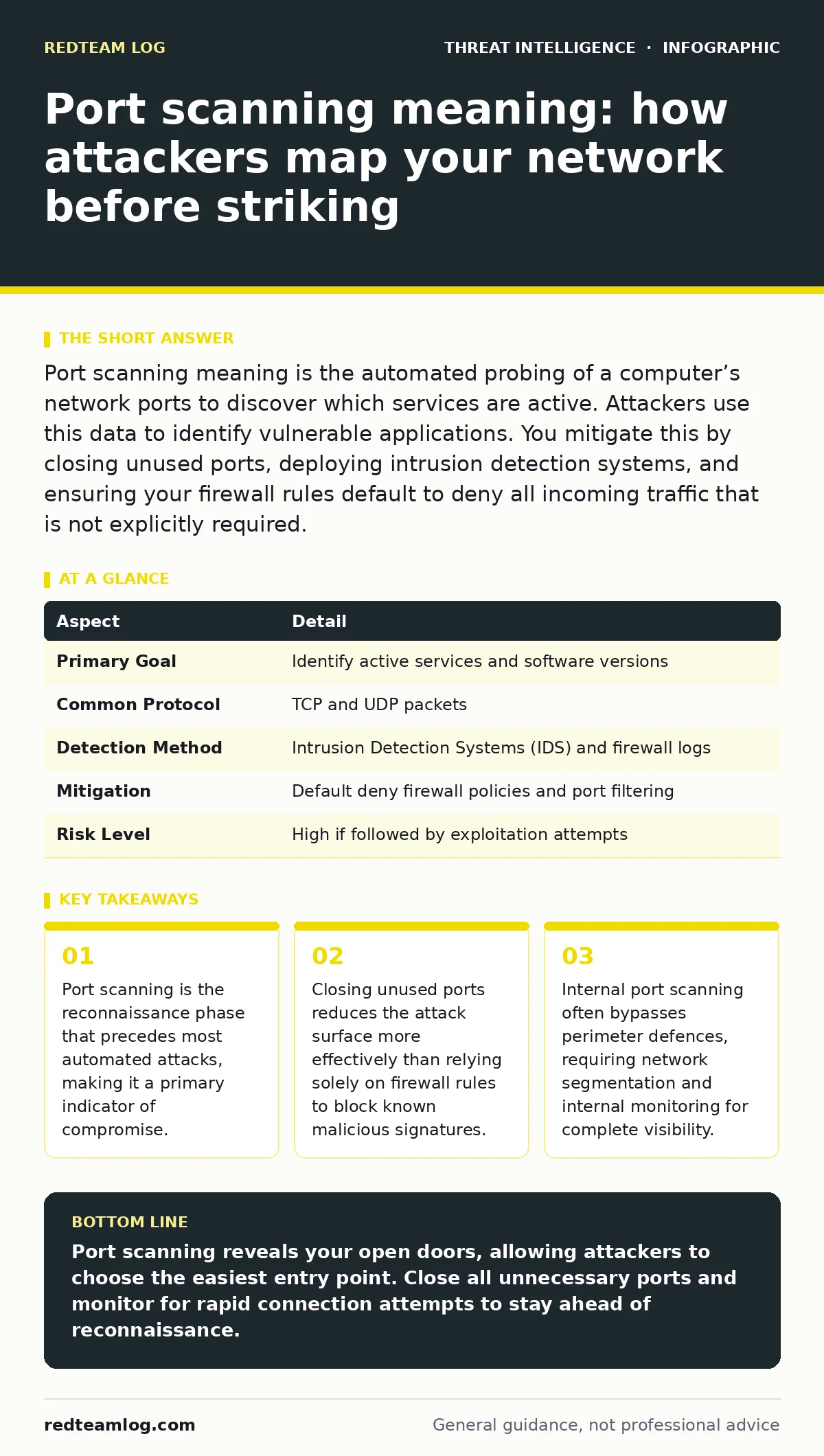
Port scanning meaning is the automated probing of a computer’s network ports to discover which services are active. Attackers use this data to identify vulnerable applications. You mitigate this by closing unused ports, deploying intrusion detection systems, and ensuring your firewall rules default to deny all incoming traffic that is not explicitly required.
Port scanning meaning and the mechanic behind it
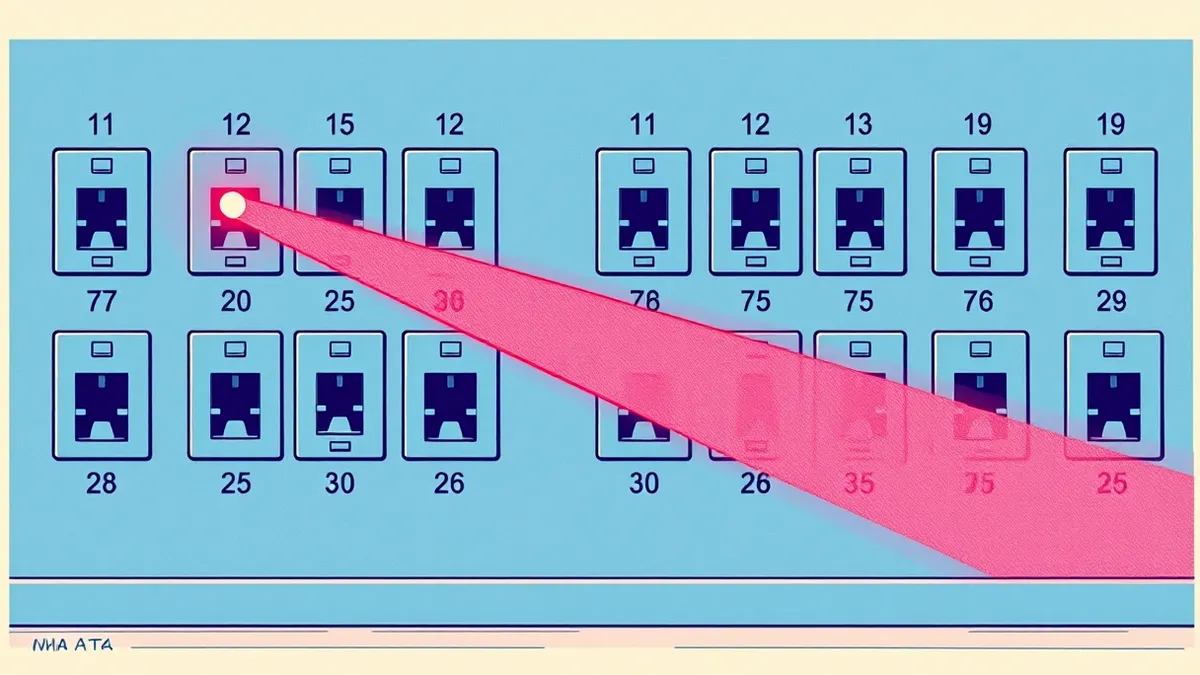
Port scanning meaning is the systematic attempt to determine which network ports on a target host are open and listening for connections. Imagine a burglar testing every handle on a building’s exterior doors to find which ones are unlocked. A scanner sends packets to specific ports and analyses the response. An open port returns a signal indicating a service is ready to accept data.
A closed port rejects the connection or remains silent. This process maps the external interface of your infrastructure. It does not exploit vulnerabilities directly. It provides the blueprint for subsequent exploitation. You must understand that this is a passive information-gathering technique. It generates noise but rarely causes immediate damage. The value lies in the data collected by the attacker.
| Aspect | Detail |
|---|---|
| Primary Goal | Identify active services and software versions |
| Common Protocol | TCP and UDP packets |
| Detection Method | Intrusion Detection Systems (IDS) and firewall logs |
| Mitigation | Default deny firewall policies and port filtering |
| Risk Level | High if followed by exploitation attempts |
How port scanning works in practice
The scanner iterates through port numbers, typically from 1 to 65,535. It sends a specific type of packet to each port. The target system responds based on its configuration. A SYN scan sends a synchronisation request. If the port is open, the target replies with a SYN-ACK. If closed, it sends a reset packet. This method is fast and often evades basic logging.
A connect scan completes the full three-way handshake. This is slower but harder to miss in logs. UDP scanning is more difficult because UDP is connectionless. The scanner must wait for an error message to confirm a port is closed. This makes UDP scans slower and noisier. Attackers often combine these methods to balance speed and accuracy. They may also use fragmentation to bypass simple filters.
Who is affected by port scanning activity
Any device connected to a network is a potential target. Internet-facing servers are the most exposed. They receive constant probing from automated bots. These bots scan the entire IP address space looking for specific services. Internal networks are also at risk. A compromised device inside your perimeter can scan other internal hosts. This lateral movement is harder to detect.
Employees using personal devices may expose internal services to the internet. Misconfigured cloud instances often lack proper security groups. This leaves ports open to the world. Small businesses are frequent targets because they often lack dedicated security staff. They rely on default configurations that leave many ports open. The impact is not limited to large enterprises.
What to do about port scanning threats
You must assume your network is being scanned continuously. Passive monitoring is insufficient. You need active controls. Configure your firewall to deny all incoming traffic by default. Only allow traffic on ports that are strictly necessary for your business operations. This is known as a whitelist approach. Regularly audit your firewall rules.
Remove rules that are no longer needed. Deploy an Intrusion Detection System to alert you on scan patterns. Look for rapid sequences of connection attempts to multiple ports. Block the source IP addresses that exhibit this behaviour. However, attackers often use IP spoofing or botnets. Blocking single IPs may not stop the scan. You must focus on reducing your attack surface.
Common misconceptions about port scanning
Many believe that if they do not see scans, they are not being targeted. This is incorrect. Modern scanners are sophisticated. They may use slow scans that mimic normal traffic. They may scan only a small subset of ports to avoid detection. Another myth is that port scanning is illegal. In many jurisdictions, scanning your own network is legal. Scanning without permission is not. The legal ambiguity allows attackers to operate in grey areas. Some think that closing ports stops all attacks. This is false. Attackers exploit open ports. If you keep only essential ports open, you reduce the risk significantly. You do not eliminate it. The service running on the open port may still be vulnerable.
See also: Beaconing Detected: Step-by-Step Response and Recovery Plan · Stop Remote Desktop Abuse: Priority Defences and Hidden Risks
Advanced scanning techniques to watch for
Attackers use various techniques to evade detection. Idle scanning uses a third-party host to probe the target. This hides the scanner’s identity. Fragmented scans split packets into small pieces. This bypasses filters that inspect full packets. Decoy scans mix the attacker’s traffic with traffic from random IP addresses. This makes it hard to identify the true source.
OS fingerprinting attempts to identify the operating system of the target. This helps the attacker select the right exploit. You must configure your systems to respond uniformly to probes. Disable unnecessary services that leak information. Use rate limiting to slow down rapid connection attempts. This makes scanning less efficient for the attacker.
Integrating detection with broader security
Port scanning detection is part of a larger strategy. You must correlate scan data with other events. A scan followed by an authentication failure is a strong indicator of an attack. Integrate your firewall logs with your SIEM. Use the MITRE ATT&CK framework to map scanning to the reconnaissance phase. This helps you understand the attacker’s intent.
Develop detection use cases that trigger alerts on specific scan patterns. Automate the response with SOAR platforms. This reduces the time to contain the threat. Ensure your log management system retains sufficient data for investigation. Regularly review your incident response runbooks to ensure they cover scanning scenarios.
Reducing your attack surface effectively
The most effective defence is to remove the targets. Conduct regular port audits. Identify which ports are open and why. Close any port that is not essential. Update services to the latest versions. Older versions often have known vulnerabilities. Use network segmentation to isolate critical systems. This limits the damage if a port is compromised. Implement strong authentication for all exposed services. This adds a layer of defence even if the port is open. Monitor for new services that appear on your network. Unauthorized services are a common source of breaches. Maintain a baseline of expected network behaviour. Deviations from this baseline should trigger investigation.
Key takeaways
- Port scanning is the reconnaissance phase that precedes most automated attacks, making it a primary indicator of compromise.
- Closing unused ports reduces the attack surface more effectively than relying solely on firewall rules to block known malicious signatures.
- Internal port scanning often bypasses perimeter defences, requiring network segmentation and internal monitoring for complete visibility.
Port scanning reveals your open doors, allowing attackers to choose the easiest entry point. Close all unnecessary ports and monitor for rapid connection attempts to stay ahead of reconnaissance.
Frequently asked questions
Is port scanning illegal?
Scanning networks without permission is generally illegal. Scanning your own network or with explicit consent is legal. Laws vary by jurisdiction, so consult local regulations.
How do I stop port scanning?
You cannot stop all scanning. You can mitigate it by closing unused ports, using firewalls with default deny rules, and deploying intrusion detection systems to alert on scan patterns.
What is the difference between SYN and connect scans?
SYN scans send a synchronisation packet and do not complete the connection. Connect scans complete the full three-way handshake. SYN scans are faster and stealthier, while connect scans are more reliable but noisier.
Why does my firewall still allow scans?
Firewalls filter traffic based on rules. If rules allow traffic to open ports, scans will succeed in identifying them. Ensure your firewall defaults to deny and only allows necessary traffic.
How this guide was produced: written by the RedTeam Log editorial team with AI assistance, checked against the public references listed below, and reviewed when the facts change. See our editorial policy or report an error.