
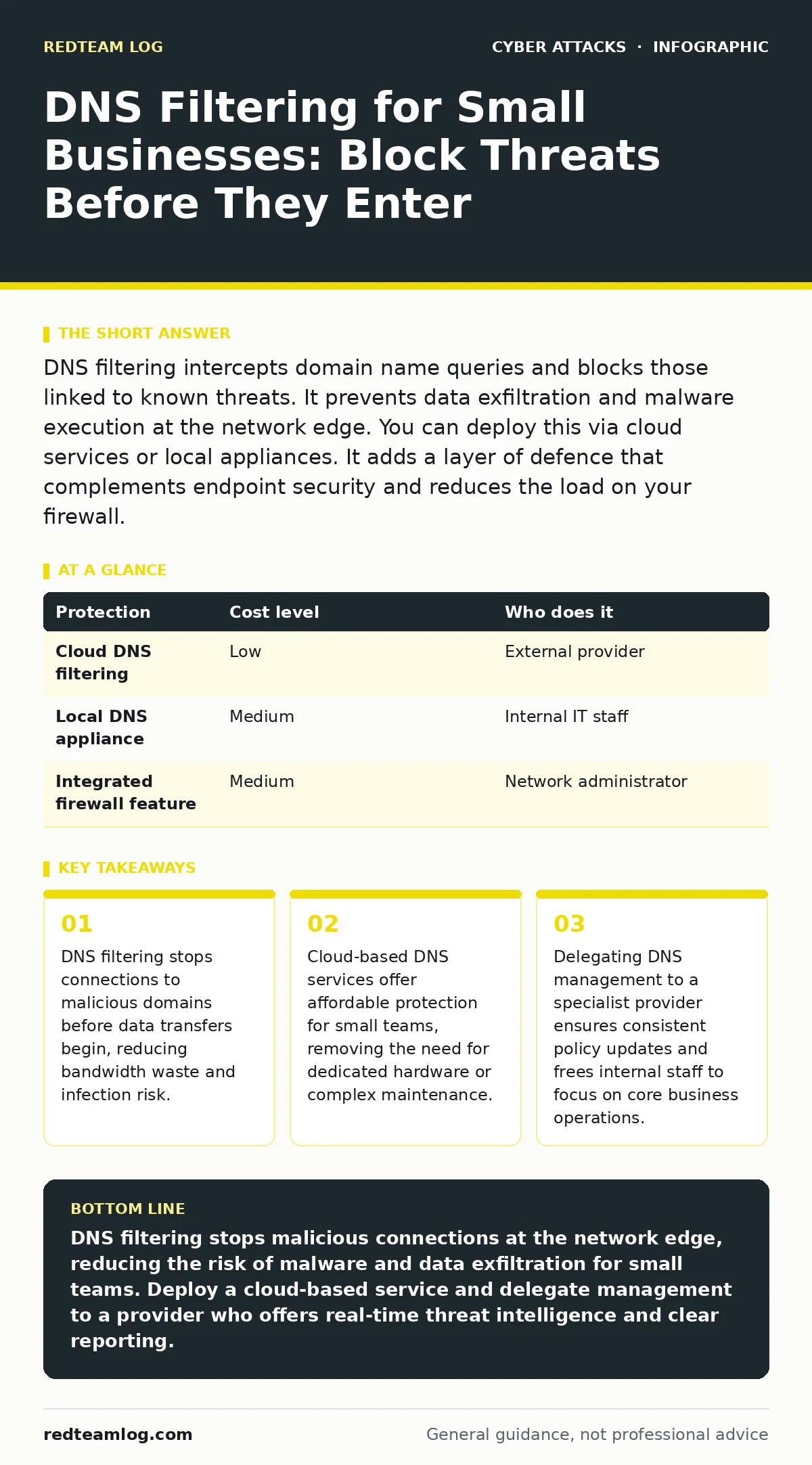
DNS filtering intercepts domain name queries and blocks those linked to known threats. It prevents data exfiltration and malware execution at the network edge. You can deploy this via cloud services or local appliances. It adds a layer of defence that complements endpoint security and reduces the load on your firewall.
How DNS Filtering Protects Small Networks
Domain name system filtering works by intercepting the translation of human-readable domain names into numerical IP addresses. Every time a user types a website address, the computer asks a DNS server for the corresponding number. Filtering sits between the user and the resolver. It checks the requested domain against a constantly updated list of known threats. If the domain appears on a blacklist, the request fails. The user sees an error or a block page. This mechanism stops communication with command-and-control servers. It prevents data from leaving the network to unknown destinations. It also stops the initial download of malware payloads.
This method differs from traditional firewalls. Firewalls inspect traffic based on ports and protocols. They allow or deny packets based on their structure. DNS filtering inspects the intent of the connection. It blocks the destination entirely. This approach is effective against new threats that have not yet been analysed for signatures. It relies on reputation data rather than file inspection. For small businesses, this means protection without the computational overhead of deep packet inspection.
Why Scale Changes the Security Equation
Small organisations often lack dedicated security staff. They cannot monitor network logs continuously. They rely on automation to handle the volume of daily traffic. DNS filtering provides this automation. It applies consistent policies across all devices. It does not matter whether the device is a laptop, a tablet or a smartphone. The policy follows the user or the network connection.
At a small scale, the cost of a single infection can be catastrophic. Downtime halts revenue. Data loss damages client trust. Recovery requires external experts who charge premium rates. Prevention is cheaper than remediation. DNS filtering reduces the likelihood of infection. It limits the spread of ransomware by blocking the encryption servers. It stops phishing pages from loading. This reduces the burden on endpoint antivirus software. The antivirus can focus on files that actually reach the device.
Affordable Deployment Options
You do not need expensive hardware to implement DNS filtering. Cloud-based services dominate this market. These services route your DNS queries through secure resolvers. They update their threat intelligence databases in real time. You pay a subscription fee per user or per location. This model eliminates capital expenditure. It removes the need for server maintenance. It scales easily as your team grows.
Local appliances offer an alternative. These devices sit within your network. They perform the filtering locally. This option provides greater control over privacy. You can keep query logs on your premises. However, local appliances require physical installation. They need power and network connectivity. They also require manual updates. For most small businesses, the cloud model offers better value. It shifts the operational burden to the provider.
| Protection | Cost level | Who does it |
|---|---|---|
| Cloud DNS filtering | Low | External provider |
| Local DNS appliance | Medium | Internal IT staff |
| Integrated firewall feature | Medium | Network administrator |
What to Delegate to Providers
Managed service providers understand the nuances of DNS policy. They can configure allow-lists for business-critical services. They can block categories such as gambling or adult content. They monitor for anomalous query patterns. These patterns might indicate a compromised device. Delegating this task ensures that policies remain current. It frees your internal team to focus on strategic initiatives.
When you delegate DNS management, you must define clear boundaries. Specify which domains must always be allowed. Identify which categories must be blocked. Establish a process for reviewing block logs. This ensures that legitimate business traffic is not interrupted. It also provides visibility into user behaviour. You can identify employees who attempt to access risky sites. This data supports broader security awareness efforts.
Questions to Ask Your IT Provider
Before selecting a provider, you must assess their capabilities. Ask specific questions about their filtering engine. Do they use real-time threat intelligence? How frequently do they update their blocklists? Can they provide custom allow-lists for your applications? These details affect the reliability of your protection.
You should also inquire about reporting. Do they offer dashboards? Can you export logs for compliance? How do they handle false positives? A false positive occurs when a legitimate site is blocked. This disrupts work. You need a clear process for resolving these issues quickly. Ask about their support hours. Do they offer 24/7 assistance? This matters if a critical service is blocked during non-business hours.
- How do you handle false positives in DNS filtering?
- What is the update frequency for threat intelligence feeds?
- Can you provide custom allow-lists for specific business applications?
- What reporting tools do you offer for DNS activity?
- How do you ensure privacy of DNS query data?
See also: Beaconing Detected: Step-by-Step Response and Recovery Plan · Stop Remote Desktop Abuse: Priority Defences and Hidden Risks
Integrating with Other Security Layers
DNS filtering is not a standalone solution. It works best when combined with other controls. It complements web filtering. Web filtering inspects the content of HTTP and HTTPS traffic. DNS filtering blocks the connection before the content is retrieved. This layered approach reduces the attack surface. It ensures that if one control fails, another catches the threat.
You should also consider email security. Phishing attacks often rely on malicious links. DNS filtering can block these links if they are known threats. However, it cannot stop zero-day phishing campaigns. You need email authentication protocols like SPF to prevent spoofing. This reduces the volume of phishing emails that reach users. It works in tandem with user training. See our guide on phishing for more details on recognising social engineering red flags.
Intrusion prevention systems also benefit from DNS filtering. These systems inspect traffic for known attack patterns. By blocking malicious domains, DNS filtering reduces the noise. It allows the intrusion prevention system to focus on legitimate threats. This improves detection accuracy. It reduces false alarms. The combination creates a more resilient security posture.
Maintaining Effectiveness Over Time
Security is not a one-time setup. It requires ongoing management. You must review your filtering policies regularly. Business needs change. New applications are adopted. Old services are retired. Your allow-lists must reflect these changes. Stale policies can block legitimate traffic. They can also leave gaps in protection.
Monitor your block logs. Look for trends. Are certain users generating many blocked requests? This might indicate a lack of training. It could also suggest a compromised account. Investigate these anomalies promptly. Update your threat intelligence feeds. Ensure your provider is using the latest data. This keeps your protection current against evolving threats.
Remember that DNS filtering has limitations. It cannot inspect encrypted traffic content. It relies on domain reputation. New domains may not be flagged immediately. You must combine DNS filtering with other controls. This includes endpoint detection and response. It includes user awareness training. See our guide on deepfake scams for insights on emerging threats that bypass traditional filters.
Key takeaways
- DNS filtering stops connections to malicious domains before data transfers begin, reducing bandwidth waste and infection risk.
- Cloud-based DNS services offer affordable protection for small teams, removing the need for dedicated hardware or complex maintenance.
- Delegating DNS management to a specialist provider ensures consistent policy updates and frees internal staff to focus on core business operations.
DNS filtering stops malicious connections at the network edge, reducing the risk of malware and data exfiltration for small teams. Deploy a cloud-based service and delegate management to a provider who offers real-time threat intelligence and clear reporting.
Frequently asked questions
Does DNS filtering slow down internet speed?
Modern cloud DNS services are highly optimised. They often improve speed by caching frequent requests. The added latency is usually negligible for most business applications.
Can DNS filtering block legitimate business sites?
Yes, false positives can occur. You must maintain an allow-list for critical business domains. A good provider offers a quick process to unblock mistakenly blocked sites.
Is DNS filtering enough to stop ransomware?
No, it is one layer of defence. It blocks known malicious domains. It cannot stop ransomware that uses legitimate domains or spreads via removable media. You need endpoint protection and backups.
How do I choose between cloud and local DNS filtering?
Cloud filtering is easier to manage and scales automatically. Local filtering offers more privacy control but requires maintenance. Most small businesses benefit from the convenience of cloud services.
How this guide was produced: written by the RedTeam Log editorial team with AI assistance, checked against the public references listed below, and reviewed when the facts change. See our editorial policy or report an error.