
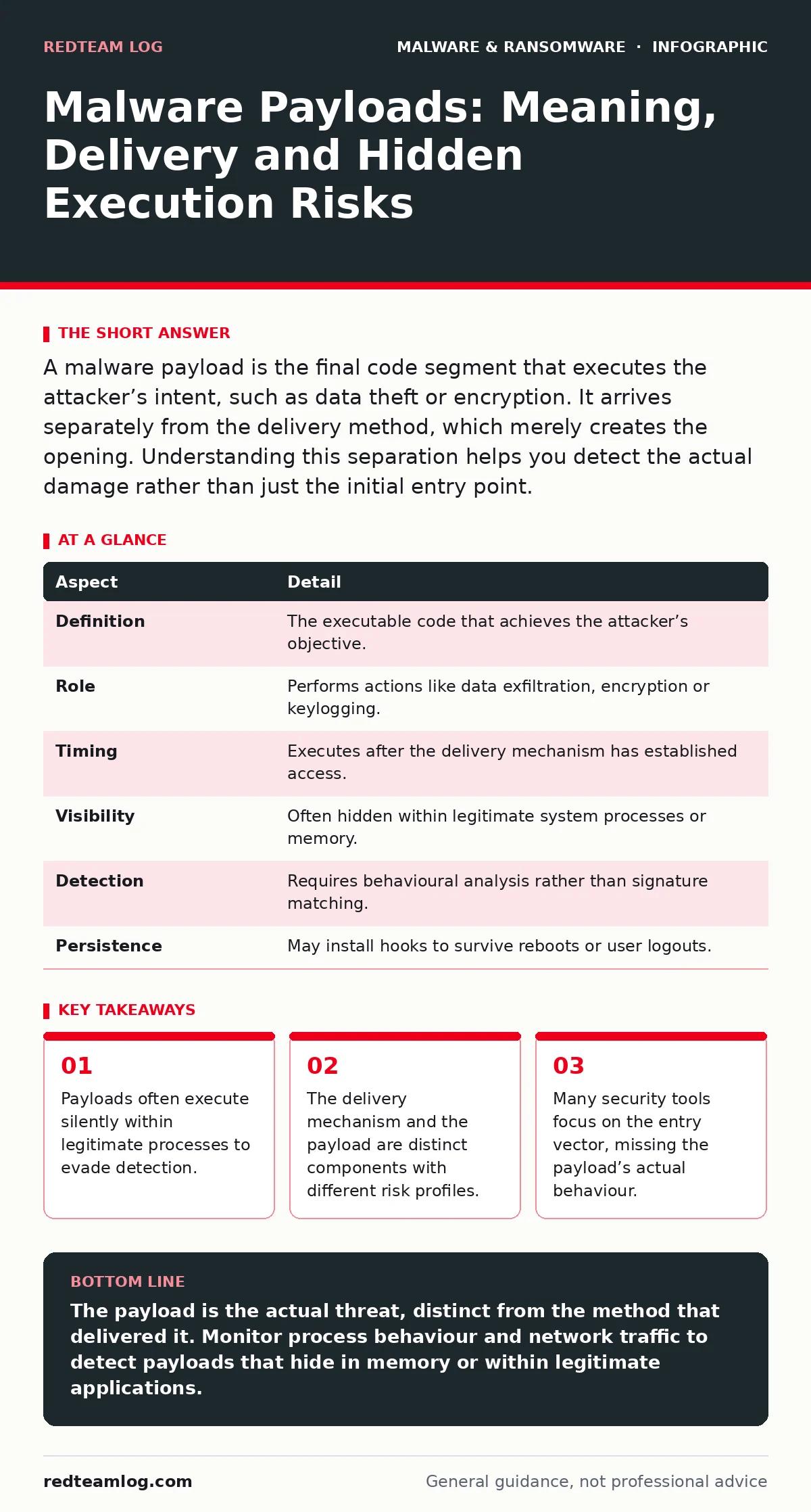
A malware payload is the final code segment that executes the attacker’s intent, such as data theft or encryption. It arrives separately from the delivery method, which merely creates the opening. Understanding this separation helps you detect the actual damage rather than just the initial entry point.
The Delivery Distinction
Imagine a burglar who breaks a window to gain entry. The broken glass is the delivery method. The stolen jewellery is the payload. In cybersecurity, this separation is fundamental. The term malware payload refers specifically to the code that performs the malicious action. It does not include the worm, the phishing email or the exploit kit that delivered it.
This distinction matters because the delivery method is often a distraction. Attackers design entry vectors to be noisy or obvious, drawing attention away from the quiet work the payload performs. When you focus only on stopping the entry, you miss the code that is already running on the system.
| Aspect | Detail |
|---|---|
| Definition | The executable code that achieves the attacker’s objective. |
| Role | Performs actions like data exfiltration, encryption or keylogging. |
| Timing | Executes after the delivery mechanism has established access. |
| Visibility | Often hidden within legitimate system processes or memory. |
| Detection | Requires behavioural analysis rather than signature matching. |
| Persistence | May install hooks to survive reboots or user logouts. |
How Payloads Operate in Practice
Payloads do not arrive in isolation. They are packaged within a larger structure, often referred to as a dropper or loader. This loader’s only job is to place the payload into a position where it can run. Once executed, the payload may decrypt itself in memory, avoiding writing suspicious files to the disk.
This technique is common in fileless malware. By staying in memory, the payload avoids leaving forensic traces on the hard drive. Traditional scanners that look for known file signatures often miss these threats entirely. You must monitor process behaviour instead of file creation.
The Anatomy of Execution
When a payload executes, it seeks to achieve one of three goals: persistence, privilege escalation or data manipulation. Persistence ensures the code survives a reboot. Privilege escalation allows the code to bypass user restrictions. Data manipulation involves stealing or altering information.
Many payloads use a technique called process injection. This involves inserting malicious code into a legitimate system process, such as a web browser or system service. To an observer, the process looks normal. It has a valid digital signature and a familiar name. However, the code running inside it is entirely different.
This makes detection difficult. You cannot simply block the process name, as that would break legitimate software. Instead, you must monitor for unusual memory allocations or unexpected network connections from trusted processes. This approach is central to understanding firmware malware, which operates at an even lower level than the operating system.
What People Usually Get Wrong
A common misconception is that the payload is the entire malware sample. Analysts often download a suspicious file and scan it, assuming that if the scanner says it is clean, the threat is gone. This ignores the possibility of a multi-stage attack. The downloaded file may be a benign-looking document that triggers a script, which then downloads the actual payload from a remote server.
Another error is assuming that quarantining a file stops the payload. If the payload has already executed and injected itself into a running process, removing the source file does nothing. The malicious code is now part of the active system state. This is why antivirus quarantine is not a cure for active infections. It is merely a containment step for the delivery mechanism.
Real-World Implications for Defences
Consider a scenario where a user clicks a link in a phishing email. The link leads to a website that exploits a vulnerability in the browser. This exploit downloads a small script. The script then connects to a command and control server to retrieve the payload. The payload is a keylogger designed to capture credentials.
In this chain, the browser exploit is the delivery mechanism. The script is the loader. The keylogger is the payload. If you block the phishing email, you stop the chain. If you patch the browser, you stop the chain. But if you only scan the downloaded script, you may miss the keylogger because it has not arrived yet.
This layered approach requires looking at network traffic, not just local files. You must identify the command and control communication. This is where tools like Microsoft Defender Antivirus can help, provided they are configured to monitor network behaviour and not just file signatures.
See also: Unauthorized Access Response: Containment, Recovery and Prevention Steps
Detecting the Invisible
Detecting payloads requires a shift from static analysis to dynamic monitoring. Static analysis looks at what a file is. Dynamic analysis looks at what a file does. You must observe the behaviour of processes in real time. Look for processes that spawn unexpected child processes. Look for legitimate tools being used in unusual ways, such as PowerShell scripts downloading data from unknown sources.
This is particularly relevant for malicious browser extensions. These extensions can act as payloads, running code in the context of the browser. They do not need to install separate files on the disk. They operate within the browser’s own processes, making them difficult to detect with traditional file-based scanners.
You should also consider mobile malware. On mobile devices, payloads often exploit permissions rather than vulnerabilities. A seemingly harmless app may request access to contacts or messages. Once installed, the payload can execute its malicious logic without needing to break any security controls. The delivery was the app store installation. The payload is the permission abuse.
Limitations of Signature-Based Defences
Signature-based detection relies on knowing what the malware looks like. It matches file hashes or byte sequences against a database of known threats. This works well for common, widespread malware. It fails against new or customised payloads. Attackers can change a few bytes in the payload to create a new hash, bypassing the signature.
This is why behavioural analysis is necessary. Instead of asking "Is this file known to be malicious?", you ask "Is this process behaving maliciously?". Does it try to encrypt files? Does it attempt to disable security services? Does it send large amounts of data to an unknown IP address?
These behavioural indicators are harder to spoof. An attacker can change the file hash, but they cannot easily change the fact that their code is encrypting files. This approach is critical when dealing with ransomware decryption tools, as the payload’s behaviour is the primary indicator of the threat.
The Cost of False Positives
Monitoring for payload behaviour introduces a new challenge: false positives. Legitimate software sometimes behaves in ways that resemble malware. Backup software writes large amounts of data. Development tools compile code. Security scanners scan files. These actions can trigger alerts.
You must tune your monitoring to reduce noise. This requires understanding the normal baseline of your environment. What processes usually run? What network connections are expected? Deviations from this baseline are the true indicators of a payload.
This tuning is time-consuming. It requires expertise and continuous adjustment. However, the cost of missing a payload is far higher. A missed payload can lead to data loss, financial damage and reputational harm. The effort to reduce false positives is an investment in visibility.
Key takeaways
- Payloads often execute silently within legitimate processes to evade detection.
- The delivery mechanism and the payload are distinct components with different risk profiles.
- Many security tools focus on the entry vector, missing the payload’s actual behaviour.
The payload is the actual threat, distinct from the method that delivered it. Monitor process behaviour and network traffic to detect payloads that hide in memory or within legitimate applications.
Frequently asked questions
Is the payload the same as the virus?
No, the payload is the specific code that executes the malicious action, while the virus or trojan is often the delivery mechanism that carries it.
Can antivirus software detect all payloads?
No, traditional antivirus relies on signatures and may miss new or fileless payloads that do not match known patterns or reside only in memory.
How do I know if a payload has executed?
Look for unusual process behaviour, unexpected network connections, or changes in file permissions that do not match normal system activity.
Does removing the initial file stop the payload?
Not necessarily, if the payload has already injected itself into a running process or established persistence, removing the source file will not stop it.
How this guide was produced: written by the RedTeam Log editorial team with AI assistance, checked against the public references listed below, and reviewed when the facts change. See our editorial policy or report an error.