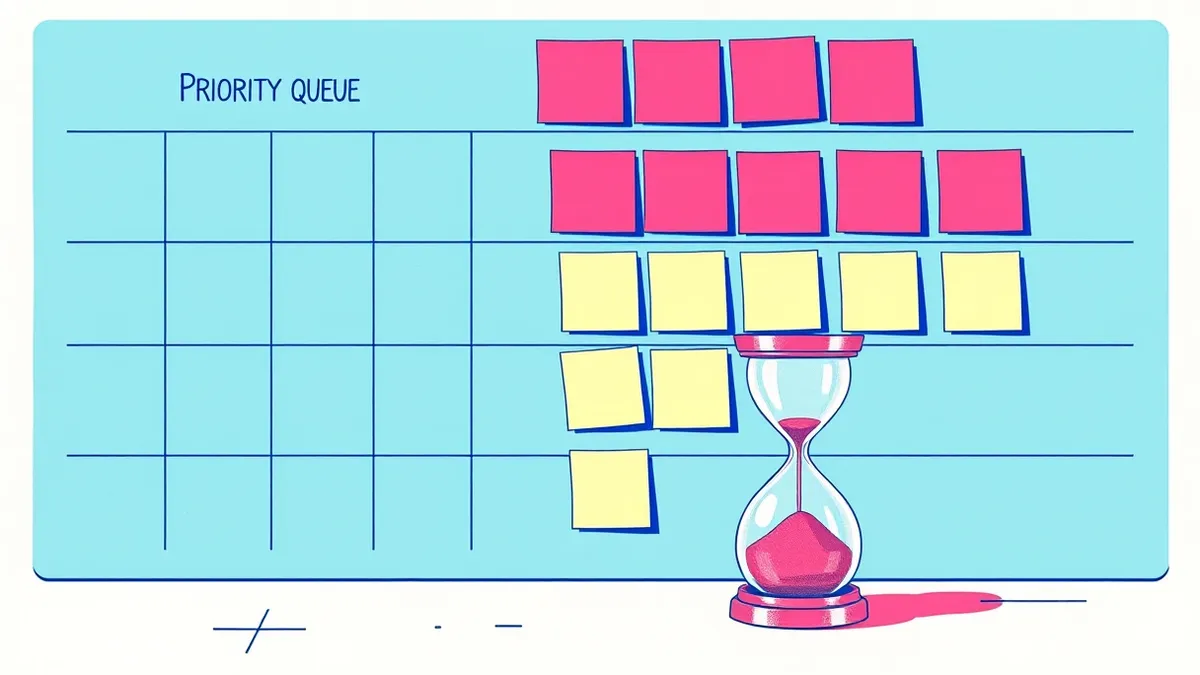
A vulnerability remediation SLA defines the time you have to patch a flaw based on its risk severity. It balances security needs against operational stability. Effective SLAs use risk context rather than just criticality ratings to prioritise work. This prevents teams from ignoring high-impact threats while chasing trivial fixes.
The Hospital Triage Analogy
Imagine a busy hospital emergency department. Patients arrive with different injuries, from minor cuts to life-threatening trauma. The staff cannot treat everyone at once. They use a triage system to decide who gets help first. A broken finger might be painful, but a heart attack requires immediate attention. Vulnerability remediation works the same way. You have limited resources and many issues. Treating every low-risk issue before a high-risk one is like bandaging a finger while ignoring a bleeding artery. The goal is to reduce overall harm, not to clear the queue.
Understanding Key Terms
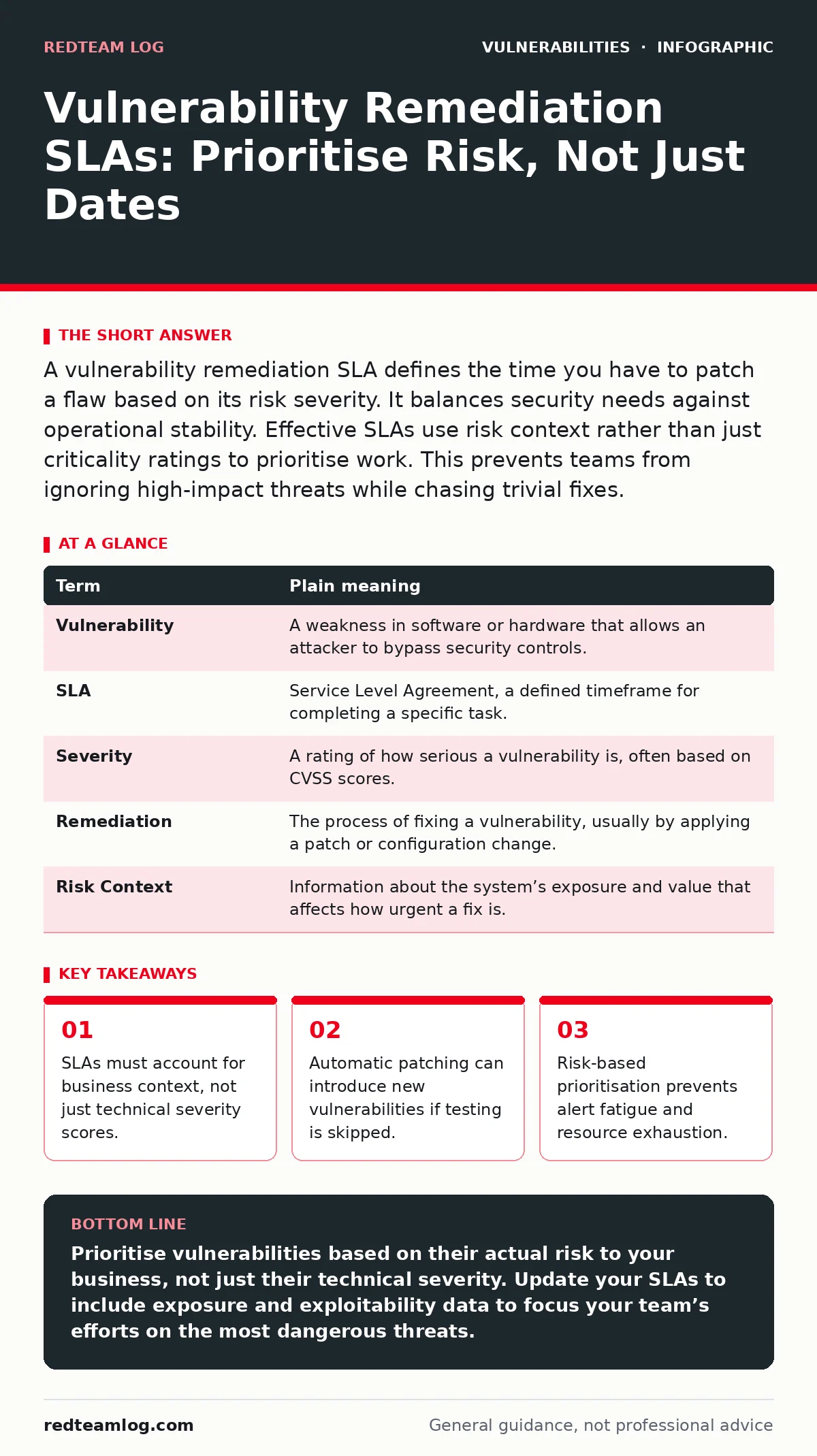
Clear definitions prevent miscommunication between security teams and infrastructure owners. Without shared language, SLAs become meaningless deadlines that ignore actual risk. Use this glossary to align your team’s understanding of the process.
| Term | Plain meaning |
|---|---|
| Vulnerability | A weakness in software or hardware that allows an attacker to bypass security controls. |
| SLA | Service Level Agreement, a defined timeframe for completing a specific task. |
| Severity | A rating of how serious a vulnerability is, often based on CVSS scores. |
| Remediation | The process of fixing a vulnerability, usually by applying a patch or configuration change. |
| Risk Context | Information about the system’s exposure and value that affects how urgent a fix is. |
Why Deadlines Alone Fail
Setting a fixed deadline for all vulnerabilities creates a false sense of security. Imagine a rule that says all patients must be seen within 24 hours. A patient with a mild rash gets treated before a patient with internal bleeding because the rash was reported first. This approach wastes resources on low-impact issues. It also leads to burnout as staff chase trivial metrics. Security teams often prioritise based on the CVSS score alone. This ignores whether the system is exposed to the internet or contains sensitive data. A high-score vulnerability on an isolated internal printer is less dangerous than a lower-score flaw on a public-facing web server.
Incorporating Risk Context
Effective SLAs adjust deadlines based on where the vulnerability exists. A flaw in a publicly accessible application requires faster action than the same flaw in an air-gapped network. You must assess the exposure of the asset. Is it reachable from the internet? Does it handle payment data? This context determines the true risk. Some organisations use the EPSS score to estimate the likelihood of exploitation. This helps distinguish between theoretical flaws and those actively targeted by attackers. Combining severity with exposure and exploitability creates a smarter prioritisation model. This ensures that your most dangerous risks are addressed first, regardless of their initial score.
The Hidden Cost of Speed
Speed matters, but reckless speed causes new problems. Imagine a surgeon rushing to perform an operation without checking the patient’s history. They might fix the immediate issue but cause complications later. Patching a system without testing can break applications or create new vulnerabilities. Emergency patches often bypass normal review processes.
This increases the chance of introducing instability. If a patch causes a system outage, the business impact may exceed the original vulnerability risk. Balance speed with validation. Automated patching tools can accelerate deployment, but they must include pre-flight checks. Ensure that critical services remain available after the fix is applied.
See also: What Is EPSS Score: Predicting Exploit Risk for Faster Patching · How a Software Bill of Materials Works: The Mechanism and Limits
Aligning with Configuration Standards
Remediation is not always about installing a new update. Sometimes, the fix involves changing a setting. Secure configuration baselines provide a standard set of settings for systems. These baselines reduce the attack surface by disabling unnecessary features. If a vulnerability exists in a disabled service, the risk is effectively mitigated without a patch. Review your configurations regularly. Ensure that default settings are hardened. This reduces the number of vulnerabilities you need to patch. It also simplifies the remediation process because you know the expected state of each system.
Try This Now
Start improving your remediation process with these three practical steps. Implement them gradually to avoid overwhelming your team. These actions build a foundation for more sophisticated risk management later.
- Audit your current SLAs and identify any that rely only on severity scores without considering exposure.
- Select one critical asset and map its exposure to the internet and its data sensitivity to refine its risk profile.
- Test your patching process on a non-production system to ensure it does not break existing applications before deploying broadly.
Integrating with Other Security Practices
Vulnerability remediation does not exist in isolation. It connects to many other security disciplines. For example, understanding integer overflow vulnerabilities helps you assess the complexity of fixes for older software. Regular vulnerability scanning ensures you find new flaws before attackers do. Secure configuration baselines reduce the number of patches needed by hardening systems.
Consider how GitHub Actions workflow injection might affect your build pipelines when deploying fixes. Router firmware vulnerabilities often require hardware replacements, which changes your SLA timeline. Web cache poisoning can mask vulnerabilities by serving stale content. OAuth misconfigurations can expose data even if the underlying software is patched. Each of these areas influences how you plan and execute remediation.
Key takeaways
- SLAs must account for business context, not just technical severity scores.
- Automatic patching can introduce new vulnerabilities if testing is skipped.
- Risk-based prioritisation prevents alert fatigue and resource exhaustion.
Prioritise vulnerabilities based on their actual risk to your business, not just their technical severity. Update your SLAs to include exposure and exploitability data to focus your team’s efforts on the most dangerous threats.
Frequently asked questions
What is a typical SLA for critical vulnerabilities?
There is no single standard, but many organisations aim for 7 to 30 days. The exact timeframe depends on the system’s exposure and the availability of a tested patch.
How do I handle vulnerabilities with no patch?
Apply compensating controls such as network segmentation or access restrictions. Monitor the system closely for signs of exploitation until a fix becomes available.
Should I patch all systems at once?
No, stagger patches to avoid overwhelming support teams and to catch any issues that arise. Start with the most exposed and critical systems first.
Can I ignore low-severity vulnerabilities?
You can deprioritise them, but do not ignore them permanently. Accumulating low-severity flaws can create a large technical debt that becomes harder to manage over time.
How this guide was produced: written by the RedTeam Log editorial team with AI assistance, checked against the public references listed below, and reviewed when the facts change. See our editorial policy or report an error.