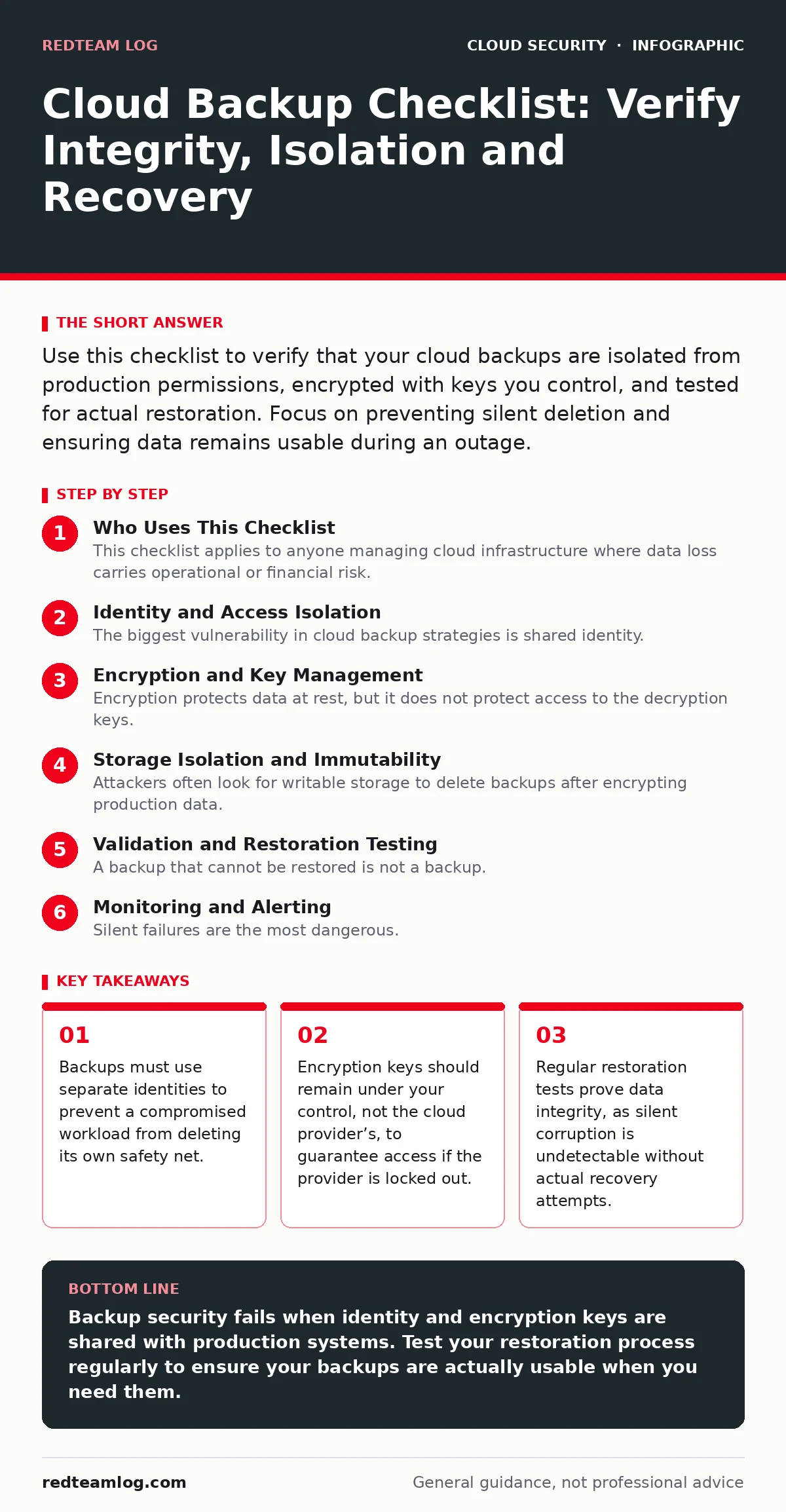
Use this checklist to verify that your cloud backups are isolated from production permissions, encrypted with keys you control, and tested for actual restoration. Focus on preventing silent deletion and ensuring data remains usable during an outage.
Who Uses This Checklist
This checklist applies to anyone managing cloud infrastructure where data loss carries operational or financial risk. It is designed for engineers and security teams who need to move beyond "set and forget" mentalities. You use this list to audit your current state, identify gaps in your recovery strategy, and harden your backup architecture against both accidental deletion and malicious exfiltration.
Identity and Access Isolation
The biggest vulnerability in cloud backup strategies is shared identity. If the same service account that runs your database also has permission to delete backups, a single compromise destroys both the live data and the recovery path. You must separate these responsibilities strictly.
- Separate backup service accounts: Create distinct identities for backup operations that have no access to production data modification.
- Least-privilege backup roles: Grant backup accounts only the permissions required to read data and write backups, nothing more.
- Disable backup account console access: Prevent human login to backup accounts to stop interactive misuse or credential theft.
- Audit backup permissions monthly: Review who can modify backup settings, as privilege creep often goes unnoticed for months.
This isolation ensures that even if an attacker gains control of a production workload, they cannot reach the backup storage. You should review related practices in our guide on workload identity to understand how to manage these separate accounts securely.
Encryption and Key Management
Encryption protects data at rest, but it does not protect access to the decryption keys. If the cloud provider manages the keys, you are trusting their security controls entirely. If you lose access to the provider account, you may lose access to your data permanently. Bringing your own keys changes this dynamic significantly.
- Use customer-managed encryption keys: Ensure you hold the keys, not the cloud provider, to maintain independent access.
- Store keys in a separate region: Keep encryption keys geographically separated from the backup data to survive regional outages.
- Implement key rotation policies: Rotate keys regularly to limit the window of exposure if a key is compromised.
- Verify key backup procedures: Ensure you have an offline or air-gapped copy of critical keys for catastrophic scenarios.
Refer to our guide on bring your own key encryption for details on implementing this without breaking automation. This approach adds operational complexity but removes a single point of failure.
Storage Isolation and Immutability
Attackers often look for writable storage to delete backups after encrypting production data. Immutable storage prevents any modification or deletion for a set period, effectively creating a time lock on your data. This stops ransomware from erasing your recovery options.
- Enable object lock or WORM: Use write-once-read-many storage features to prevent deletion for a minimum retention period.
- Isolate backup buckets from production: Store backups in a separate account or region that production workloads cannot access.
- Disable public access on backups: Ensure backup storage has no public read or write permissions, ever.
- Monitor for permission changes: Alert immediately if anyone modifies the access control lists on backup storage.
This strategy aligns with the principles of immutable infrastructure, where state changes are strictly controlled. You should also consider insecure cloud APIs as a vector if your backup storage is exposed via misconfigured endpoints.
Validation and Restoration Testing
A backup that cannot be restored is not a backup. Silent corruption happens when data is written incorrectly but the system reports success. You only discover this when you try to use the data. Regular testing is the only way to verify integrity.
- Schedule quarterly restoration tests: Restore a random sample of backups to a isolated environment to verify usability.
- Test application-level consistency: Ensure restored databases are not just files, but functional and consistent.
- Document restoration time: Measure how long it takes to restore critical data to meet your recovery objectives.
- Verify data completeness: Check that all expected records and metadata are present after restoration.
This process reveals hidden issues that monitoring tools miss. It is a practical application of the concepts in our cloud penetration testing guide, where you test your own defenses.
See also: Confidential Computing: 6 Misconceptions That Compromise Security · Data Center Resilience Planning: Keep Services Running During Failures
Monitoring and Alerting
Silent failures are the most dangerous. If a backup job fails without alerting, you may not notice until you need the data. Monitoring must cover not just job success, but also data volume and encryption status.
- Alert on backup job failures: Receive immediate notification if a scheduled backup does not complete successfully.
- Monitor data size anomalies: Alert if backup size changes drastically, indicating potential data loss or corruption.
- Track encryption status: Ensure every backup object is encrypted; alert if unencrypted objects appear.
- Log all backup operations: Maintain an immutable log of all backup creation, deletion, and access events.
These controls provide visibility into the health of your backup strategy. They complement the Cloud Controls Matrix by providing specific, actionable metrics for compliance and security.
Key takeaways
- Backups must use separate identities to prevent a compromised workload from deleting its own safety net.
- Encryption keys should remain under your control, not the cloud provider’s, to guarantee access if the provider is locked out.
- Regular restoration tests prove data integrity, as silent corruption is undetectable without actual recovery attempts.
Backup security fails when identity and encryption keys are shared with production systems. Test your restoration process regularly to ensure your backups are actually usable when you need them.
Frequently asked questions
How often should I test my cloud backups?
Test at least quarterly for critical systems, and annually for less critical data. The frequency depends on how quickly your data changes and your recovery time objectives.
Can I use the same encryption key for production and backups?
You can, but it is risky. If the key is compromised, both live data and backups are exposed. Separate keys limit the blast radius of a breach.
What is the difference between snapshot and full backup?
Snapshots are point-in-time copies of storage volumes, while full backups are complete data exports. Snapshots are faster but may not be portable across regions or accounts.
Do I need immutable storage if I have strong access controls?
Yes. Access controls can be bypassed by attackers with sufficient privileges. Immutable storage provides a technical barrier that permissions alone cannot overcome.
How this guide was produced: written by the RedTeam Log editorial team with AI assistance, checked against the public references listed below, and reviewed when the facts change. See our editorial policy or report an error.