
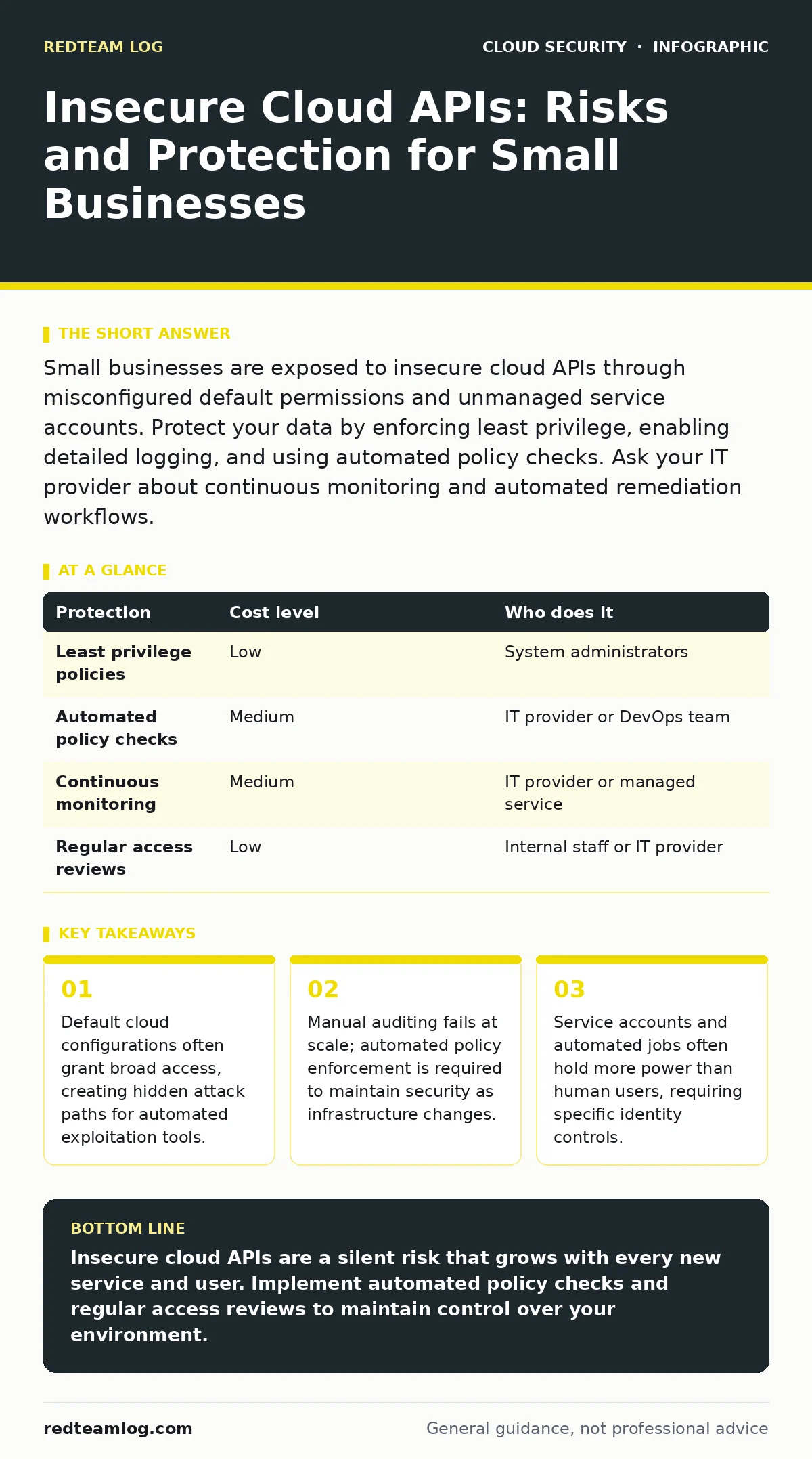
Small businesses are exposed to insecure cloud APIs through misconfigured default permissions and unmanaged service accounts. Protect your data by enforcing least privilege, enabling detailed logging, and using automated policy checks. Ask your IT provider about continuous monitoring and automated remediation workflows.
The Hidden Complexity of Cloud Interfaces
Cloud platforms expose vast amounts of functionality through application programming interfaces. These APIs allow software to interact with servers, storage, and databases without human intervention. For small organisations, this automation is attractive. It reduces the need for large infrastructure teams. However, every API endpoint is a potential entry point for attackers.
The risk lies in the sheer volume of these interfaces. A single cloud account may expose thousands of API calls. Most small teams do not audit these calls individually. They rely on default settings provided by the cloud vendor. These defaults are often designed for ease of use, not security. Consequently, many organisations operate with permissions that are far broader than necessary.
You must understand that an API is not just a door. It is a set of instructions that tells the cloud platform what actions are permitted. If an instruction allows "read and write" access to all storage, an attacker who gains that permission can steal or destroy everything. The complexity is not in the technology itself, but in managing the permissions across hundreds of micro-services.
Why Default Configurations Fail
Cloud providers offer one-click deployments to accelerate adoption. These templates pre-configure security groups, identity policies, and network rules. While convenient, they often grant excessive privileges. A development environment might need full access to test features. If that configuration is copied to production, it remains overly permissive.
Small organisations often lack the resources to review these configurations line by line. They assume the cloud provider has secured the baseline. This assumption is dangerous. The shared responsibility model dictates that the provider secures the infrastructure, but you secure what you put on it. This includes the API permissions that control access to your data.
Imagine you deploy a web application using a standard template. The template creates a database and a web server. It also creates an identity for the web server to access the database. By default, this identity might have permissions to delete the database. You do not need that permission to run a website. You only need read and write access. Leaving the delete permission active is a silent risk.
The Cost of Managing Permissions
Managing API security is not a one-time task. It is a continuous process. As your organisation grows, you add services, users, and applications. Each addition requires new API permissions. Without a process, permissions accumulate. This phenomenon is known as privilege creep.
Over time, accounts hold permissions they no longer need. An employee leaves, but their service account remains active with full access. A project ends, but the temporary API key is never revoked. These stale permissions become liabilities. Attackers scan for these high-privilege accounts specifically.
The cost of fixing this is not just financial. It is operational. Manual audits are slow and error-prone. You cannot manually check every API call in a dynamic environment. You need automated tools to enforce policies. These tools can detect and block permission changes that violate your security rules. They provide visibility into who has access to what, and when.
| Protection | Cost level | Who does it |
|---|---|---|
| Least privilege policies | Low | System administrators |
| Automated policy checks | Medium | IT provider or DevOps team |
| Continuous monitoring | Medium | IT provider or managed service |
| Regular access reviews | Low | Internal staff or IT provider |
Protecting Service Accounts and Automation
Human users are not the only entities accessing your cloud environment. Service accounts, automated jobs, and third-party applications also use APIs. These non-human identities often hold more power than human users. They run critical processes and have persistent access.
Securing these identities requires a different approach. You cannot enforce multi-factor authentication on a script. Instead, you must restrict the scope of their permissions. Use workload identity to bind permissions to specific workloads rather than broad accounts. This ensures that a script can only access the resources it needs, nothing more.
Small businesses often overlook this area. They focus on user passwords and ignore service account keys. This is a critical error. An attacker who compromises a service account gains automated access to your systems. They can move laterally and escalate privileges without triggering human-centric alerts.
What to Ask Your IT Provider
If you outsource your IT, you must verify their cloud security practices. Do not assume that managed services include API security. Ask specific questions to gauge their depth of knowledge.
- How do you enforce least privilege for service accounts and automated jobs?
- What tools do you use to detect and remediate misconfigured API permissions?
- How do you monitor for unusual API activity, such as access from new locations or at odd times?
- Can you provide a report of recent permission changes and why they were made?
- How do you handle the rotation of API keys and secrets?
These questions reveal whether your provider is proactive or reactive. A provider who only fixes issues after they occur is not sufficient. You need a partner who prevents misconfigurations before they become breaches.
See also: Confidential Computing: 6 Misconceptions That Compromise Security · Data Center Resilience Planning: Keep Services Running During Failures
Low-Cost Protections for Small Teams
You do not need expensive enterprise tools to improve your security. Many protections are built into cloud platforms or available at low cost. Start by enabling detailed logging. This records every API call made to your resources. While it does not prevent attacks, it provides evidence for investigation.
Next, implement automated policy checks. These tools scan your environment for common misconfigurations. They can alert you if a storage bucket is public or if a service account has excessive permissions. Some cloud providers offer these tools for free or at a low cost.
Finally, establish a process for regular access reviews. This does not need to be complex. A monthly check of active users and service accounts can catch stale permissions. Combine this with automated alerts for significant permission changes. This layered approach reduces risk without requiring a large security team.
Integrating with Broader Security Practices
API security does not exist in isolation. It connects to other areas of your cloud strategy. For example, managing secrets in source code prevents API keys from being leaked in public repositories. If an attacker finds a key in code, they can use it to access your APIs.
Similarly, cloud entitlements management helps you understand who has access to what across your entire environment. This visibility is crucial for identifying privilege creep. You cannot secure what you cannot see.
Consider also how cloud firewalls complement API security. Firewalls control network traffic, while API policies control logical access. Both are necessary. A firewall might block external access, but an internal attacker with valid API credentials can still cause damage.
For organisations using containers, container image scanning ensures that the software running on your APIs is secure. Vulnerable software can be exploited to bypass API controls. By securing the underlying software, you add another layer of defence.
If you adopt immutable infrastructure, you reduce the risk of configuration drift. Servers are replaced rather than modified, ensuring that permissions remain consistent. This approach simplifies security management and reduces the chance of human error.
Finally, cloud backup strategies must account for API access. Ensure that backup systems have restricted permissions and that backup data is encrypted. If an attacker compromises your primary environment, they may try to delete or encrypt backups. Protecting backup APIs is as important as protecting primary APIs.
Key takeaways
- Default cloud configurations often grant broad access, creating hidden attack paths for automated exploitation tools.
- Manual auditing fails at scale; automated policy enforcement is required to maintain security as infrastructure changes.
- Service accounts and automated jobs often hold more power than human users, requiring specific identity controls.
Insecure cloud APIs are a silent risk that grows with every new service and user. Implement automated policy checks and regular access reviews to maintain control over your environment.
Frequently asked questions
Do I need a dedicated security team to manage cloud API risks?
No. Small teams can manage these risks by using automated tools and establishing simple review processes. Focus on automation rather than manual auditing.
How often should I review API permissions?
Review permissions at least monthly. For high-risk environments, weekly reviews are advisable. Automated tools can help identify changes between reviews.
Can I use multi-factor authentication for service accounts?
No. Service accounts are non-human identities and cannot use multi-factor authentication. Instead, restrict their permissions and monitor their activity closely.
What is the biggest mistake small businesses make with cloud APIs?
Relying on default configurations. Defaults are designed for ease of use, not security. Always review and restrict permissions after deployment.
How this guide was produced: written by the RedTeam Log editorial team with AI assistance, checked against the public references listed below, and reviewed when the facts change. See our editorial policy or report an error.