
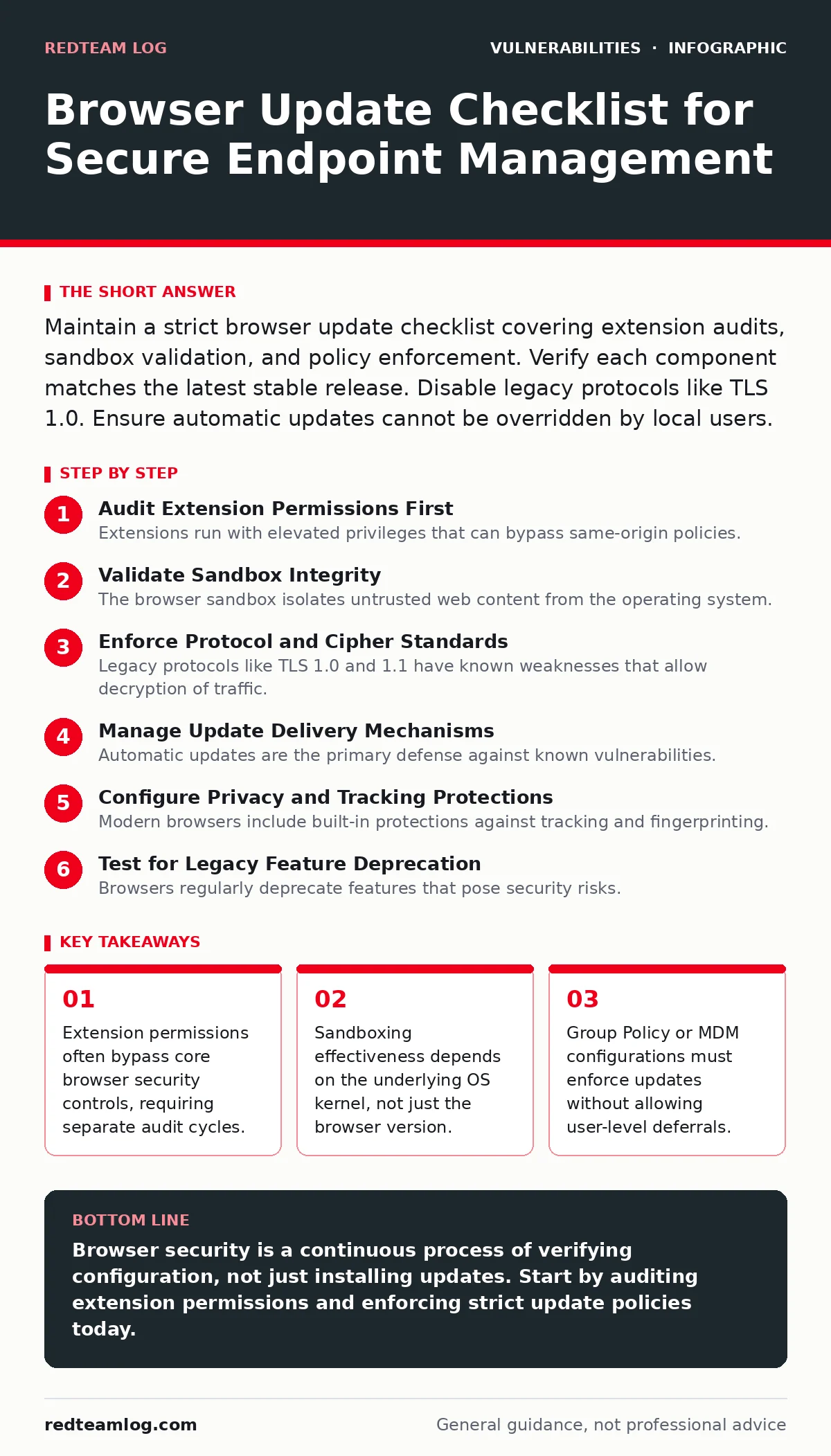
Maintain a strict browser update checklist covering extension audits, sandbox validation, and policy enforcement. Verify each component matches the latest stable release. Disable legacy protocols like TLS 1.0. Ensure automatic updates cannot be overridden by local users.
Audit Extension Permissions First
Extensions run with elevated privileges that can bypass same-origin policies. They often access sensitive data without explicit user consent per page. A compromised extension acts as a persistent backdoor, surviving standard browser resets. You must review installed extensions against a whitelist of approved tools.
- Disable all non-essential extensions: Reduces the attack surface for supply-chain compromises within the extension ecosystem.
- Verify extension signing certificates: Ensures the code has not been tampered with since publication by the developer.
- Check extension last update date: Stale extensions may contain known vulnerabilities that are no longer being patched.
- Restrict extension installation rights: Prevents users from installing unvetted tools that could exfiltrate session tokens.
Imagine an employee installs a productivity tool that requests access to all URLs. That tool can read every page they visit, including internal administrative portals. This is a common vector for data theft that traditional vulnerability scanning often misses. For deeper analysis on how malicious code can modify object structures, review the guide on prototype pollution.
Validate Sandbox Integrity
The browser sandbox isolates untrusted web content from the operating system. It prevents a compromised renderer process from accessing the file system or other applications. However, sandbox escapes are a frequent target for attackers seeking full system control. You must ensure the sandbox is active and not disabled by administrative error.
- Confirm renderer process isolation: Ensures that a crash in one tab does not compromise the entire browser instance.
- Check for disabled sandbox flags: Some enterprise policies accidentally disable sandboxing for compatibility, creating a critical gap.
- Verify OS-level sandbox support: The browser sandbox relies on OS features like Windows Job Objects or Linux seccomp-bpf.
- Test sandbox bypass scenarios: Regularly attempt to escape the sandbox to validate that security controls function as designed.
If the sandbox fails, the browser becomes a direct conduit to the host machine. This is why understanding the underlying operating system is as important as the browser version itself.
Enforce Protocol and Cipher Standards
Legacy protocols like TLS 1.0 and 1.1 have known weaknesses that allow decryption of traffic. Modern browsers should disable these by default, but misconfigurations can re-enable them. Weak ciphers allow attackers to perform downgrade attacks against secure connections. You must explicitly disable outdated cryptographic standards.
- Disable TLS 1.0 and 1.1: Prevents downgrade attacks that strip encryption from sensitive communications.
- Enforce HSTS (HTTP Strict Transport Security): Forces the browser to use HTTPS, preventing man-in-the-middle interception.
- Block mixed content: Stops secure pages from loading insecure resources, which can be hijacked to inject malicious scripts.
- Verify certificate transparency logs: Ensures that certificates are publicly logged, making rogue certificates harder to issue.
Imagine a server that accepts both TLS 1.2 and 1.0. An attacker can force the browser to use 1.0, then decrypt the traffic. This is a silent failure that leaves no obvious trace in standard logs. For related network security controls, see the guide on Content Security Policy.
Manage Update Delivery Mechanisms
Automatic updates are the primary defense against known vulnerabilities. However, users often have the ability to defer or disable these updates. This creates a window of exposure where the browser is known to be vulnerable. You must centralise update control to eliminate user discretion.
- Set update interval to daily: Ensures that critical patches are applied within hours of release, not weeks.
- Disable user deferral options: Prevents employees from delaying updates due to perceived inconvenience or workflow disruption.
- Use centralised update servers: Allows testing of new versions in a staging environment before wide deployment.
- Monitor update failure rates: Identifies network or permission issues that prevent successful patch application.
If updates fail silently, the system remains vulnerable indefinitely. You must have alerting in place for failed update attempts. This approach complements broader software inventory management strategies. For tracking software components, refer to the guide on software bill of materials (SBOM).
Configure Privacy and Tracking Protections
Modern browsers include built-in protections against tracking and fingerprinting. These features reduce the amount of data available to attackers for profiling users. Disabling these protections increases the risk of targeted attacks based on unique browser configurations. You must ensure these defaults remain active.
- Enable strict tracking protection: Blocks third-party cookies and trackers that can be used for session hijacking.
- Disable WebRTC leaks: Prevents the browser from revealing local IP addresses to websites, which aids in location tracking.
- Restrict site data access: Limits the ability of sites to store persistent data that can be used for fingerprinting.
- Audit cookie settings: Ensures that third-party cookies are blocked by default, reducing cross-site tracking.
Imagine a website that uses WebRTC to discover your local IP address. This information can be used to bypass network restrictions or target specific devices. This is a subtle leak that many users are unaware of. For related input validation issues, see the guide on file upload vulnerabilities.
See also: Prevent Malicious Browser Extensions: Stop Credential Theft
Test for Legacy Feature Deprecation
Browsers regularly deprecate features that pose security risks. These features may still be enabled in older versions or through custom configurations. Using deprecated features can lead to unexpected behaviour and security gaps. You must audit configurations to remove support for obsolete technologies.
- Disable NPAPI plugins: Removes support for legacy plugins that run outside the sandbox, such as older Flash versions.
- Block ActiveX controls: Prevents execution of unmanaged code on Windows systems, a common vector for malware.
- Disable Java applets: Removes a complex runtime environment that is frequently targeted by exploits.
- Verify HTML5 feature support: Ensures that modern, secure standards are used instead of deprecated alternatives.
If legacy features are enabled, attackers can use known exploits that no longer work on modern browsers. This is a simple way to maintain security without changing the browser version. For related access control issues, see the guide on insecure direct object references (IDOR).
Key takeaways
- Extension permissions often bypass core browser security controls, requiring separate audit cycles.
- Sandboxing effectiveness depends on the underlying OS kernel, not just the browser version.
- Group Policy or MDM configurations must enforce updates without allowing user-level deferrals.
Browser security is a continuous process of verifying configuration, not just installing updates. Start by auditing extension permissions and enforcing strict update policies today.
Frequently asked questions
How often should I audit browser extensions?
Audit extensions at least quarterly or whenever a new version of the browser is released.
Can I disable sandboxing for older applications?
No, disabling sandboxing exposes the system to direct code execution attacks. Use a virtual machine instead.
What is the risk of mixed content?
Mixed content allows attackers to inject malicious scripts into otherwise secure pages, bypassing HTTPS protections.
Do I need to update if I only use internal sites?
Yes, internal sites can be compromised or used as a pivot point for attacks on the wider network.
How this guide was produced: written by the RedTeam Log editorial team with AI assistance, checked against the public references listed below, and reviewed when the facts change. See our editorial policy or report an error.