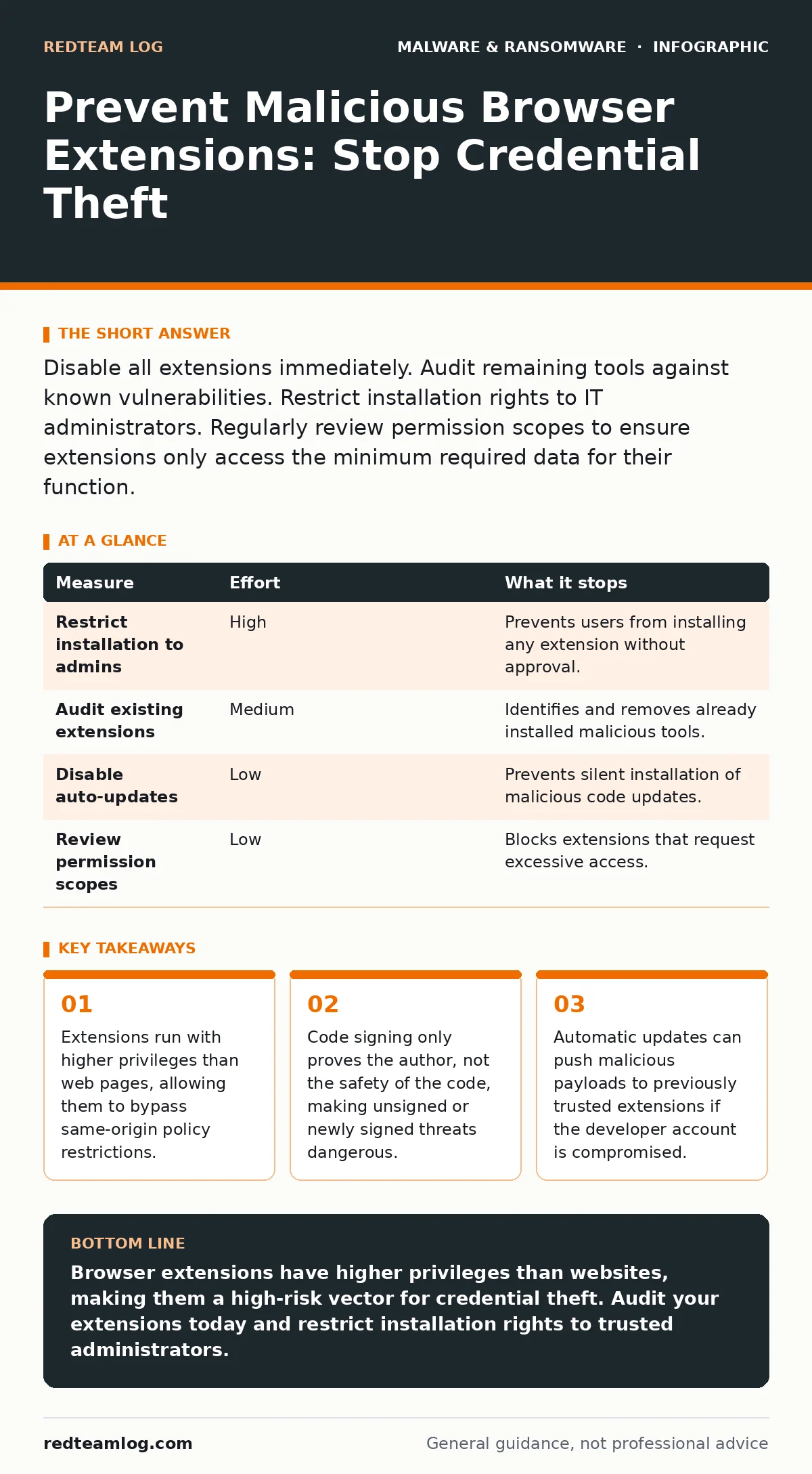
Disable all extensions immediately. Audit remaining tools against known vulnerabilities. Restrict installation rights to IT administrators. Regularly review permission scopes to ensure extensions only access the minimum required data for their function.
The Privilege Escalation Trap
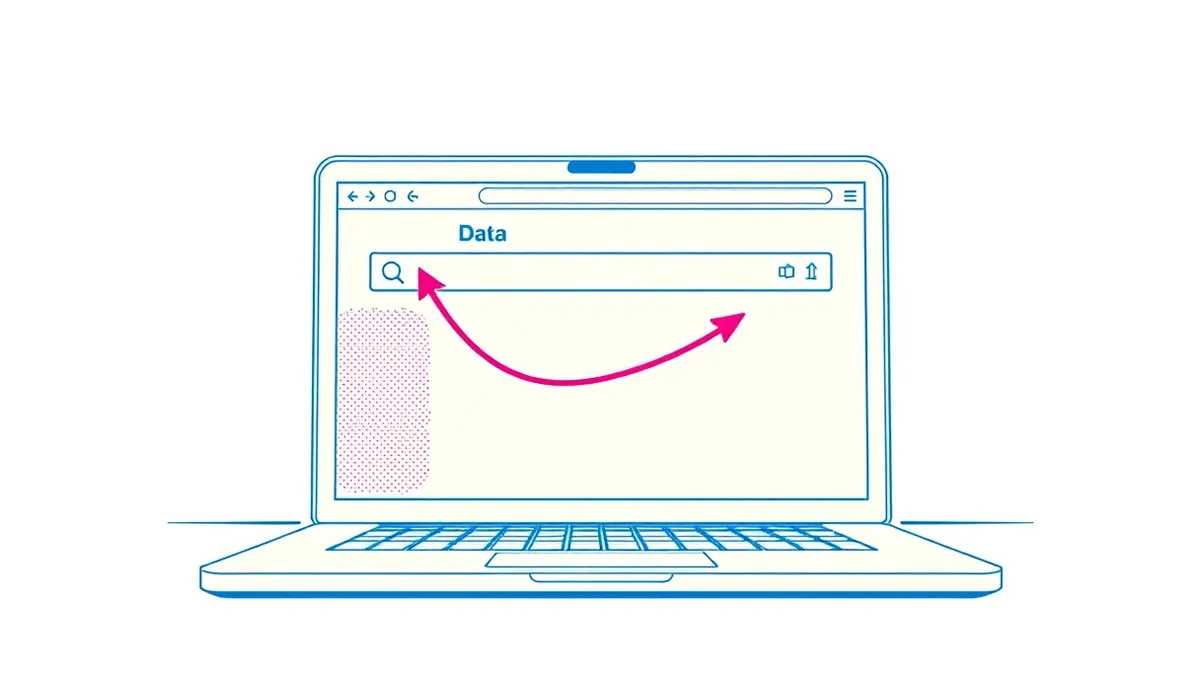
Browser extensions are not merely add-ons; they are mini-applications running within your browser environment. They possess permissions that standard websites cannot access. This includes the ability to read and modify data on any website you visit, capture screenshots, and access your browser history.
When you install an extension, you grant it a level of trust that exceeds that of the websites you browse. A malicious extension does not need to trick you into clicking a phishing link. It simply waits for you to log in to a legitimate service. Once you type your credentials, the extension captures them in plain text before the browser encrypts the connection.
This mechanism makes extensions a preferred vector for attackers. They do not need to exploit a browser vulnerability. They only need you to install a tool that appears useful. The damage occurs silently, often without any visible change to your browsing experience.
Why Standard Defenses Fail
Most users rely on their antivirus software to block malicious code. This assumption is flawed when dealing with browser extensions. Antivirus engines typically scan files on disk. They do not always inspect the runtime behaviour of code executing within the browser sandbox.
An extension can be signed with a valid certificate, making it appear legitimate to security tools. The signature proves the identity of the developer, not the benign nature of the code. If a developer’s account is compromised, or if they introduce malicious updates later, the signature remains valid.
This is why Microsoft Defender Antivirus or other endpoint protection platforms may not flag a malicious extension. The code is technically allowed to run because the browser granted the permission. You must treat extensions as external agents that require their own verification process, separate from standard file scanning.
The Hidden Cost of Convenience
Users often install extensions to improve productivity or save money. These tools promise ad blocking, price comparison, or password management. However, the cost of this convenience is often your data privacy.
Many legitimate extensions collect usage data to improve their services. This data can include browsing habits, search queries, and even form inputs. While this may seem benign, it creates a detailed profile of your activity. Attackers can exploit this data to craft highly targeted social engineering attacks.
Furthermore, some extensions request permissions they do not need. A weather widget does not need access to your bookmarks or history. If it asks for these permissions, it is a red flag. The extension may be harvesting this data for resale or to facilitate further attacks.
Prioritising Prevention Measures
Preventing malicious extensions requires a layered approach. Not all measures are equally effective. You should focus on controls that remove the ability to install unvetted code in the first place.
| Measure | Effort | What it stops |
|---|---|---|
| Restrict installation to admins | High | Prevents users from installing any extension without approval. |
| Audit existing extensions | Medium | Identifies and removes already installed malicious tools. |
| Disable auto-updates | Low | Prevents silent installation of malicious code updates. |
| Review permission scopes | Low | Blocks extensions that request excessive access. |
Restricting installation rights is the most effective measure. It ensures that only vetted extensions are available to users. This requires configuration management but significantly reduces the attack surface.
The Danger of Compromised Accounts
Attackers often target popular extension developers. They may buy out failing extension projects or compromise developer accounts. This allows them to inject malicious code into trusted, widely used extensions.
This tactic is similar to the supply chain attacks seen in malicious PyPI packages. The trust is already established. Users do not question updates from sources they have used for years. The malicious code is delivered via the automatic update mechanism.
When an extension updates, it often runs with the same permissions it had before. If the update contains malicious code, it inherits the high privileges granted during installation. This makes detection difficult, as the extension’s signature and identity remain unchanged.
See also: Browser Update Best Practices: Secure Deployments Without Breaking Users · DCSync Attack Mechanics: Step-by-Step Breakdown and Mitigation
What Does Not Work
Simply installing a reputable antivirus is not enough. As mentioned, these tools may not inspect browser extension runtime behaviour. You must assume that your endpoint protection does not cover this specific vector.
Another common mistake is assuming that disabling JavaScript blocks extensions. Extensions often run on their own background pages and can execute code regardless of the website’s JavaScript settings. They operate at a lower level than the web page content.
Managing the Extension Lifecycle
You must treat extensions like software. They require regular review and updates. However, unlike standard software, you have limited visibility into what they do.
Start by listing all installed extensions on your devices. Remove any that you do not recognise or use. For the remaining ones, check their permission settings. If an extension requests access to all websites, consider if it truly needs it. A password manager only needs access to the sites where you log in.
Consider using a browser profile for work that has no extensions installed. This isolates your professional activity from the risks associated with personal tools. This segmentation reduces the impact if an extension is compromised.
Immediate Action Steps
You can reduce your risk today by taking three simple steps. These actions do not require advanced technical knowledge but provide immediate protection.
- Disable all non-essential extensions. Keep only the tools you use daily.
- Review the permissions of each remaining extension. Revoke any that seem excessive.
- Check for updates. If an extension has not been updated in a long time, consider removing it.
These steps help you regain control over your browser environment. They prevent silent data exfiltration and reduce the risk of credential theft.
Final Checklist for Security
Securing your browser is an ongoing process. New extensions are released daily, and threats evolve. You must maintain a disciplined approach to extension management.
- Restrict who can install extensions on your devices.
- Regularly audit installed extensions for unnecessary permissions.
- Monitor for unexpected changes in browser behaviour, such as new toolbars or slow performance.
By following these practices, you protect yourself from the hidden threats lurking in your browser. Remember, an extension is only as safe as the code it contains.
Key takeaways
- Extensions run with higher privileges than web pages, allowing them to bypass same-origin policy restrictions.
- Code signing only proves the author, not the safety of the code, making unsigned or newly signed threats dangerous.
- Automatic updates can push malicious payloads to previously trusted extensions if the developer account is compromised.
Browser extensions have higher privileges than websites, making them a high-risk vector for credential theft. Audit your extensions today and restrict installation rights to trusted administrators.
Frequently asked questions
Can a browser extension steal my passwords?
Yes, if it has permission to access your browsing data, it can capture passwords as you type them, before they are encrypted.
Is it safe to install extensions from the official web store?
Not necessarily. Malicious extensions can be published on official stores and may remain there for some time before being detected and removed.
How do I know if an extension is malicious?
Look for excessive permissions, poor reviews, or sudden changes in functionality. If an extension asks for access it does not need, remove it.
Does disabling JavaScript protect against malicious extensions?
No, extensions run independently of website JavaScript settings and can still execute malicious code even if JavaScript is disabled on web pages.
How this guide was produced: written by the RedTeam Log editorial team with AI assistance, checked against the public references listed below, and reviewed when the facts change. See our editorial policy or report an error.