
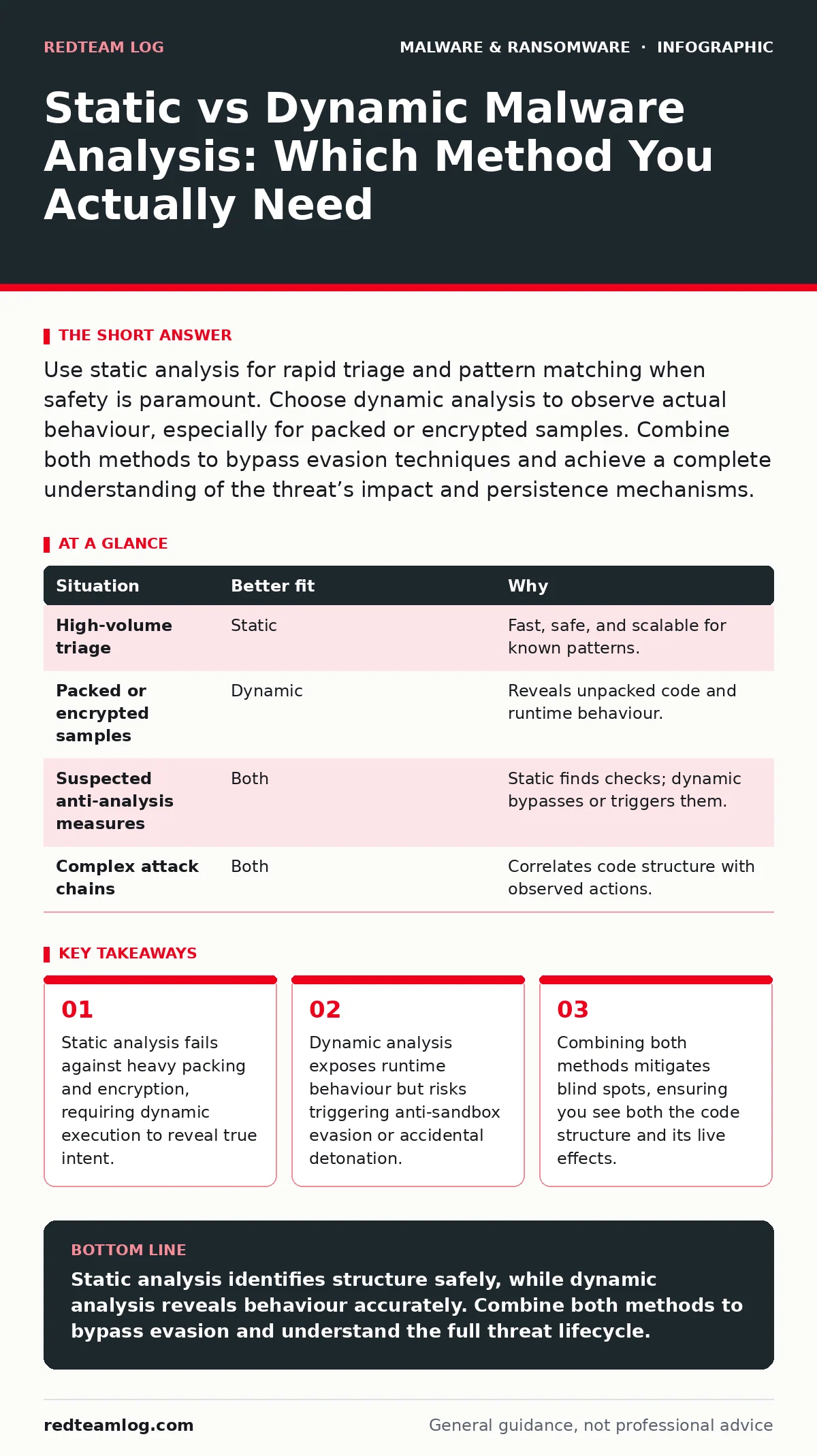
Use static analysis for rapid triage and pattern matching when safety is paramount. Choose dynamic analysis to observe actual behaviour, especially for packed or encrypted samples. Combine both methods to bypass evasion techniques and achieve a complete understanding of the threat’s impact and persistence mechanisms.
Does the sample execute safely in isolation?
The first question determines whether you can run the code at all. Static analysis examines the file without executing it. You inspect headers, strings, and assembly code to identify known signatures or suspicious functions. This approach is safe because the malware never runs on your infrastructure.
Suppose you receive a suspicious document. Running it could trigger a payload that compromises your analysis machine. Static tools allow you to dissect the file structure, looking for embedded scripts or macros, without that risk. This method is ideal for initial triage where speed and safety are priorities.
However, static analysis has blind spots. If the code is packed or encrypted, the meaningful instructions are hidden. You see only the outer shell. Without execution, you cannot see what the malware actually does. This limitation makes static analysis insufficient for complex threats that rely on obfuscation.
Is the code heavily obfuscated or packed?
Obfuscation hides the true intent of the code. Packing compresses or encrypts the executable, leaving only a small loader visible in the file. Static analysis struggles here because the loader contains no useful indicators of compromise. It looks benign or generic.
Dynamic analysis solves this by running the sample in a controlled environment, such as a sandbox. The sandbox executes the code, allowing the packer to unpack the payload in memory. You then observe the behaviour: network connections, file modifications, and registry changes. This reveals the true nature of the threat.
Consider the challenge of fileless malware, which operates entirely in memory. Static analysis of the initial dropper shows little. Only dynamic observation reveals the PowerShell commands or WMI scripts that execute the attack. If the sample uses advanced packing, dynamic analysis is not just helpful; it is necessary to see the payload.
Can the malware evade detection through behaviour?
Modern malware often checks its environment before executing. It looks for signs of a sandbox, such as missing user profiles, specific hardware IDs, or analysis tools. If it detects these, it may remain dormant or execute a dummy routine. This is known as anti-sandbox evasion.
Static analysis cannot detect this logic easily. The code for the check exists, but interpreting it requires deep reverse engineering. Dynamic analysis in a basic sandbox may trigger the evasion, giving you false negatives. The malware appears harmless because it did not run its malicious payload.
To counter this, you must use advanced dynamic environments that mimic a real user system. You might delay execution or interact with the sample to trigger the payload. This adds complexity and time. You are trading speed for accuracy. If the malware is sophisticated, a simple dynamic run will fail to reveal its capabilities.
Do you need to understand the full attack chain?
A single method rarely provides a complete picture. Static analysis gives you the blueprint; dynamic analysis shows the building in use. Using both allows you to correlate code with behaviour. This is critical for understanding persistence and lateral movement.
Imagine a sample that modifies system files. Static analysis identifies the API calls used for modification. Dynamic analysis confirms which files are actually changed and when. This combination helps you build accurate indicators of compromise for detection systems.
This approach is particularly relevant for malware payloads that drop secondary stages. Static analysis of the initial file shows the dropper. Dynamic analysis captures the download and execution of the second stage. You see the full chain, from initial infection to final objective.
| Situation | Better fit | Why |
|---|---|---|
| High-volume triage | Static | Fast, safe, and scalable for known patterns. |
| Packed or encrypted samples | Dynamic | Reveals unpacked code and runtime behaviour. |
| Suspected anti-analysis measures | Both | Static finds checks; dynamic bypasses or triggers them. |
| Complex attack chains | Both | Correlates code structure with observed actions. |
How do you combine both methods effectively?
Start with static analysis to filter obvious benign files and identify known threats. This reduces the volume of samples needing deeper inspection. Look for suspicious imports, strings, or certificates. Flag anything unusual for dynamic testing.
Next, run the flagged samples in a dynamic environment. Use a isolated virtual machine with no network access initially. Observe the behaviour. If the malware connects to the network, capture the traffic. Compare the observed behaviour with the static findings.
If the dynamic run shows nothing, revisit the static data. Look for anti-analysis checks. Modify the environment or use debugger-assisted dynamic analysis to bypass these checks. This iterative process ensures you do not miss hidden threats.
See also: Hard-Coded Credentials: How Embedded Secrets Compromise Software Security
What are the hidden costs of each approach?
Static analysis requires significant expertise to interpret assembly code and obfuscation. It is not automated enough for all cases. You need skilled analysts to dig deep. The cost is time and specialised knowledge.
Dynamic analysis requires robust infrastructure. Sandboxes must be updated regularly to mimic current environments. They also consume resources. The cost is operational overhead and the risk of incomplete data if evasion is present.
Consider the impact of stalkerware on mobile devices. Static analysis of the APK file may show benign permissions. Dynamic analysis reveals the keylogging and location tracking behaviour. The hidden cost of static-only analysis is missing the abuse of legitimate features.
When should you prioritise one over the other?
Prioritise static analysis when you need quick answers on large volumes of data. It is efficient for filtering and initial classification. Use it when the risk of execution is too high or when resources are limited.
Prioritise dynamic analysis when the sample is new, packed, or suspected of evasion. It is necessary for understanding behaviour and impact. Use it when static analysis yields inconclusive results or when you need to validate a hypothesis.
For the most accurate results, use both. Static analysis provides the context; dynamic analysis provides the proof. This dual approach balances speed, safety, and depth, ensuring you understand the threat fully.
Key takeaways
- Static analysis fails against heavy packing and encryption, requiring dynamic execution to reveal true intent.
- Dynamic analysis exposes runtime behaviour but risks triggering anti-sandbox evasion or accidental detonation.
- Combining both methods mitigates blind spots, ensuring you see both the code structure and its live effects.
Static analysis identifies structure safely, while dynamic analysis reveals behaviour accurately. Combine both methods to bypass evasion and understand the full threat lifecycle.
Frequently asked questions
Can static analysis detect fileless malware?
Static analysis can identify the initial dropper or script, but it cannot observe the in-memory execution that defines fileless attacks. Dynamic analysis is required to see the runtime behaviour.
Is dynamic analysis safe for all malware samples?
No. Some malware is designed to escape sandboxes or compromise the host. Always use isolated, disposable environments and monitor network traffic closely to prevent lateral movement.
How do I handle packed malware with static analysis?
Static analysis can identify packing tools and libraries, but it cannot see the unpacked payload. You must use dynamic analysis or specialized unpacking tools to reveal the true code.
What is the main risk of relying only on static analysis?
The main risk is missing obfuscated or encrypted payloads that appear benign in static form. You may classify a dangerous threat as safe, leading to undetected infection.
How this guide was produced: written by the RedTeam Log editorial team with AI assistance, checked against the public references listed below, and reviewed when the facts change. See our editorial policy or report an error.