
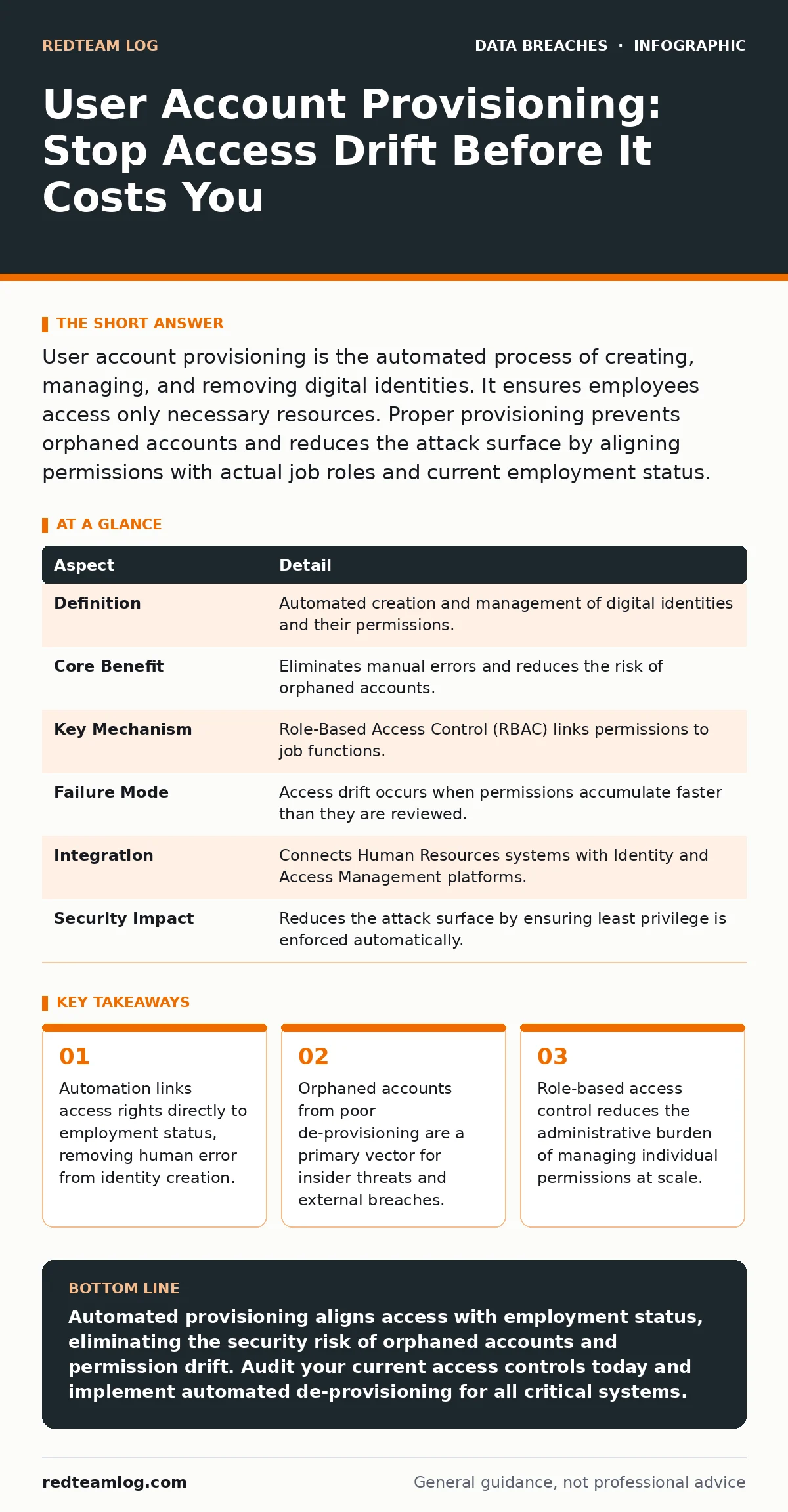
User account provisioning is the automated process of creating, managing, and removing digital identities. It ensures employees access only necessary resources. Proper provisioning prevents orphaned accounts and reduces the attack surface by aligning permissions with actual job roles and current employment status.
The Library Card Analogy
Imagine a library that hands out master keys to every new patron. The librarian writes down names in a notebook. When a patron leaves, the librarian must remember to retrieve that key. If the librarian forgets, the former patron retains full access to the archives. This is manual access management. It relies on memory rather than system logic. Digital environments are far more complex than libraries. The stakes are higher when a single key opens every server, database, and application in your organisation.
What Is User Account Provisioning?
User account provisioning is the automated lifecycle management of digital identities within an organisation. It covers the creation, modification, and deletion of user accounts across multiple systems. The process ensures that users receive the correct permissions based on their role. It also ensures those permissions are removed when the role changes or ends. This mechanism replaces manual configuration with policy-driven automation.
| Aspect | Detail |
|---|---|
| Definition | Automated creation and management of digital identities and their permissions. |
| Core Benefit | Eliminates manual errors and reduces the risk of orphaned accounts. |
| Key Mechanism | Role-Based Access Control (RBAC) links permissions to job functions. |
| Failure Mode | Access drift occurs when permissions accumulate faster than they are reviewed. |
| Integration | Connects Human Resources systems with Identity and Access Management platforms. |
| Security Impact | Reduces the attack surface by ensuring least privilege is enforced automatically. |
How Provisioning Works in Practice
The process begins with a trigger event, usually a change in the Human Resources system. When a new employee is hired, the HR system sends a signal to the Identity Provider. The Identity Provider creates the account and assigns groups based on the employee’s department. These groups map to specific permissions in email, file servers, and application suites. This is known as Just-In-Time access. The user receives permissions only when needed and only for the duration required. When the employee transfers teams, the system revokes old permissions and grants new ones. This prevents permission creep.
Who Is Affected by Poor Provisioning?
Every organisation with digital assets is affected by poor provisioning. Small teams manage this manually, but errors accumulate quickly. Larger organisations face exponential complexity. Each new application adds another layer of permissions to manage. When provisioning fails, the entire security posture weakens. Attackers exploit orphaned accounts. Insiders misuse accumulated privileges. Compliance auditors flag inconsistencies. The cost is not just technical; it is operational and reputational. You must treat identity as the new perimeter.
The Hidden Cost of Access Drift
Access drift is the gradual accumulation of unnecessary permissions over time. An employee starts with basic access. They request temporary admin rights for a project. The project ends, but the rights remain. Six months later, they have access to systems they never intended to use. This is a silent vulnerability. It is not a breach until it is exploited. Detecting drift requires continuous monitoring. You cannot fix drift with periodic reviews. You need real-time reconciliation between HR status and access logs.
See also: Cloud Penetration Testing Mistakes and How to Avoid Them · Password Rotation Mechanics: Why Forced Changes Fail
What People Usually Get Wrong
A common error is treating provisioning as a one-time setup. Organisations automate the creation of accounts but neglect the modification and deletion phases. Another error is relying on group membership without auditing the groups themselves. If a group has excessive permissions, every member inherits that risk. You must audit the permissions of the groups, not just the users. Additionally, teams often ignore service accounts. These non-human identities often have higher privileges than human users and are rarely reviewed.
Integrating with Broader Security Controls
Provisioning does not exist in isolation. It must work with other security controls. For instance, data masking protects sensitive information even if an authorised user accesses it. This adds a layer of defence if provisioning grants too much access. Similarly, credential exposure monitoring detects if stolen credentials from a provisioned account are used on the dark web. If you rely on password rotation alone, you miss the structural risks of poor access management. Rotation does not remove unnecessary permissions.
The Role of De-Provisioning
De-provisioning is the removal of access when an employee leaves or changes roles. It is the most critical phase of the lifecycle. A delayed de-provisioning process leaves an open door. Automated triggers must disable accounts immediately upon termination. This includes email, cloud services, and physical access cards where integrated. You must verify that all sessions are terminated. Cached credentials on mobile devices can still grant access even if the account is disabled. This is why lost and stolen devices policies must intersect with identity management.
Checking Your Current State
You must audit your current provisioning process. Identify all systems where user accounts exist. Map the permissions granted to each role. Look for manual interventions. Manual steps are points of failure. Implement a single source of truth for identity data. This is usually the HR system. Ensure that all downstream systems pull data from this source. Test the de-provisioning process regularly. Simulate an employee termination and verify that access is revoked within minutes, not days.
Moving Forward with Automation
Start by automating the most critical systems. Email and directory services are the foundation. Once these are automated, extend to application-specific permissions. Use Role-Based Access Control to standardise permissions. Define clear roles with minimal necessary privileges. Review these roles quarterly. Involve business owners in the review process. They understand what access their teams actually need. This reduces friction and improves security.
Related Security Practices
Provisioning supports other security initiatives. For example, SOC 2 compliance requires strict access controls. Proper provisioning provides the audit trail needed for certification. It also supports data subject rights by allowing you to identify and delete all data associated with a specific user. When you need to respond to a breach, incident communication plans rely on accurate identity data to determine who was affected. Without accurate provisioning, you cannot accurately assess the scope of a breach.
Key takeaways
- Automation links access rights directly to employment status, removing human error from identity creation.
- Orphaned accounts from poor de-provisioning are a primary vector for insider threats and external breaches.
- Role-based access control reduces the administrative burden of managing individual permissions at scale.
Automated provisioning aligns access with employment status, eliminating the security risk of orphaned accounts and permission drift. Audit your current access controls today and implement automated de-provisioning for all critical systems.
Frequently asked questions
How do I handle contractor access in provisioning?
Treat contractors as temporary users with a strict end date. Automate their account expiration to match the contract duration. This prevents access lingering after the contract ends.
What is the difference between provisioning and onboarding?
Onboarding is the human process of welcoming a new employee. Provisioning is the technical process of creating their digital identity. Onboarding sets the expectation; provisioning enforces the access.
Can I use multi-factor authentication instead of provisioning?
Multi-factor authentication verifies identity, but it does not manage permissions. A user with MFA can still access systems they should not. Provisioning controls what they can access; MFA controls who they are.
How often should I review access permissions?
Review permissions continuously through automated monitoring. Conduct formal audits quarterly. This balances real-time security with administrative feasibility.
How this guide was produced: written by the RedTeam Log editorial team with AI assistance, checked against the public references listed below, and reviewed when the facts change. See our editorial policy or report an error.