
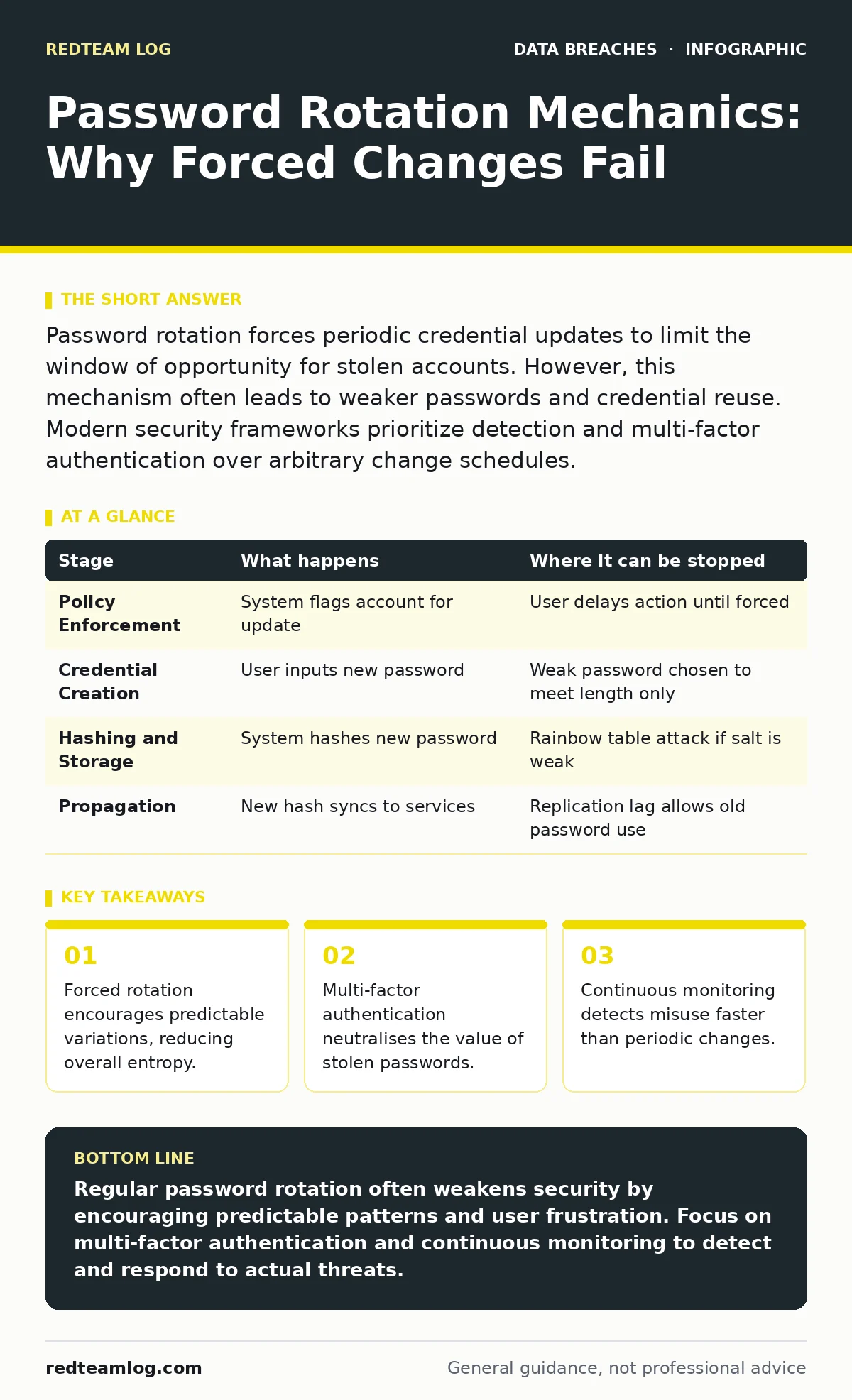
Password rotation forces periodic credential updates to limit the window of opportunity for stolen accounts. However, this mechanism often leads to weaker passwords and credential reuse. Modern security frameworks prioritize detection and multi-factor authentication over arbitrary change schedules.
The Illusion of Security Through Change
Many organisations mandate regular password changes under the assumption that limiting the lifespan of a credential limits its exposure. This logic assumes that an attacker cannot maintain access indefinitely if the password expires. In practice, this approach introduces friction that users actively work around. The result is often a system that appears secure on paper but remains vulnerable in reality.
The mechanism relies on administrative policies rather than threat detection. It treats time as the primary variable in risk calculation. This ignores the actual behaviour of attackers who often maintain persistence through other means.
Stage 1: Policy Enforcement
The process begins with the identity provider enforcing a maximum age for the credential. The system tracks the date of the last password change and compares it against the configured threshold. When the threshold is reached, the system flags the account as requiring an update. This flag does not log the user out immediately. It prevents further authentication until a new credential is provided.
The identity provider, often a directory service, holds the authoritative record of these dates. It broadcasts the requirement to any service that queries its status. This creates a centralised point of control for credential lifecycle management.
| Stage | What happens | Where it can be stopped |
|---|---|---|
| Policy Enforcement | System flags account for update | User delays action until forced |
| Credential Creation | User inputs new password | Weak password chosen to meet length only |
| Hashing and Storage | System hashes new password | Rainbow table attack if salt is weak |
| Propagation | New hash syncs to services | Replication lag allows old password use |
Stage 2: Credential Creation
When you are forced to change your password, you face a cognitive load problem. You need a string that satisfies complexity rules but is also memorable enough to retain for the next cycle. Most users respond by applying a simple transformation to their previous password. They might change a number or add a symbol at the end.
This behaviour reduces the effective search space for an attacker. If an attacker has a previous password hash, they can generate likely variations and test them. This technique, known as incremental guessing, bypasses the security benefit of rotation. The new password is not a random value. It is a derivative of the old one.
Stage 3: Hashing and Storage
Once you submit the new password, the system must store it securely. It does not store the plain text. Instead, it runs the password through a cryptographic hash function combined with a unique salt. The salt ensures that identical passwords result in different hashes. This prevents attackers from using precomputed tables to reverse the hashes.
The resulting hash is stored in the database. If an attacker compromises this database, they cannot immediately read the passwords. They must perform a brute-force attack to find a match. Slow hashing algorithms increase the time required for each guess, raising the cost of the attack.
Stage 4: Propagation and Authentication
After the new hash is stored, it must propagate to all services that rely on the central directory. This synchronization is not instantaneous. There is often a delay between the update and the availability of the new credential across all endpoints. During this window, you may be locked out of some services while others still accept the old password.
Attackers who have cached tokens or session cookies may remain authenticated even after you change your password. Password rotation does not revoke existing sessions. It only prevents new logins with the old credential. This creates a gap where an attacker maintains access despite your compliance with the policy.
The Hidden Costs of Rotation
The friction of frequent changes leads to workarounds that undermine security. Users write down passwords, reuse them across multiple accounts, or choose predictable patterns. These behaviours increase the risk of credential exposure across multiple platforms. If one service suffers a data leak, the reused password gives attackers access to your other accounts.
Organisations often overlook the operational cost. Help desks spend significant time resetting accounts for users who forget their new passwords. This distraction reduces the security team's ability to focus on active threats. The resource spent on enforcing rotation could be better used on monitoring and detection.
Modern Alternatives to Rotation
The security industry has shifted away from mandatory rotation. The focus is now on data encryption and strong identity verification. Multi-factor authentication adds a second layer of defence that remains effective even if a password is compromised. This approach protects against the primary threat vector without forcing users to change credentials regularly.
Implementing the principle of least privilege reduces the impact of a compromised account. By limiting what each user can access, you contain the damage. This is more effective than rotating passwords for accounts with excessive permissions.
Monitoring Over Management
Instead of relying on scheduled changes, organisations should monitor for signs of compromise. Unusual login times, locations, or device fingerprints indicate potential misuse. Automated systems can flag these anomalies and trigger a forced reset or additional verification. This reactive approach targets actual threats rather than hypothetical ones.
Regular audits of access logs help identify dormant accounts or excessive privileges. These accounts are prime targets for attackers. Removing unnecessary access reduces the attack surface. This is a more sustainable security posture than periodic password changes.
Integrating with Compliance Frameworks
Some compliance standards, such as SOC 2, historically mandated regular password changes. However, these frameworks are evolving to recognise the inefficiency of rotation. Auditors now look for evidence of risk-based access controls and monitoring. You can demonstrate compliance by showing that you detect and respond to incidents effectively.
Having clear incident communication plans ensures that you can notify affected parties quickly if a breach occurs. Transparency builds trust and helps mitigate legal risks. Data subject rights require you to protect user information and report violations. Effective monitoring supports these obligations better than arbitrary rotation schedules.
See also: Stop Identity Sprawl: 7 Cloud Mistakes That Break Security · Cloud Penetration Testing Mistakes and How to Avoid Them
Strategic Shift in Credential Security
Moving away from forced rotation requires a cultural shift. You must educate users on the importance of strong, unique passwords and the value of multi-factor authentication. This education is more impactful than mandating changes that users resent. It empowers them to protect their accounts actively.
The goal is to make the cost of an attack higher than the potential reward. By combining strong hashing, multi-factor authentication, and continuous monitoring, you create a defence-in-depth strategy. This approach adapts to new threats without imposing unnecessary friction on users.
Key takeaways
- Forced rotation encourages predictable variations, reducing overall entropy.
- Multi-factor authentication neutralises the value of stolen passwords.
- Continuous monitoring detects misuse faster than periodic changes.
Regular password rotation often weakens security by encouraging predictable patterns and user frustration. Focus on multi-factor authentication and continuous monitoring to detect and respond to actual threats.
Frequently asked questions
Should I still change my password if I suspect it is compromised?
Yes, immediate change is necessary if you suspect compromise. This stops the attacker from using the known credential for new sessions, though you should also revoke existing tokens.
How long should a password last if I do not rotate it regularly?
There is no fixed timeframe. Passwords should remain valid until there is evidence of compromise or a change in user risk profile. Indefinite validity is acceptable with strong monitoring.
Does multi-factor authentication replace the need for strong passwords?
No, strong passwords remain important. Multi-factor authentication adds a layer of defence, but a weak password can still be used in phishing attacks or if the second factor is compromised.
How do I handle legacy systems that require password rotation?
Use service accounts with long-lived, strong passwords stored in a secure vault. Limit access to these accounts and monitor for unusual activity to mitigate the risk of compromise.
How this guide was produced: written by the RedTeam Log editorial team with AI assistance, checked against the public references listed below, and reviewed when the facts change. See our editorial policy or report an error.