
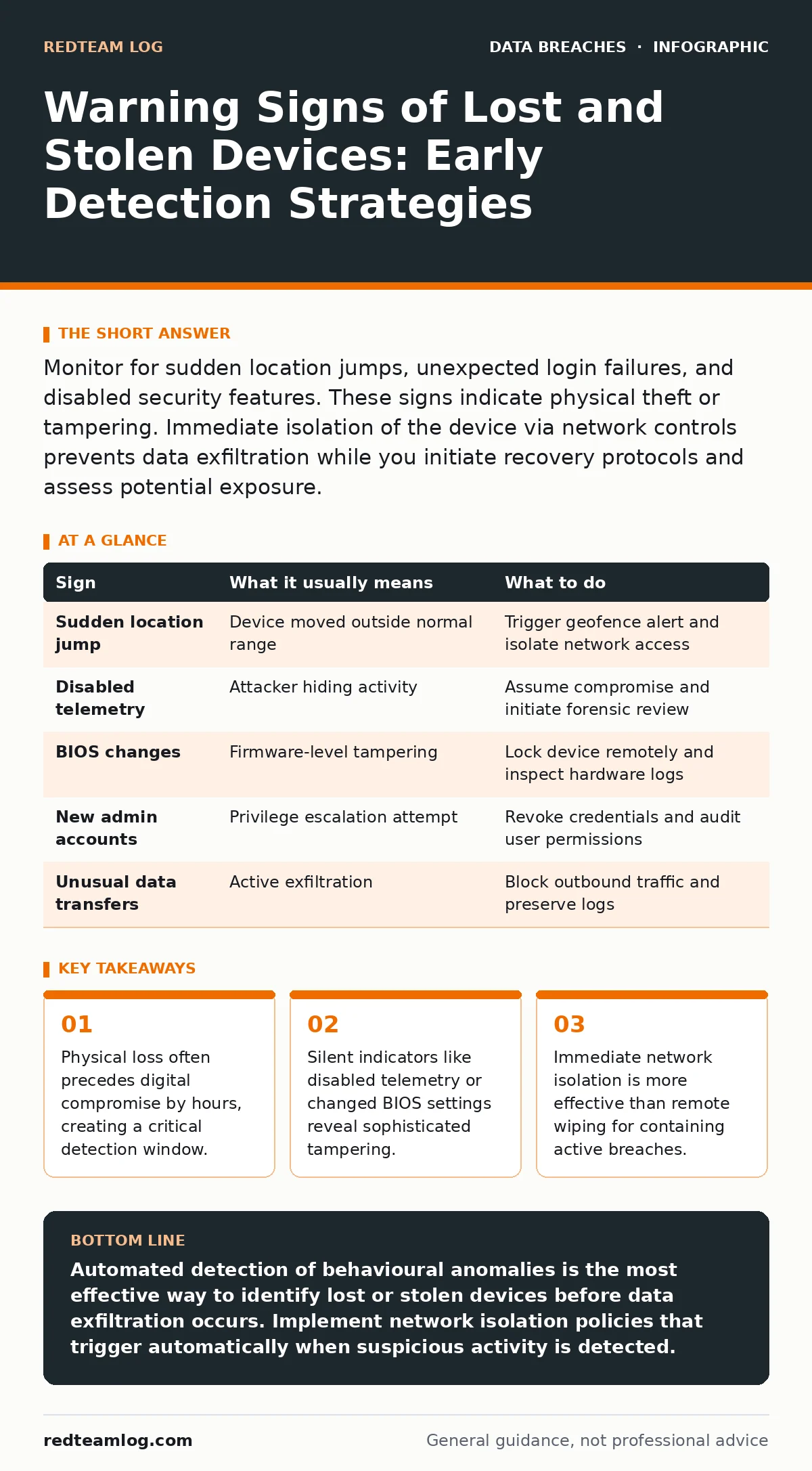
Monitor for sudden location jumps, unexpected login failures, and disabled security features. These signs indicate physical theft or tampering. Immediate isolation of the device via network controls prevents data exfiltration while you initiate recovery protocols and assess potential exposure.
Immediate Indicators of Physical Loss
Device management platforms report abrupt location changes when a device moves outside expected geographic boundaries. This sudden shift often occurs without corresponding travel logs or user confirmation. You should configure geofencing alerts to trigger on rapid movement that exceeds normal travel speeds. These alerts provide the first tangible evidence that a device may have been stolen rather than misplaced.
Authentication failures spike when a thief attempts to bypass lock screens using guessed credentials. Multiple failed attempts from a new device or location signal an active intrusion attempt. Monitor these patterns in real-time identity management systems. A burst of failed logins followed by a successful one indicates the attacker has bypassed initial security controls.
Subtle Signs of Sophisticated Tampering
Attackers often disable security telemetry to hide their activities on stolen devices. When endpoint protection agents stop reporting status, assume the device is compromised rather than experiencing a network glitch. This silence is a deliberate tactic to extend the dwell time for data extraction. You must treat missing heartbeat signals as a high-priority security event requiring immediate investigation.
BIOS or firmware settings may change without authorisation to bypass operating system security. Attackers modify boot sequences to access drives before the main security software loads. Check for unexpected changes in secure boot status or hardware configuration logs. These low-level modifications are difficult to detect without dedicated monitoring tools but indicate a severe breach of hardware integrity.
| Sign | What it usually means | What to do |
|---|---|---|
| Sudden location jump | Device moved outside normal range | Trigger geofence alert and isolate network access |
| Disabled telemetry | Attacker hiding activity | Assume compromise and initiate forensic review |
| BIOS changes | Firmware-level tampering | Lock device remotely and inspect hardware logs |
| New admin accounts | Privilege escalation attempt | Revoke credentials and audit user permissions |
| Unusual data transfers | Active exfiltration | Block outbound traffic and preserve logs |
The Hidden Cost of Delayed Detection
Waiting for a user to report a missing device allows attackers to establish persistence. By the time a loss is reported, sensitive data may already be exfiltrated. This delay undermines remote wipe capabilities and complicates forensic analysis. You must rely on automated detection mechanisms rather than human reporting. Proactive monitoring reduces the window of opportunity for attackers to access valuable information.
Network Isolation as First Response
Isolate the device from the network immediately upon detecting suspicious activity. This step prevents further data theft and stops lateral movement within your infrastructure. Remote wiping is a secondary measure that may fail if the device is offline or tampered with. Network isolation provides immediate containment while you assess the scope of the breach. Implement automated policies that cut off access based on behavioural anomalies.
Assessing Data Exposure Risks
Determine what data the device contained at the time of loss. Review access logs to identify which files were opened or transferred. This assessment informs your incident communication plans and regulatory reporting requirements. Understanding the scope of exposure helps you prioritise remediation efforts and notify affected parties. Focus on personally identifiable information and sensitive business records.
See also: Data Masking Misconceptions That Leave Sensitive Records Exposed
Leveraging Encryption for Protection
Data encryption ensures that stolen devices cannot be read without the proper keys. Even if attackers bypass lock screens, encrypted drives remain inaccessible. Verify that full-disk encryption is enabled and managed centrally. This control reduces the severity of physical loss events significantly. Combine encryption with remote wipe capabilities for layered defence against data breaches.
Updating Security Postures Post-Incident
Review and update security policies after each device loss event. Identify gaps in detection and response procedures. Improve monitoring rules to catch similar anomalies faster next time. Document lessons learned and share them with relevant teams. Continuous improvement strengthens your overall security posture and reduces future risk. Consider implementing data masking for sensitive fields to limit exposure if devices are lost.
Key takeaways
- Physical loss often precedes digital compromise by hours, creating a critical detection window.
- Silent indicators like disabled telemetry or changed BIOS settings reveal sophisticated tampering.
- Immediate network isolation is more effective than remote wiping for containing active breaches.
Automated detection of behavioural anomalies is the most effective way to identify lost or stolen devices before data exfiltration occurs. Implement network isolation policies that trigger automatically when suspicious activity is detected.
Frequently asked questions
How long does it take for a stolen device to be compromised?
Attackers can bypass lock screens and access data within minutes if encryption is not enabled. Rapid detection is critical to limiting exposure.
Can remote wiping prevent data loss on stolen devices?
Remote wiping works only if the device remains connected to the internet. Attackers often disconnect devices to avoid this control.
What is the role of geofencing in device security?
Geofencing alerts you when a device moves outside expected locations. This provides early warning of potential theft or loss.
How do you verify if a device has been tampered with?
Check for changes in BIOS settings, disabled telemetry, and unexpected admin accounts. These signs indicate sophisticated tampering.
How this guide was produced: written by the RedTeam Log editorial team with AI assistance, checked against the public references listed below, and reviewed when the facts change. See our editorial policy or report an error.