
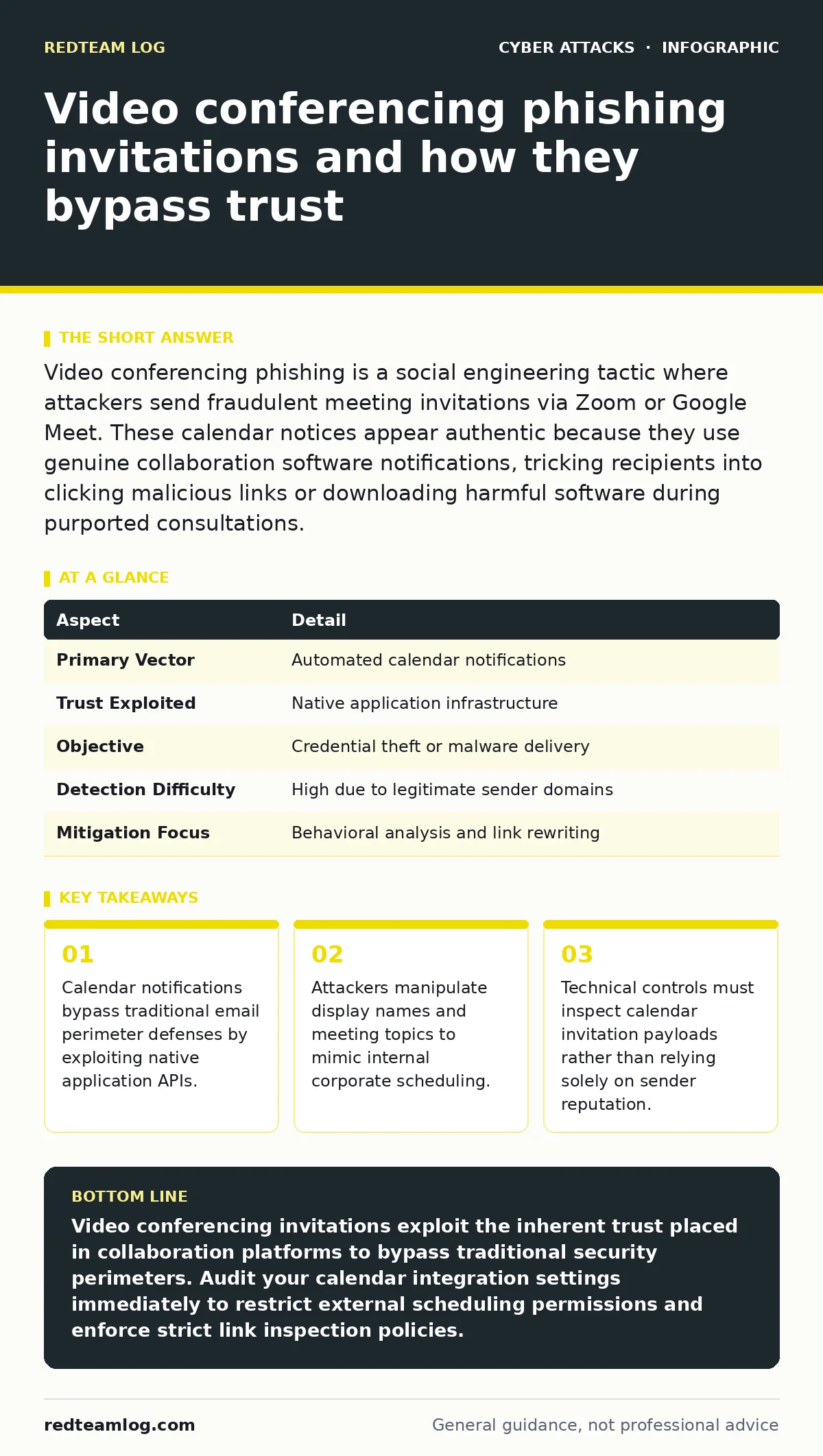
Video conferencing phishing is a social engineering tactic where attackers send fraudulent meeting invitations via Zoom or Google Meet. These calendar notices appear authentic because they use genuine collaboration software notifications, tricking recipients into clicking malicious links or downloading harmful software during purported consultations.
The Mechanics of Calendar Invocation Deception
Imagine a physical office where a courier in a high-visibility vest walks straight past reception because they carry a clipboard and look busy. Video conferencing phishing operates on this exact social dynamic, turning routine scheduling tools into delivery mechanisms for malicious payloads. Attackers generate calendar entries using legitimate platforms like Zoom or Google Meet, which automatically dispatch notification emails to targets. These messages carry the cryptographic signature or domain reputation of the conferencing provider, neutralizing standard perimeter defences that normally flag external threats.
Anatomy of a Fraudulent Meeting Request
Fake calendar invitations typically rely on urgency and curiosity to compel immediate interaction from busy professionals. The meeting title often references an urgent human resources review, a financial discrepancy, or an IT security alert requiring immediate verification. When the recipient opens the notification, the description field contains a hyperlink disguised as a document review portal or a software update prompt. Clicking this link redirects the browser to a credential harvesting page designed to mimic corporate single sign-on portals.
At a Glance Overview
| Aspect | Detail |
|---|---|
| Primary Vector | Automated calendar notifications |
| Trust Exploited | Native application infrastructure |
| Objective | Credential theft or malware delivery |
| Detection Difficulty | High due to legitimate sender domains |
| Mitigation Focus | Behavioral analysis and link rewriting |
The Hidden Cost of Collaboration Convenience
Productivity demands friction-free communication, which creates fertile ground for invitation-based social engineering attacks. Modern organizations prioritize seamless scheduling between internal teams and external clients, making it difficult to scrutinize every incoming calendar ping. Employees conditioned to accept meeting requests without question rarely verify the identity of the organizer if the time slot aligns with their availability. This operational habit transforms routine scheduling into a high-risk vector that bypasses traditional email security training.
Technical Realities and Edge Cases
Traditional security controls struggle with calendar invitations because the infrastructure hosting the message belongs to trusted collaboration giants. Anti-spam gateways cannot simply block messages originating from major video platforms without disrupting normal business operations. Furthermore, attackers frequently compromise legitimate user accounts on these platforms to dispatch invitations from actual corporate tenants. Organizations often rely on robust web filtering to intercept outbound traffic directed toward newly registered malicious domains embedded inside meeting descriptions.
See also: Callback Phishing Explained: How Voice Bypasses Email Filters
Preventing Calendar-Based Compromise
Mitigating video conferencing attacks requires a shift from inspecting sender addresses to analyzing content behavior within scheduling applications. Administrators should configure collaboration platforms to restrict external meeting invitations to verified partner domains or pre-approved contacts. Organizations must also train staff to treat calendar notifications with the same skepticism applied to unsolicited emails, especially when requests demand urgent credential entry. When handling suspicious meeting links, standard email spoofing defenses offer little protection, necessitating direct verification through alternative communication channels.
What People Usually Get Wrong
Security teams frequently assume that locking down corporate email gateways provides adequate protection against all social engineering variants. This mindset ignores the reality that modern productivity suites integrate email, chat, and calendar functions into a unified workspace. Relying solely on perimeter defenses leaves an organization vulnerable to attacks that arrive via non-email pathways like shared documents or direct calendar syncs. Another common misconception is that multi-factor authentication completely stops these attacks, ignoring how adversary-in-the-middle proxies intercept session tokens during live authentication flows.
Key takeaways
- Calendar notifications bypass traditional email perimeter defenses by exploiting native application APIs.
- Attackers manipulate display names and meeting topics to mimic internal corporate scheduling.
- Technical controls must inspect calendar invitation payloads rather than relying solely on sender reputation.
Video conferencing invitations exploit the inherent trust placed in collaboration platforms to bypass traditional security perimeters. Audit your calendar integration settings immediately to restrict external scheduling permissions and enforce strict link inspection policies.
Frequently asked questions
Can attackers spoof legitimate Zoom and Google Meet notifications?
Attackers do not need to spoof the notifications because the platforms themselves send the authentic calendar alerts on behalf of the attacker account.
Why do email filters miss malicious calendar invites?
Security gateways trust the IP addresses and cryptographic signatures of major conferencing providers, allowing the notifications to reach user inboxes unchecked.
How do users fall for video meeting scams?
Victims trust the familiar branding and calendar interface, lowering their guard against the malicious links hidden inside the meeting description.
What is the best way to stop calendar phishing?
Restrict external calendar invitations to approved domains and educate employees to verify unexpected meeting requests through independent channels.
How this guide was produced: written by the RedTeam Log editorial team with AI assistance, checked against the public references listed below, and reviewed when the facts change. See our editorial policy or report an error.