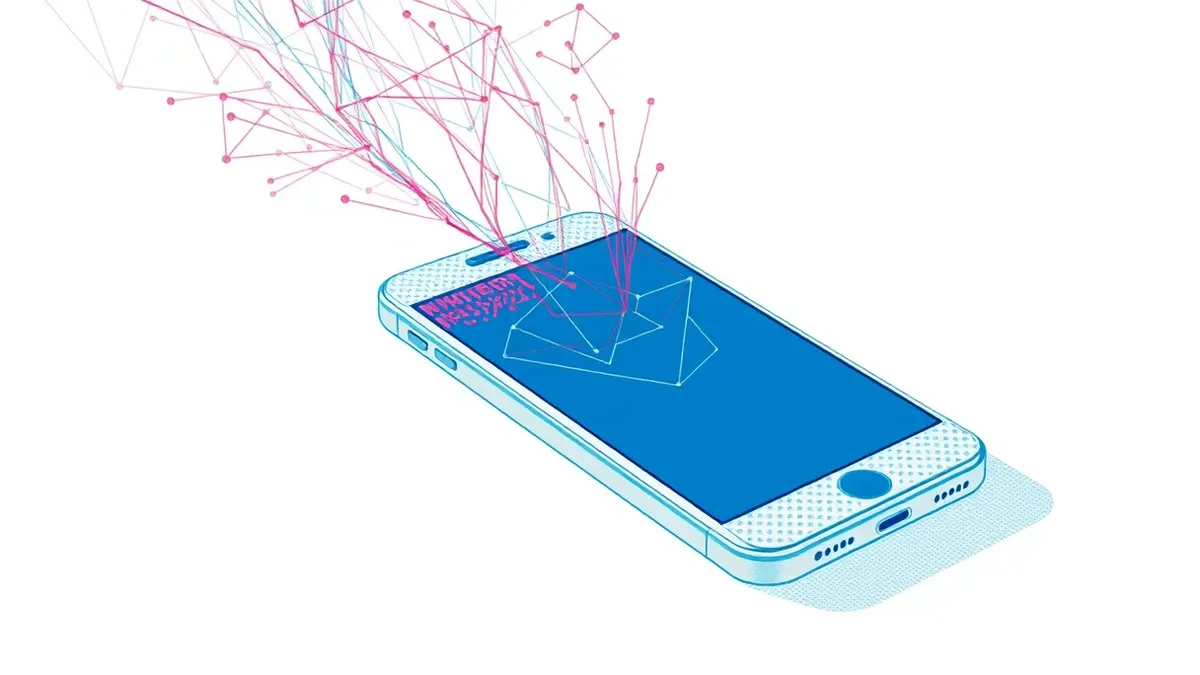
iOS zero-click vulnerabilities allow attackers to gain control of a device without any user action. These exploits target software processing background data, such as messages or media, bypassing standard confirmation prompts. Understanding the mechanism helps you implement deeper defences beyond standard user awareness training.
Understanding the Silent Threat
Imagine a locked house where the burglar does not pick the lock or break a window. Instead, they slip a malicious note through the letterbox. The moment the homeowner glances at the note, a hidden mechanism triggers, unlocking the front door from the inside. The homeowner never touched the lock, yet the house is compromised. This analogy describes the core mechanic of zero-click vulnerabilities. The victim performs no action that could be mistaken for consent or negligence. The exploit executes automatically upon the device processing specific data.
Traditional security advice focuses on user behaviour. You are told to avoid clicking suspicious links or opening unknown attachments. This advice fails completely against zero-click threats. The vulnerability exists within the software itself, not in the user’s decision-making process. The operating system processes incoming data—such as an iMessage, a video stream, or a contact card—before the user is aware of its existence. If the code handling this data contains a flaw, the attacker can inject malicious instructions. These instructions execute with the privileges of the application, potentially granting full control of the device.
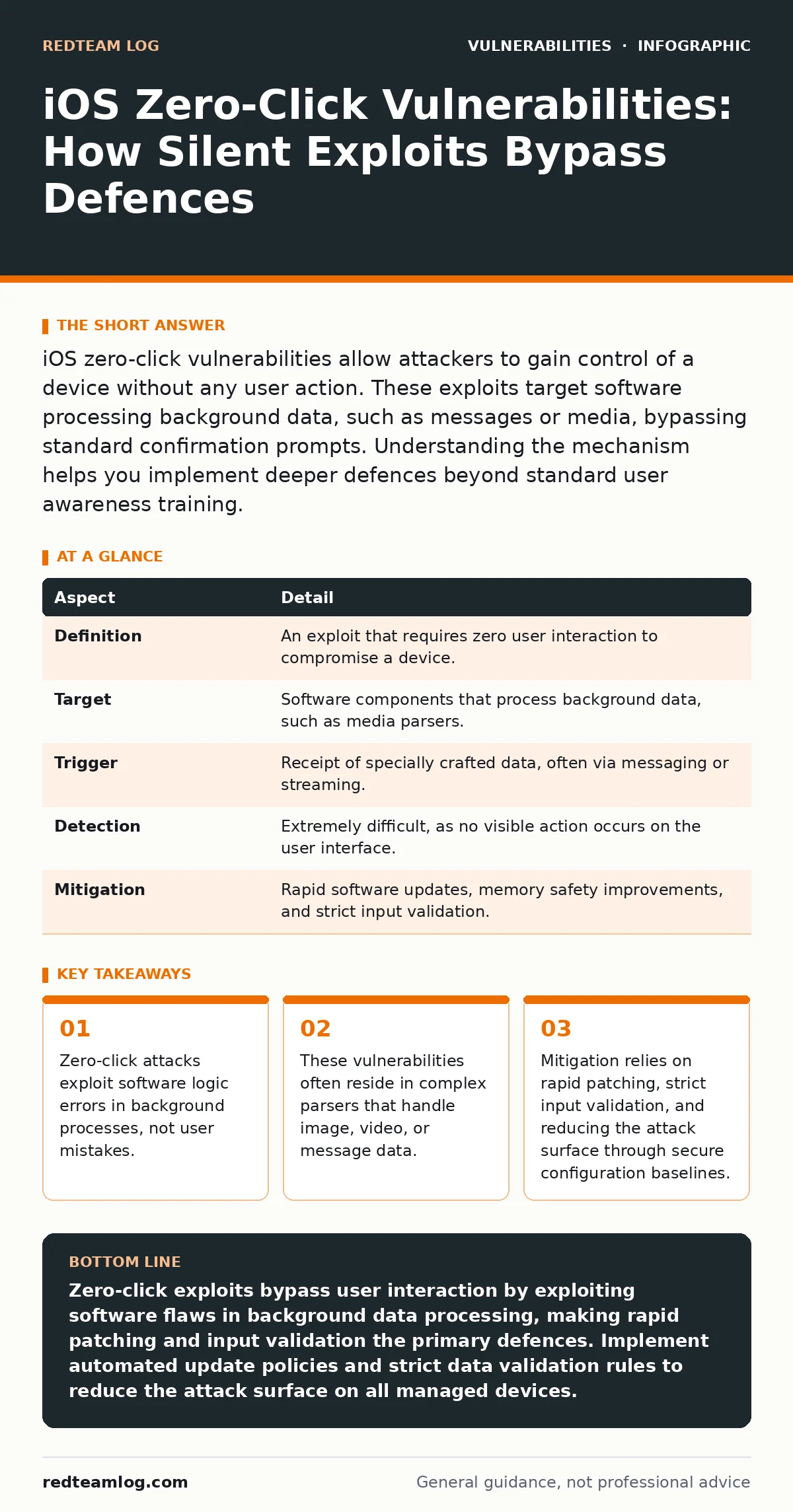
| Aspect | Detail |
|---|---|
| Definition | An exploit that requires zero user interaction to compromise a device. |
| Target | Software components that process background data, such as media parsers. |
| Trigger | Receipt of specially crafted data, often via messaging or streaming. |
| Detection | Extremely difficult, as no visible action occurs on the user interface. |
| Mitigation | Rapid software updates, memory safety improvements, and strict input validation. |
The Mechanics of Automatic Execution
Zero-click vulnerabilities typically exploit memory corruption issues. These occur when software writes data to a memory location it should not access, or reads from an invalid location. Attackers craft data that triggers this error in a predictable way. When the error occurs, the attacker’s code runs instead of the intended application logic. This is often achieved through buffer overflows or use-after-free errors. A buffer overflow happens when more data is written to a memory block than it can hold. A use-after-free error occurs when the software tries to use memory that has already been released.
The complexity lies in the environment. Modern operating systems include multiple layers of protection. Address space layout randomisation scrambles the memory addresses, making it harder for attackers to predict where to inject code. Data execution prevention marks certain memory regions as non-executable. Attackers must bypass these protections simultaneously. This requires deep knowledge of the software’s internal architecture. They often chain multiple smaller vulnerabilities together to achieve a reliable exploit. This chaining process increases the difficulty and cost of developing such attacks, limiting their use to high-value targets.
Who Faces the Greatest Risk
Zero-click vulnerabilities are resource-intensive to develop and deploy. They are not typically used for mass malware campaigns or low-level cybercrime. The cost and effort required to research these flaws make them exclusive to advanced adversaries. These groups often have state-level support or significant financial backing. They target individuals who possess high-value information. This includes journalists, activists, government officials, and corporate executives. The goal is usually long-term surveillance or espionage, rather than immediate financial gain.
However, the risk is not limited to high-profile individuals. Any device running the affected software version is technically vulnerable. The distinction lies in the likelihood of being targeted. Mass-market users are rarely the focus of zero-click campaigns. The return on investment for attackers is too low. For managed service providers, this means prioritising protection for high-value clients. These clients require more rigorous monitoring and faster response times. Standard security hygiene is insufficient for these environments. You must assume that sophisticated actors may attempt to breach the perimeter without any user interaction.
Common Forms of Exploitation
Attackers often target the components that handle external data. Messaging applications are a primary vector. They process images, videos, and audio files received from other users. If the software parsing these files has a flaw, it can be exploited. Streaming services are another target. They process continuous data streams, which can be manipulated to trigger vulnerabilities. Contact management features also pose a risk. When a device imports a contact card, it parses the data to update the address book. A flaw in this parser can lead to code execution.
The diversity of targets makes defence challenging. You cannot simply block one type of data. Attackers adapt their methods based on available vulnerabilities. One month they may target the image parser, the next month the audio codec. This constant evolution requires continuous monitoring and rapid response. Relying on a single layer of defence is ineffective. You need a multi-layered approach that includes software updates, network monitoring, and endpoint detection. Each layer adds friction for the attacker, increasing the chance of detection.
What People Usually Get Wrong
A common misconception is that zero-click vulnerabilities indicate a failure of user training. This is incorrect. The user did nothing wrong. They did not click a link, open a file, or enter credentials. Blaming the user shifts the focus away from the real issue: software quality. Fixing these vulnerabilities requires better coding practices and rigorous testing. It also requires faster patch deployment. Security teams often focus on preventing user errors, neglecting the need to secure the underlying software. This imbalance leaves a critical gap in the defence strategy.
Another error is assuming that antivirus software will detect zero-click exploits. Traditional signature-based detection relies on known patterns of malicious behaviour. Zero-click exploits are often unique and tailored to specific targets. They do not match known signatures until after the attack has occurred. Behavioural detection can help, but it is not foolproof. Advanced exploits are designed to mimic normal system behaviour. They operate quietly, avoiding detection by standard monitoring tools. This requires more advanced analytics and threat intelligence to identify subtle anomalies.
Reducing Risk Through Technical Measures
The primary defence against zero-click vulnerabilities is timely software updates. Vendors release patches to fix known flaws. These patches must be applied as soon as they are available. Delaying updates leaves the device exposed. Automated update mechanisms help ensure that devices remain protected. However, automation must be configured correctly. Updates should be tested in a staging environment before deployment to avoid compatibility issues. This balances security with stability.
Input validation is another critical measure. Software should strictly validate all incoming data. Any data that does not conform to expected formats should be rejected. This reduces the attack surface by preventing malformed data from reaching vulnerable code. Memory safety improvements also help. Languages and frameworks that enforce memory safety are less prone to corruption errors. Migrating to these technologies reduces the likelihood of zero-click vulnerabilities. This is a long-term strategy that requires significant investment but yields substantial security benefits.
The Role of Monitoring and Detection
Since prevention is not always possible, detection is vital. You need to monitor for unusual system behaviour. This includes unexpected network connections, changes to system files, or anomalous process activity. Endpoint detection and response tools can help identify these signs. They analyse system behaviour in real-time, looking for deviations from the norm. Machine learning models can improve detection accuracy by identifying subtle patterns. However, these tools generate false positives. Tuning is required to minimise noise while catching true threats.
Threat intelligence feeds provide information about known exploits and tactics. Integrating these feeds into your security tools helps identify active threats. You can correlate internal logs with external intelligence to spot potential compromises. This requires a robust logging infrastructure. Logs must be collected, stored, and analysed efficiently. Without proper logging, you cannot detect or investigate incidents effectively. Ensure that logs are retained for a sufficient period to allow for retrospective analysis.
Strategic Defence for Complex Environments
Zero-click vulnerabilities represent a sophisticated threat. They bypass traditional user-centric defences and require a deeper technical approach. You must focus on software quality, rapid patching, and advanced monitoring. This requires a shift in mindset. Security is not just about protecting users; it is about securing the software they rely on. Investing in secure development practices and robust testing reduces the likelihood of these flaws. It also reduces the impact when they are discovered.
For organisations managing multiple devices, consistency is key. Standardise your security configurations across all endpoints. Use secure configuration baselines to ensure that devices are hardened against common attacks. Regularly review and update these baselines as new threats emerge. This proactive approach minimises the window of exposure. It also simplifies incident response, as you know the expected state of your systems. Deviations from this state are easier to identify and investigate.
Key takeaways
- Zero-click attacks exploit software logic errors in background processes, not user mistakes.
- These vulnerabilities often reside in complex parsers that handle image, video, or message data.
- Mitigation relies on rapid patching, strict input validation, and reducing the attack surface through secure configuration baselines.
Zero-click exploits bypass user interaction by exploiting software flaws in background data processing, making rapid patching and input validation the primary defences. Implement automated update policies and strict data validation rules to reduce the attack surface on all managed devices.
Frequently asked questions
Can antivirus software detect zero-click exploits?
Traditional signature-based antivirus often fails to detect zero-click exploits because they are unique and tailored. Behavioural analysis and advanced endpoint detection tools are more effective at identifying the anomalous activity associated with these attacks.
How long do zero-click vulnerabilities remain unpatched?
The time to patch varies depending on the complexity of the flaw and the vendor's response. Critical vulnerabilities are often patched quickly, but complex issues may take longer. Rapid deployment of updates is essential to minimise exposure.
Are older iOS versions more vulnerable to zero-click attacks?
Older versions often contain known vulnerabilities that have been patched in newer releases. Running outdated software increases the risk of exploitation. Keeping devices updated to the latest version is a fundamental security practice.
What is the difference between zero-click and one-click exploits?
One-click exploits require the user to click a link or open a file. Zero-click exploits require no user interaction at all, executing automatically when the device processes specific data. Zero-click attacks are generally more sophisticated and harder to detect.
How this guide was produced: written by the RedTeam Log editorial team with AI assistance, checked against the public references listed below, and reviewed when the facts change. See our editorial policy or report an error.