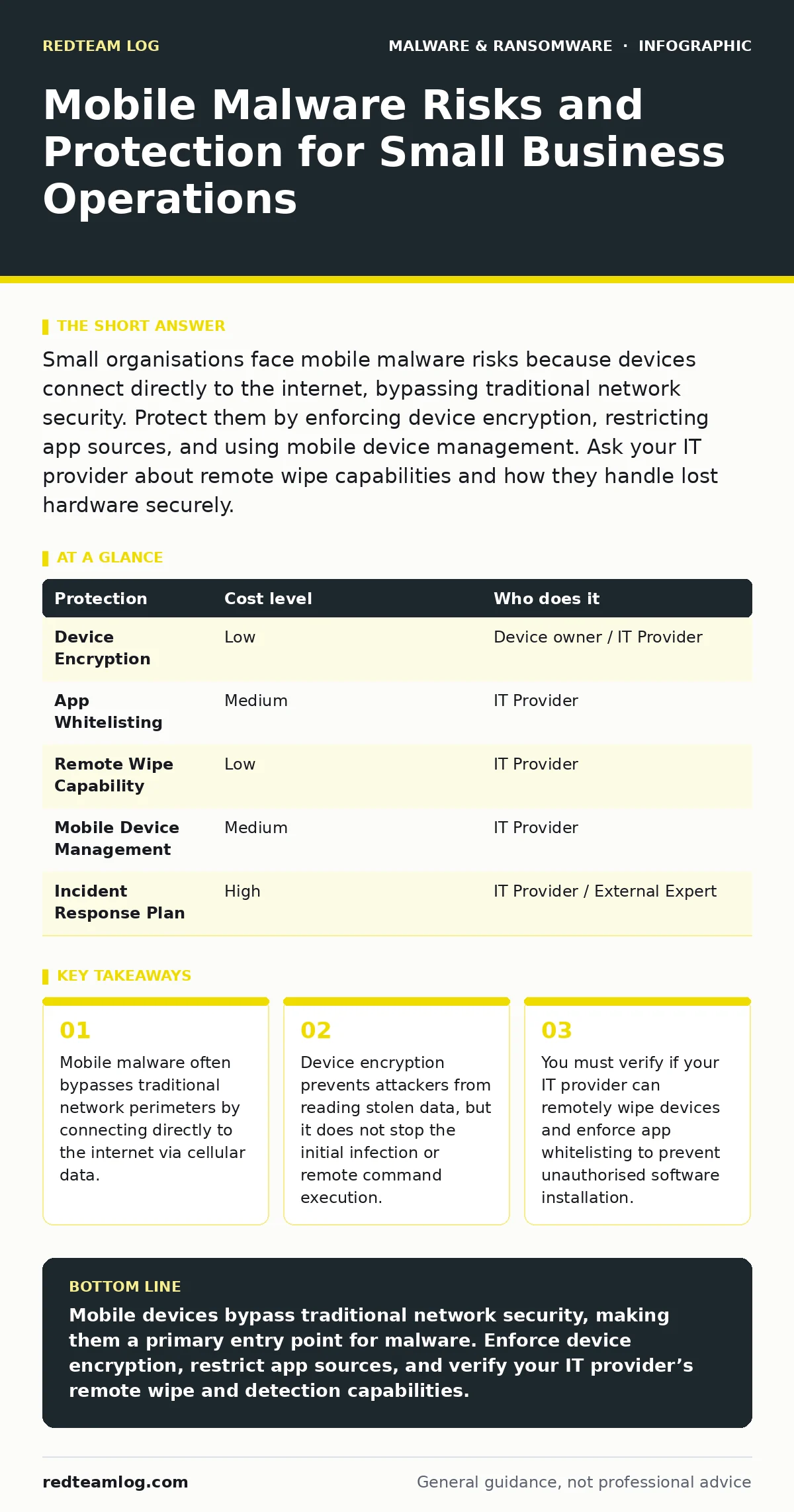
Small organisations face mobile malware risks because devices connect directly to the internet, bypassing traditional network security. Protect them by enforcing device encryption, restricting app sources, and using mobile device management. Ask your IT provider about remote wipe capabilities and how they handle lost hardware securely.
The Perimeter Is Now Your Pocket
Traditional network security assumes that threats enter through a defined gate. Mobile devices break this assumption entirely. When an employee uses cellular data, traffic bypasses the corporate firewall and intrusion detection systems. This means malware can communicate with command-and-control servers without your network security tools ever seeing the connection.
You cannot rely on network segmentation to protect mobile endpoints. The device itself becomes the perimeter. If that device is compromised, the attacker has direct access to the corporate network from the outside. This shift requires a change in how you view device security. It is no longer about blocking bad traffic at the door. It is about ensuring the door itself is not broken.
Why Small Organisations Are Exposed
Small organisations often lack dedicated security staff to monitor device health. This creates a blind spot where infections remain undetected for months. Employees may use personal devices for work, a practice known as bring your own device. This blurs the line between personal and corporate data, making it difficult to apply consistent security policies.
Attackers target small organisations because they often have weaker defences than large enterprises. A single infected device can serve as a foothold for broader network intrusion. The malware might not immediately steal data. It might wait, gathering information about the network topology and user habits. By the time you notice unusual activity, the attacker has already mapped your environment.
Understanding Mobile Malware Mechanisms
Mobile malware operates differently than traditional desktop viruses. It often relies on social engineering to gain permissions. You might be asked to grant an app access to your contacts, microphone, or location. Once granted, the malware can use these permissions to gather sensitive data or track your movements.
Some malware hides within legitimate-looking applications. These are often found on third-party app stores rather than official platforms. The app might appear to be a useful tool, such as a battery saver or a game. In reality, it runs malicious code in the background. This type of threat is difficult to detect because it mimics normal app behaviour.
Low-Cost Protections That Actually Work
You do not need expensive software to significantly reduce risk. The most effective protections are often built into the operating system. Enforce device encryption on all mobile devices. This ensures that if a device is lost or stolen, the data on it remains unreadable without the passcode. Encryption protects the data at rest, not the device while it is running.
Restrict app installations to official app stores. Disable the option to install applications from unknown sources. This prevents users from sideloading apps that have not been vetted. While this might inconvenience some users, it blocks a significant vector for malware distribution.
Enable automatic updates for the operating system and applications. Developers release patches to fix security vulnerabilities. Delaying these updates leaves known weaknesses open to exploitation. This is a zero-cost measure that provides immediate security benefits.
The Hidden Cost of Convenience
Convenience often undermines security. Users prefer devices that are easy to use and quick to set up. This leads to weak passcodes, disabled security features, and the acceptance of risky permissions. You must balance usability with security. If security measures are too cumbersome, users will find ways to bypass them.
Consider the trade-off between open networks and secure connections. Public Wi-Fi is convenient but insecure. It allows attackers on the same network to intercept unencrypted traffic. Enforce the use of virtual private networks for all remote connections. This encrypts the data in transit, protecting it from eavesdropping. However, this adds complexity to the user experience.
See also: Insecure Cloud APIs: Risks and Protection for Small Businesses
What to Ask an IT Provider
When engaging an IT provider for mobile security, you need specific answers. Generic promises of "full protection" are insufficient. You must understand the mechanisms they use to secure devices and respond to incidents.
| Protection | Cost level | Who does it |
|---|---|---|
| Device Encryption | Low | Device owner / IT Provider |
| App Whitelisting | Medium | IT Provider |
| Remote Wipe Capability | Low | IT Provider |
| Mobile Device Management | Medium | IT Provider |
| Incident Response Plan | High | IT Provider / External Expert |
Ask your provider how they handle lost or stolen devices. Can they remotely wipe the device without physical access? Does the wipe process destroy all data, including backups? Ask about their method for detecting malware. Do they rely on signature-based detection, which identifies known threats, or behavioural analysis, which looks for suspicious activity?
Inquire about their policy for app management. Do they maintain a whitelist of approved applications? This prevents users from installing unvetted software. Ask how they manage updates. Do they enforce automatic updates, or do they allow users to defer them? Delayed updates increase the window of vulnerability.
Integrating with Broader Security
Mobile security cannot exist in isolation. It must integrate with your broader security strategy. This includes email security, web filtering, and endpoint protection. A compromise on a mobile device can lead to credential theft, which then affects other systems.
Consider the risk of fileless malware on mobile devices. This type of malware does not leave a traditional file on the system. Instead, it operates in memory, making it difficult to detect with standard antivirus tools. Your provider should have methods to detect such anomalies.
Also, be aware of the threat of malicious browser extensions. These can intercept data entered into web forms, including login credentials. Ensure that your mobile security policy includes guidance on browser hygiene and extension management.
The Reality of Incident Response
When a mobile device is compromised, speed is critical. The provider must be able to isolate the device from the corporate network immediately. This prevents the malware from spreading to other systems. They should also be able to reset passwords for any accounts accessed from the device.
Understand the limitations of remote wipe. It destroys data on the device, but it does not remove the malware from the provider's servers if the device was managed through the cloud. Ensure that the provider has a process for cleaning their management console after a wipe.
Finally, consider the legal and compliance implications of a breach. If customer data is stored on mobile devices, you may be required to report the breach. Your IT provider should help you understand these obligations and assist with the reporting process.
Key takeaways
- Mobile malware often bypasses traditional network perimeters by connecting directly to the internet via cellular data.
- Device encryption prevents attackers from reading stolen data, but it does not stop the initial infection or remote command execution.
- You must verify if your IT provider can remotely wipe devices and enforce app whitelisting to prevent unauthorised software installation.
Mobile devices bypass traditional network security, making them a primary entry point for malware. Enforce device encryption, restrict app sources, and verify your IT provider’s remote wipe and detection capabilities.
Frequently asked questions
Can mobile malware infect my desktop computer?
Yes, if the mobile device connects to your desktop via USB or Wi-Fi, malware can potentially spread. Always scan mobile devices before connecting them to corporate networks.
Is antivirus software enough for mobile security?
No, antivirus software only detects known threats. You also need device encryption, app whitelisting, and behavioural monitoring to protect against new and fileless malware.
How do I know if my mobile device has malware?
Look for signs such as increased battery drain, unexpected data usage, or apps appearing that you did not install. However, many modern malware strains are designed to hide these signs.
What should I do if I lose my work phone?
Immediately contact your IT provider to remotely wipe the device. Change passwords for any accounts accessed from the phone. Do not assume the data is safe until the wipe is confirmed.
How this guide was produced: written by the RedTeam Log editorial team with AI assistance, checked against the public references listed below, and reviewed when the facts change. See our editorial policy or report an error.