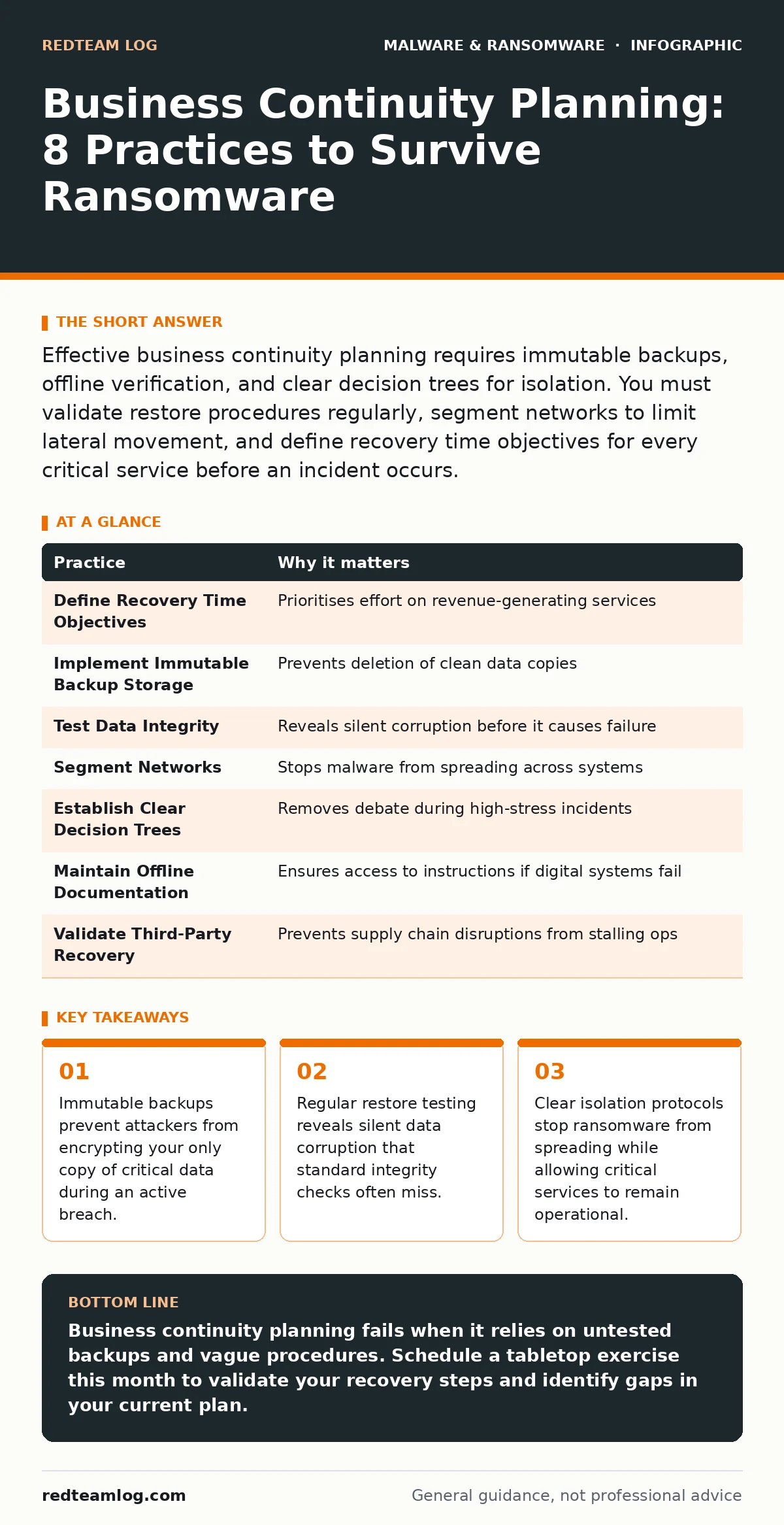
Effective business continuity planning requires immutable backups, offline verification, and clear decision trees for isolation. You must validate restore procedures regularly, segment networks to limit lateral movement, and define recovery time objectives for every critical service before an incident occurs.
1. Define Recovery Time Objectives for Critical Services
Recovery time objectives determine how long a service can be offline before the business suffers unacceptable damage. You must identify which systems generate revenue or support safety and assign specific time limits to each. Without these metrics, your team wastes effort restoring low-value assets while critical operations remain down.
Practical Tip: Map your top 5 revenue-generating services and assign a maximum outage window of 4 hours for each. Document the exact sequence of steps required to bring each service back online within that window.
2. Implement Immutable Backup Storage
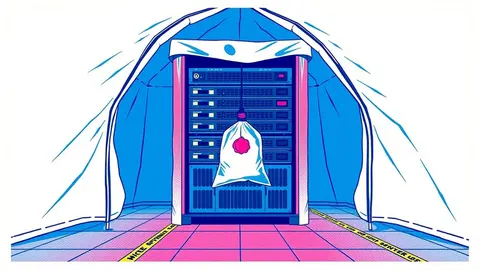
Standard backups are vulnerable to ransomware that gains administrative access to your storage systems. Immutable storage prevents any modification or deletion of data for a set period, even by administrators. This ensures that if your primary backups are encrypted, you retain a clean copy that cannot be altered by the attacker.
Practical Tip: Configure your backup system to use object locking or write-once-read-many protocols. Ensure the retention period exceeds your typical incident detection time, allowing you to restore data from before the infection occurred.
3. Test Data Integrity, Not Just Availability
Many organisations verify that backups exist but rarely check if the data inside is usable. Silent corruption can occur due to storage errors or software bugs, rendering backups useless when you need them most. Testing only confirms that files are present, not that they can be opened or processed correctly by your applications.
Practical Tip: Schedule quarterly restore tests where you recover a random sample of files into an isolated environment. Attempt to open documents and run database queries to confirm the data is functional, not just present.
4. Segment Networks to Limit Lateral Movement
Ransomware spreads rapidly across flat networks where all devices share the same access permissions. Network segmentation divides your infrastructure into smaller zones, restricting communication between them. If one zone is compromised, the malware cannot easily jump to other systems, containing the damage to a limited area.
Practical Tip: Isolate your backup infrastructure from the main corporate network. Ensure backup servers have no direct internet access and only communicate with the backup agent on specific, monitored ports.
5. Establish Clear Decision Trees for Isolation
Panic leads to inconsistent responses during an incident. A decision tree provides a pre-approved set of actions for different scenarios, removing the need for debate when seconds count. You must define who has the authority to disconnect systems and which services remain online during a suspected breach.
Practical Tip: Create a flowchart that starts with "Suspected Ransomware Detected" and branches based on the affected system type. Include explicit instructions for disconnecting network cables versus using software shutdowns to avoid triggering anti-tamper mechanisms.
6. Maintain Offline Documentation of Critical Procedures
Attackers often target documentation systems to hinder recovery efforts. If your runbooks are stored on the same network as your production systems, they may become inaccessible during an incident. Offline documentation ensures your team has access to recovery instructions even if all digital systems are compromised.
Practical Tip: Print physical copies of your critical recovery procedures and store them in a secure, fireproof location off-site. Update these copies quarterly to reflect changes in your infrastructure or personnel.
7. Validate Third-Party Recovery Capabilities
Your business continuity depends on vendors who provide critical services. If a supplier cannot recover from an attack, your operations will stall regardless of your own preparedness. You must verify that key vendors have their own continuity plans and can meet your service level agreements during a crisis.
Practical Tip: Request evidence of your top 3 vendors' recent disaster recovery tests. Include clauses in contracts that require them to notify you within 24 hours of any incident affecting your data or services.
8. Conduct Tabletop Exercises with Realistic Scenarios
Paper plans often fail when confronted with the chaos of a real incident. Tabletop exercises simulate an attack without disrupting operations, allowing your team to practice communication and decision-making. These drills reveal gaps in roles, responsibilities, and technical procedures before they cause harm during an actual event.
Practical Tip: Run a scenario where a critical database is encrypted and the primary backup is corrupted. Force your team to decide whether to pay, restore from secondary backups, or rebuild from scratch, documenting the time and decisions made.
| Practice | Why it matters |
|---|---|
| Define Recovery Time Objectives | Prioritises effort on revenue-generating services |
| Implement Immutable Backup Storage | Prevents deletion of clean data copies |
| Test Data Integrity | Reveals silent corruption before it causes failure |
| Segment Networks | Stops malware from spreading across systems |
| Establish Clear Decision Trees | Removes debate during high-stress incidents |
| Maintain Offline Documentation | Ensures access to instructions if digital systems fail |
| Validate Third-Party Recovery | Prevents supply chain disruptions from stalling ops |
| Conduct Tabletop Exercises | Identifies gaps in human response and communication |
9. Review and Update Plans Regularly
Static plans become obsolete as technology and threats evolve. You must review your business continuity plan at least annually and after any significant infrastructure change. This ensures that contact details, system architectures, and recovery procedures remain accurate and effective.
Practical Tip: Integrate plan reviews into your change management process. Any new server, application, or vendor contract must trigger an update to the relevant sections of your continuity documentation.
Key takeaways
- Immutable backups prevent attackers from encrypting your only copy of critical data during an active breach.
- Regular restore testing reveals silent data corruption that standard integrity checks often miss.
- Clear isolation protocols stop ransomware from spreading while allowing critical services to remain operational.
Business continuity planning fails when it relies on untested backups and vague procedures. Schedule a tabletop exercise this month to validate your recovery steps and identify gaps in your current plan.
Frequently asked questions
How often should I test my business continuity plan?
Test critical recovery procedures quarterly and conduct full tabletop exercises annually. Frequent testing ensures your team remains familiar with the processes and identifies issues early.
Can I use ransomware decryption tools to recover my data?
Decryption tools are only effective for specific ransomware variants and often require the attacker to have published the key. Relying on them is risky; immutable backups provide a more reliable recovery method.
Does firmware malware affect business continuity planning?
Firmware malware can persist even after system reinstalls, making recovery more complex. Your plan must include steps to verify firmware integrity and update firmware from trusted sources during recovery.
How do malicious browser extensions impact continuity?
Malicious browser extensions can steal credentials and inject malicious code, leading to account takeover and data theft. Your plan should include procedures for isolating and cleaning infected workstations to prevent further compromise.
How this guide was produced: written by the RedTeam Log editorial team with AI assistance, checked against the public references listed below, and reviewed when the facts change. See our editorial policy or report an error.