Key points
- GhostBat now targets 60 banking, UPI and fintech application packages in India.
- The malware uses Android Accessibility Services to monitor screen activity and input.
- A transparent overlay feature intercepts touch inputs on genuine payment apps like Google Pay.
The GhostBat malware has evolved to steal personal identification numbers directly from legitimate financial applications. Instead of relying solely on fake login pages, this new variant allows attackers to capture PINs while users interact with real banking and payment software. This shift increases the risk for customers who believe they are safe because they are using the official app interface.
In plain English
Android’s Accessibility Service is designed to help users with disabilities navigate their devices. Malware can misuse this permission to read what is on the screen and simulate touch inputs. Once granted access, GhostBat monitors which application is open. If it detects a targeted financial app, it activates its capture mechanisms. This allows the attacker to see sensitive actions without the user noticing any change in the app’s appearance.
The background
Analysts from Cyble identified these new capabilities while investigating the GhostX operation. They have tracked GhostBat activity in India since October 2025. The malware spreads through smishing campaigns that use fake traffic fine messages from mParivahan and eChallan. Victims are tricked into installing malicious APK files outside official app stores. These files are also found in public GitHub repositories and hosted files.
What changes now
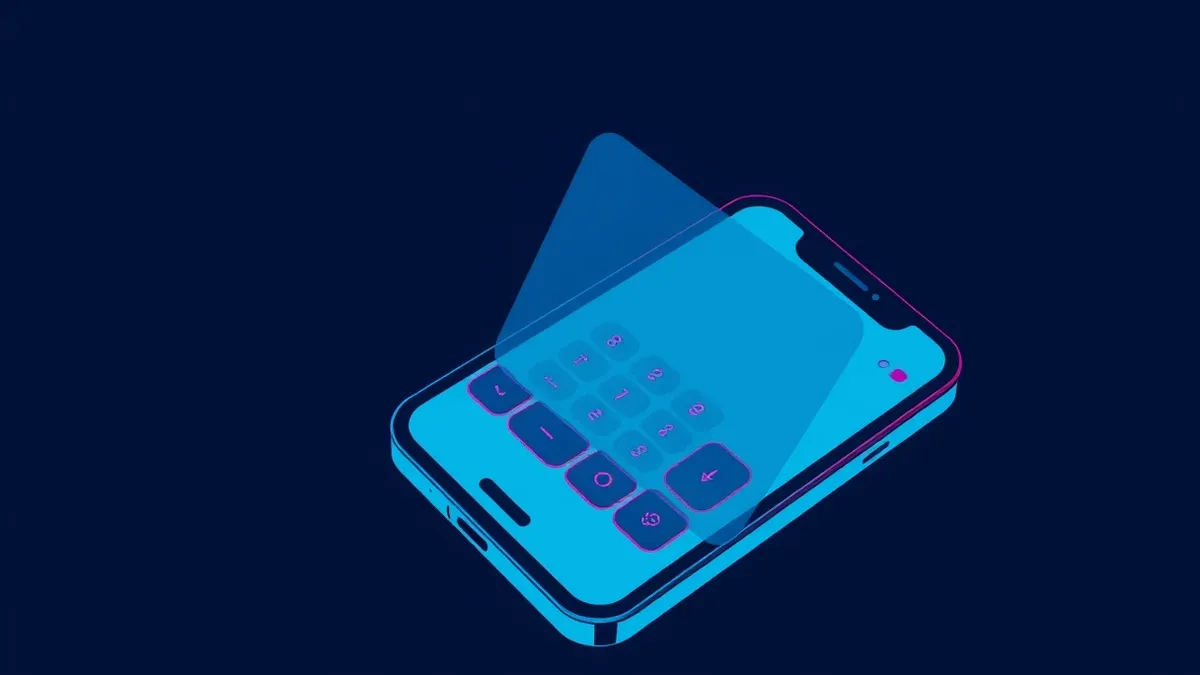
The latest variant introduces a feature called Ghost Overlay, which specifically targets Google Pay and MobiKwik. It places transparent touch areas over the genuine PIN keypad. When a user taps a digit, the overlay intercepts the touch and records the value. It then simulates the tap in the real app. This allows the malware to reconstruct PIN sequences without showing a fake payment screen, making detection harder.
The attacker's path
This technique relies on social engineering to bypass initial security controls. Attackers convince users to install unverified software by mimicking trusted government services. Once the malicious application is installed, the goal is to obtain high-level permissions. Accessibility services are often requested under the guise of convenience features. Granting these permissions allows the malware to observe and interact with other applications. Teams usually monitor for unusual permission requests and educate users on verifying app sources. Check whether installed apps require excessive access that does not align with their stated function.
What to do and how to stay safe: GhostBat
- Review installed applications and remove any that were downloaded outside official app stores or that you do not recognise.
- Check Android accessibility settings and disable services for apps that do not explicitly require them for core functionality.
- Monitor financial accounts for unauthorised transactions, even if you did not visit a fake website or enter details on a suspicious page.
- Verify the source of any SMS messages claiming to be from government services before clicking links or downloading files.
Step-by-step guide: Ransomware Recovery Plans: 6 Misunderstandings That Block Restoration
General security guidance from the RedTeam Log newsroom. It is not confirmed advice from the organisations named in this story.
Frequently asked questions
Which apps are targeted by the new GhostBat variant?
It targets 60 Android financial application packages, including banking, UPI, wallet, fintech and payment services such as PhonePe and Paytm.
How does GhostBat capture PINs without a fake screen?
It uses a transparent overlay on the genuine app’s keypad to intercept touch inputs and record the pressed digits.
How is the malware distributed?
Operators use fake mParivahan and eChallan messages to trick users into installing malicious APK files via links or hosted files.