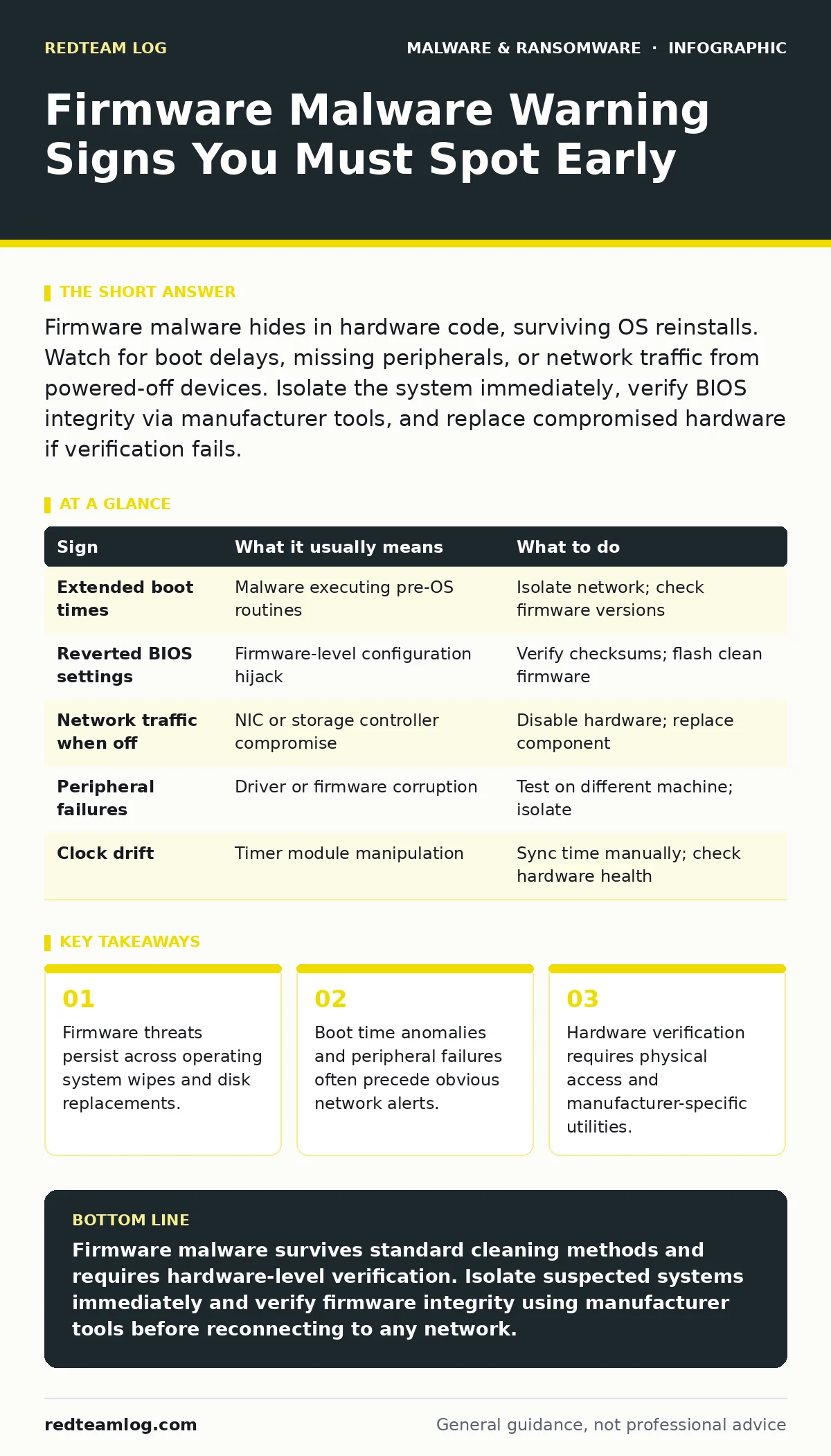
Firmware malware hides in hardware code, surviving OS reinstalls. Watch for boot delays, missing peripherals, or network traffic from powered-off devices. Isolate the system immediately, verify BIOS integrity via manufacturer tools, and replace compromised hardware if verification fails.
The Persistence Problem
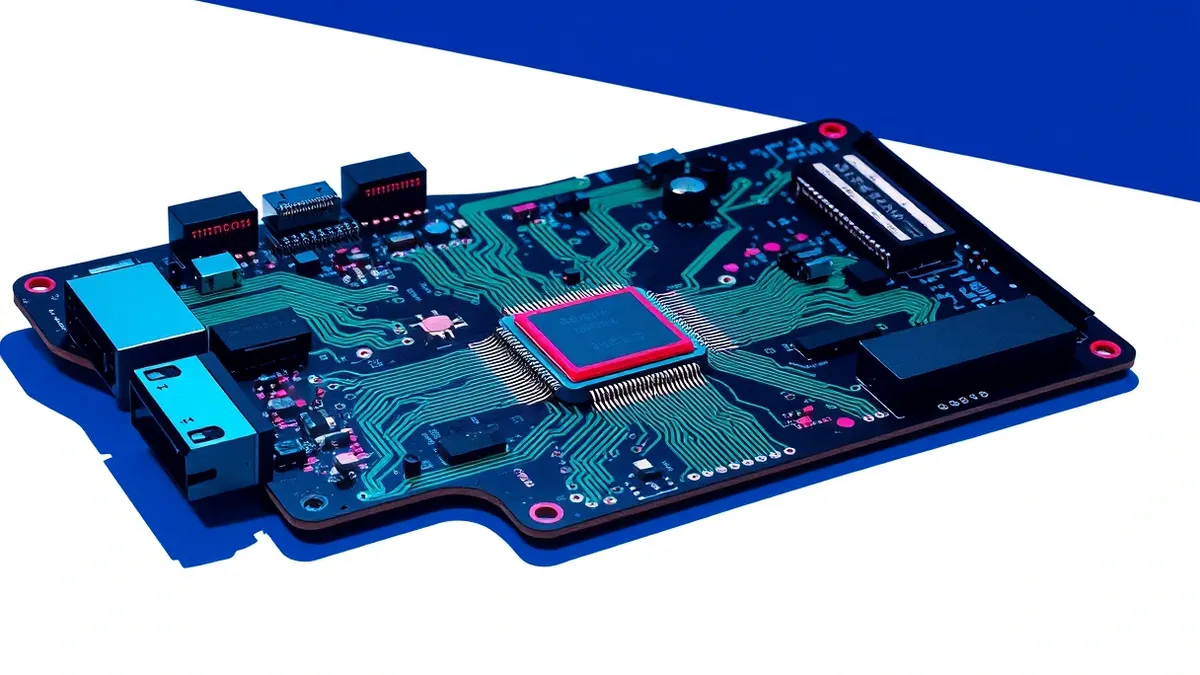
Standard security software runs within the operating system. Firmware resides below that layer, embedded in chips on the motherboard, network cards, and storage controllers. When malware infects this level, it gains control before the OS even loads. This position grants it the ability to intercept data, bypass authentication, and survive any attempt to clean the system by reinstalling Windows or Linux. You cannot remove this threat with antivirus scans or disk formatting. The infection remains dormant in the hardware until the next boot cycle.
Early Signs of Infection
Users often notice performance degradation before identifying the root cause. A sudden increase in boot time is a common indicator. The system takes longer to initialise hardware components because malicious code is executing alongside legitimate firmware routines. You might also observe unexpected network activity. The machine sends data even when no user is logged in or when the OS appears idle.
This traffic often originates from network interface cards or storage controllers acting independently. Another early sign is the failure of peripheral devices. USB ports or Wi-Fi adapters may become unresponsive or behave erratically. These components are failing because their firmware has been corrupted or hijacked by the malicious payload.
Subtle Indicators Often Missed
More insidious signs require deeper inspection. You may notice that system settings revert despite being saved. Boot order changes or disabled ports re-enable themselves after a reboot. This happens because the malware enforces its preferred configuration at the firmware level, overriding OS-level changes. Date and time drift is another subtle clue. If the system clock resets or skips intervals frequently, a firmware timer may be compromised.
This can break certificate validation and disrupt secure connections. Additionally, power consumption may increase slightly. Malicious firmware often keeps certain components active to maintain persistence or exfiltrate data, leading to higher idle power draw. This is difficult to measure without specialised equipment but can indicate abnormal hardware behaviour.
Verification and Isolation
When you suspect firmware malware, immediate isolation is necessary. Disconnect the system from all networks, including Wi-Fi and Bluetooth. Do not attempt to run standard remediation tools. These tools run within the OS, which the malware may already control. Instead, prepare to verify the integrity of the firmware itself. This requires physical access to the machine.
You must use manufacturer-provided utilities to check firmware versions and hashes. Compare these values against known good baselines from the vendor’s official documentation. If the hashes do not match, the firmware is compromised. Do not trust the settings displayed within the BIOS or UEFI interface, as malware can spoof these displays.
Remediation Strategies
Remediation depends on the severity of the compromise. In some cases, flashing a clean version of the firmware from a verified source can remove the malware. This process involves downloading the correct firmware image and applying it via a dedicated recovery mode or external programmer. However, this method is not always successful.
If the malware has modified the hardware itself or infected multiple chips, reflashing may not restore integrity. In such cases, the only reliable solution is hardware replacement. You must replace the motherboard or the specific component containing the infected firmware. Before disposing of the old hardware, ensure it is securely destroyed to prevent data recovery or reuse.
| Sign | What it usually means | What to do |
|---|---|---|
| Extended boot times | Malware executing pre-OS routines | Isolate network; check firmware versions |
| Reverted BIOS settings | Firmware-level configuration hijack | Verify checksums; flash clean firmware |
| Network traffic when off | NIC or storage controller compromise | Disable hardware; replace component |
| Peripheral failures | Driver or firmware corruption | Test on different machine; isolate |
| Clock drift | Timer module manipulation | Sync time manually; check hardware health |
Preventing Future Compromise
Prevention focuses on limiting attack surfaces and monitoring changes. Disable unused firmware features such as remote management interfaces or legacy boot options. These features often contain vulnerabilities that attackers exploit to gain initial access. Implement strict physical security controls. Firmware attacks often require physical access or supply chain interception.
Regularly update firmware to the latest versions provided by manufacturers. These updates often patch known vulnerabilities in the firmware code. Use secure boot features where available. Secure Boot ensures that only signed and trusted code executes during the boot process, preventing unauthorised firmware modifications. However, this does not protect against attacks that occur before the secure boot check or against compromised signing keys.
The Hidden Cost of Trust
One non-obvious consequence of firmware malware is the erosion of trust in hardware supply chains. You cannot always verify the integrity of components before installation. Manufacturers may have their own build environments compromised. This means that even new hardware can arrive pre-infected. The hidden cost is the need for rigorous verification processes at every stage of procurement and deployment. You must assume that any hardware could be tainted. This shifts the security model from prevention to detection and containment. It requires investing in hardware verification tools and maintaining a baseline of known-good firmware hashes for every device type in your inventory.
Key takeaways
- Firmware threats persist across operating system wipes and disk replacements.
- Boot time anomalies and peripheral failures often precede obvious network alerts.
- Hardware verification requires physical access and manufacturer-specific utilities.
Firmware malware survives standard cleaning methods and requires hardware-level verification. Isolate suspected systems immediately and verify firmware integrity using manufacturer tools before reconnecting to any network.
Frequently asked questions
Can antivirus software detect firmware malware?
Most antivirus software cannot detect firmware malware because it operates below the operating system layer where the antivirus resides. Specialised firmware scanning tools are required.
How do I know if my BIOS is compromised?
Check the firmware version and cryptographic hash against the manufacturer’s official records. Discrepancies indicate potential compromise, even if the BIOS interface looks normal.
Is replacing the motherboard always necessary?
Not always. If the firmware can be successfully reflashed with a verified clean image and the hash matches the baseline, replacement may not be needed. However, this is not guaranteed to remove all traces.
Can firmware malware spread between computers?
Firmware malware typically does not spread directly like a virus. It usually requires physical access or a targeted supply chain attack to infect new hardware.
How this guide was produced: written by the RedTeam Log editorial team with AI assistance, checked against the public references listed below, and reviewed when the facts change. See our editorial policy or report an error.